Create a Schedule Guide: Expert Strategies for 2026 Success
Create a schedule for 2026 success with expert strategies, digital tools, and proven methods. Learn to optimize productivity and future proof your workflow.
In 2026, mastering how you create a schedule is about more than staying busy. It is about being strategic, efficient, and staying ahead in a rapidly evolving world. With technology reshaping how we plan our days, those who adapt have a clear advantage.
This guide brings you expert-backed strategies to create a schedule that works for individuals, teams, and businesses alike. As digital tools and smart systems take center stage, the ability to organize your time well is now a must-have skill.
You will discover the latest trends, a step-by-step process to create a schedule for 2026, top digital tools, productivity tips, and expert strategies for ongoing improvement. Ready to take control of your time and achieve more? Read on for guidance that will help you succeed.
The Evolving Landscape of Scheduling in 2026
The way we create a schedule in 2026 reflects a dramatic transformation, driven by technology and changing work patterns. Scheduling is no longer just a matter of penciling in appointments. It is a strategic process, shaped by digital platforms, AI, and a demand for greater flexibility. Let us explore the major trends shaping the future of scheduling.

The Shift Toward Digital and AI-Driven Tools
The move to digital platforms is reshaping how we create a schedule. Platforms like Canva and Adobe Express now offer an immense library of templates, making it easier to start and customize schedules for any need. AI-powered scheduling features are taking over repetitive planning tasks, automatically suggesting optimal times and flagging conflicts. Integration with calendars and time trackers further streamlines workflow. For a broader look at how these solutions are being adopted across industries, see this Dynamic Scheduling Software Market Report.
Hybrid Work and Flexible Schedules
Remote and hybrid work models have transformed how teams create a schedule. Real-time collaboration is now essential, as distributed teams require shared access to up-to-date plans. Platforms like Canva and Adobe Express offer collaborative features, allowing multiple users to edit and update schedules simultaneously. This fosters transparency and alignment, regardless of physical location. The ability to adapt schedules quickly is a key advantage in today’s ever-changing work environment.
Personalization and Customization Trends
Generic templates no longer meet the demands of modern professionals who need to create a schedule tailored to their unique requirements. Custom layouts, color coding, and branding are now standard features. Users can adjust templates to reflect their workflow, priorities, and even company branding. This personalization does more than enhance visual appeal—it improves clarity and engagement, making schedules more actionable for individuals and teams alike.
Data-Driven Decision Making
Data analytics is now central to how organizations create a schedule. Leading platforms provide built-in reporting and analytics, helping users identify productivity patterns and optimize time allocation. By analyzing trends and outcomes, teams can refine their scheduling strategies and make evidence-based adjustments. This shift towards data-driven planning enables continuous improvement and measurable results.
Key Statistics and Insights
Recent data highlights the measurable impact of these trends. Businesses leveraging automated scheduling have seen up to a 10 percent reduction in labor costs. Over half of professionals report improved efficiency after adopting digital scheduling tools. These results underscore why investing in smarter scheduling is no longer optional—it is essential for staying competitive in 2026.
Step-by-Step Guide to Creating a Winning Schedule for 2026
Creating a schedule that drives success in 2026 means blending clear priorities, strategic planning, and the smartest digital tools. Whether you manage your own tasks or lead a team, this step-by-step guide will help you build a schedule that adapts, delivers, and keeps you ahead.
Step 1: Define Your Goals and Priorities
Start by clarifying what you want to accomplish. Identify your top objectives, whether personal milestones, team achievements, or business targets.
List your main priorities for the week or month. Set measurable goals, such as finishing a project, reaching sales numbers, or launching a campaign.
Break larger goals into smaller, actionable steps to keep your schedule focused and manageable.
Step 2: Choose the Right Scheduling Format
Selecting the right format is crucial when you create a schedule that fits your workflow. Compare digital and paper options, and decide if a daily or weekly overview suits your needs.
If you collaborate with a team, opt for digital planners that support real-time access and editing. For solo work, a simple daily planner may be enough.
Consider platforms offering drag-and-drop layouts and integrations with calendars or time trackers. Review Scheduling Features Overview to see which features best match your scheduling style.
Step 3: Select and Customize Your Template
Explore pre-made templates on leading platforms. Choose a design that matches your brand or personal style.
Customize layouts by adjusting colors, adding labels, or inserting your logo. Use drag-and-drop features to arrange tasks and events for clarity.
Tailor your template to reflect your priorities and keep your schedule visually organized.
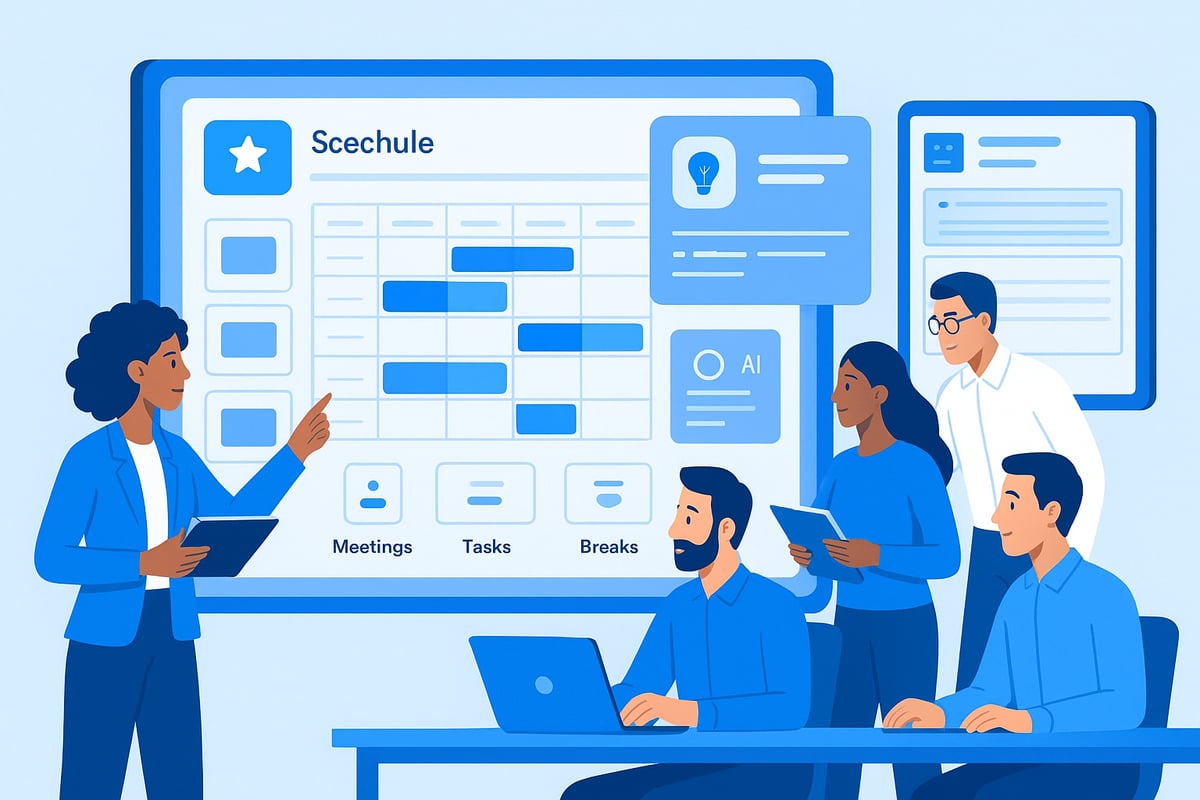
Step 4: Block Out Fixed Commitments and Flexible Tasks
To create a schedule that works, start by entering non-negotiable items like meetings, project deadlines, or shift hours. Use color coding to separate fixed commitments from flexible tasks.
Next, allocate time for recurring activities, deep work, or creative blocks. This method helps you visualize workload and spot potential conflicts.
Adjust as needed to balance structure and adaptability.
Step 5: Build in Buffers and Breaks
Include buffer times between meetings or tasks to handle overruns and reduce stress. Plan regular breaks to refresh your mind and maintain high productivity.
Consider short pauses after intense work sessions or longer breaks mid-day. Effective scheduling prevents burnout and supports sustained focus.
Step 6: Share and Collaborate
A successful schedule is often shared. Use scheduling tools that allow you to collaborate with colleagues or stakeholders.
Grant editing or viewing permissions as needed. This enables real-time updates and ensures everyone stays informed.
By making it easy to create a schedule together, you foster accountability and teamwork.
Leveraging Technology: Top Scheduling Tools and Features for 2026
Staying ahead in 2026 means using technology to create a schedule that adapts to your needs. The right digital tools can transform how you plan, collaborate, and optimize time. Let us explore the must have features, top platforms, and expert strategies to maximize your scheduling efficiency.
Key Features to Look For
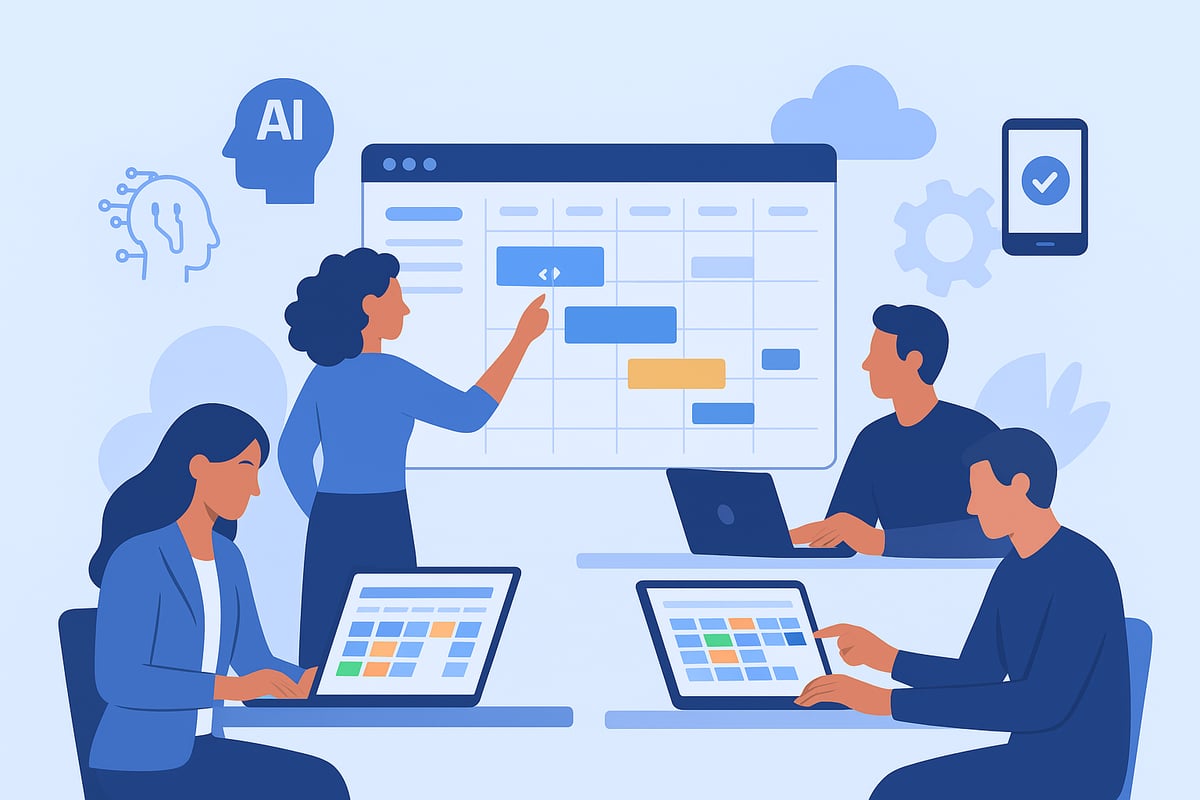
When you create a schedule for 2026, prioritize tools that offer drag and drop editing, mobile access, and real time updates. AI powered suggestions simplify planning by auto filling recurring tasks and helping you spot overlaps.
Integration is vital. Link your schedule with calendars, communication apps, and time trackers for a seamless workflow. For example, platforms that include Time Tracking and Management help you monitor scheduled tasks and boost accountability.
Look for robust notification systems and customizable reminders. This ensures you and your team never miss a deadline.
Popular Platforms Overview
Canva stands out with over 1 million templates, collaborative design, and effortless sharing. Adobe Express offers thousands of professional templates, AI powered creation, and cross device editing. Both platforms help you create a schedule that fits your needs.
Other leaders provide unique strengths. Some excel in advanced analytics, while others focus on intuitive mobile experiences or deep integration with productivity suites. Compare features to match your workflow.
Customization and Automation
Start with a template, then personalize layouts, colors, and branding. Automation features allow you to create a schedule quickly, setting up recurring meetings or shifts with minimal manual input.
Use drag and drop editors to rearrange tasks or blocks. Automate reminders for regular events, so nothing falls through the cracks.
Collaboration and Accessibility
Cloud based scheduling tools are essential for hybrid or remote teams. Shared access enables everyone to view or edit the schedule in real time, improving communication and transparency.
Set role based permissions to control who can modify or just view the schedule. This keeps sensitive information safe and streamlines collaboration as you create a schedule for your team.
Security and Data Privacy
Data protection is non negotiable. Choose platforms that comply with privacy standards, offer secure logins, and encrypt your information.
Regular security updates and transparent privacy policies are signs of a trustworthy tool. This ensures that when you create a schedule, your data stays protected from unauthorized access.
Advanced Scheduling Strategies for Maximum Productivity
Staying ahead in 2026 requires more than just filling up your calendar. To truly create a schedule that boosts productivity, you need to adopt advanced strategies that help you work smarter, not harder. Let’s explore the most effective approaches to maximize your results.
Time Blocking and Theming
Time blocking is a method where you divide your day into distinct segments, each dedicated to a specific type of work. For example, you might reserve mornings for deep-focus projects and afternoons for meetings or admin tasks. Theming takes this further by assigning entire days or half-days to certain functions, such as using Mondays for planning and Wednesdays for creative work.
To create a schedule with these techniques, start by listing your key responsibilities and grouping similar tasks. Then, allocate uninterrupted time blocks for each group. This helps minimize context switching and keeps your focus sharp.
Reserve mornings for high-priority work
Group meetings into specific time slots
Dedicate certain days to recurring themes
By consistently applying time blocks and themes, you ensure your energy is spent where it matters most.
Prioritization Techniques
Not all tasks carry equal weight. Effective prioritization ensures the most critical work gets done first. Frameworks such as the Eisenhower Matrix or the ABCDE method help you categorize tasks by urgency and importance. When you create a schedule, start by listing everything you need to accomplish, then sort items based on priority.
A simple table can help visualize this:
Priority | Example Task |
|---|---|
A (Critical) | Finalize client proposal |
B (Important) | Prepare team meeting notes |
C (Optional) | Organize digital files |
Regularly revisiting your priorities ensures your schedule always aligns with your goals.
Visual Scheduling and Color Coding
A visually organized schedule is easier to understand at a glance. Use color coding to distinguish between types of tasks, projects, or clients. For instance, meetings might be blue, deep work green, and admin tasks yellow.
Icons and labels add another layer of clarity. When you create a schedule with these visual cues, you reduce cognitive load and can spot conflicts or gaps instantly.
Assign unique colors for each project
Use icons for recurring tasks
Label urgent deadlines with bold fonts
Visual organization turns your schedule into a powerful productivity tool.
Analytics and Continuous Improvement
Analyzing how you spend your time is essential for ongoing improvement. Most digital scheduling platforms now offer analytics that reveal patterns, bottlenecks, and opportunities for optimization.
For expert guidance, explore Scheduling Reports and Analytics, which explains how to leverage data to refine your scheduling strategy. Reviewing these insights allows you to adjust your approach and consistently create a schedule that delivers better results.
Track time spent on key activities
Identify periods of peak productivity
Adjust future plans based on real data
Continuous improvement keeps your workflow agile and responsive.
Case Study Example
Consider a marketing agency that struggled with missed deadlines and team burnout. By deciding to create a schedule using time blocking, color coding, and regular analytics reviews, they quickly identified inefficiencies. After making targeted changes, the agency improved project delivery times and reduced overtime by 15 percent.
This real-world example shows that a strategic approach to scheduling is not just theory—it drives measurable success.
Overcoming Common Scheduling Challenges in 2026
Creating a schedule in 2026 is more than just filling in time slots. Professionals face new hurdles as work environments and tools evolve rapidly. To truly create a schedule that delivers results, it is essential to proactively address the most common obstacles.
Managing Overlaps and Conflicts
Double-bookings and overlapping tasks can derail even the best plans. Digital scheduling platforms now offer automated conflict detection and real-time alerts, reducing the risk of missed meetings or duplicated efforts.
Enable automatic notifications for conflicting events.
Use color-coding to spot overlaps instantly.
Review shared calendars before confirming appointments.
By integrating these features as you create a schedule, you ensure a smoother workflow and fewer surprises.
Adapting to Change and Uncertainty
Change is constant, especially in flexible or hybrid work settings. To create a schedule that adapts to shifting priorities, leverage cloud-based tools that update in real time.
Opt for platforms with instant sync across devices.
Build buffer time for unexpected changes.
Regularly review and adjust plans as needed.
Cloud access ensures everyone stays aligned, no matter where they work.
Preventing Burnout and Overcommitment
Overloading your calendar can lead to fatigue and reduced productivity. When you create a schedule, set realistic limits and prioritize downtime. According to recent time management statistics, professionals using digital scheduling tools report higher efficiency and better work-life balance.
Block regular breaks and personal time.
Use analytics to identify periods of overscheduling.
Adjust commitments based on workload data.
Smart scheduling helps maintain energy and focus.
Balancing Team and Individual Needs
Coordinating multiple people brings unique challenges. Shared calendars and transparent communication are essential when you create a schedule that meets both team and personal goals.
Implement collaborative scheduling tools.
Set clear permissions for editing and viewing.
Encourage open discussion about availability.
This approach fosters trust and minimizes misunderstandings.
Maintaining Motivation and Accountability
Staying on track requires more than reminders. To create a schedule that supports accountability, combine digital checklists, progress tracking, and regular feedback sessions.
Set up automated reminders for key tasks.
Conduct weekly reviews to monitor progress.
Celebrate milestones to sustain motivation.
Consistent routines help transform good intentions into lasting habits.
Industry Spotlight: Scheduling Solutions for Service Businesses
Service businesses such as restaurants, cafes, and hospitality venues face unique challenges when they create a schedule that meets both customer demand and labor laws. The fast-paced environment, frequent shift changes, and compliance requirements make manual scheduling time-consuming and prone to errors. Real-time scheduling and accurate time tracking are now essential for these businesses to stay competitive and efficient.
Smart Scheduling for Service Businesses: Heybegin
Heybegin is designed to help service businesses create a schedule that is both intelligent and highly efficient. The platform offers real-time time tracking, automated timesheets, compliance checks, and mobile access for managers and staff. With these features, restaurants and hospitality businesses can optimize shift coverage, reduce manual admin, and improve communication. For a deeper dive into how Heybegin addresses industry challenges, visit their scheduling solutions for restaurants page.
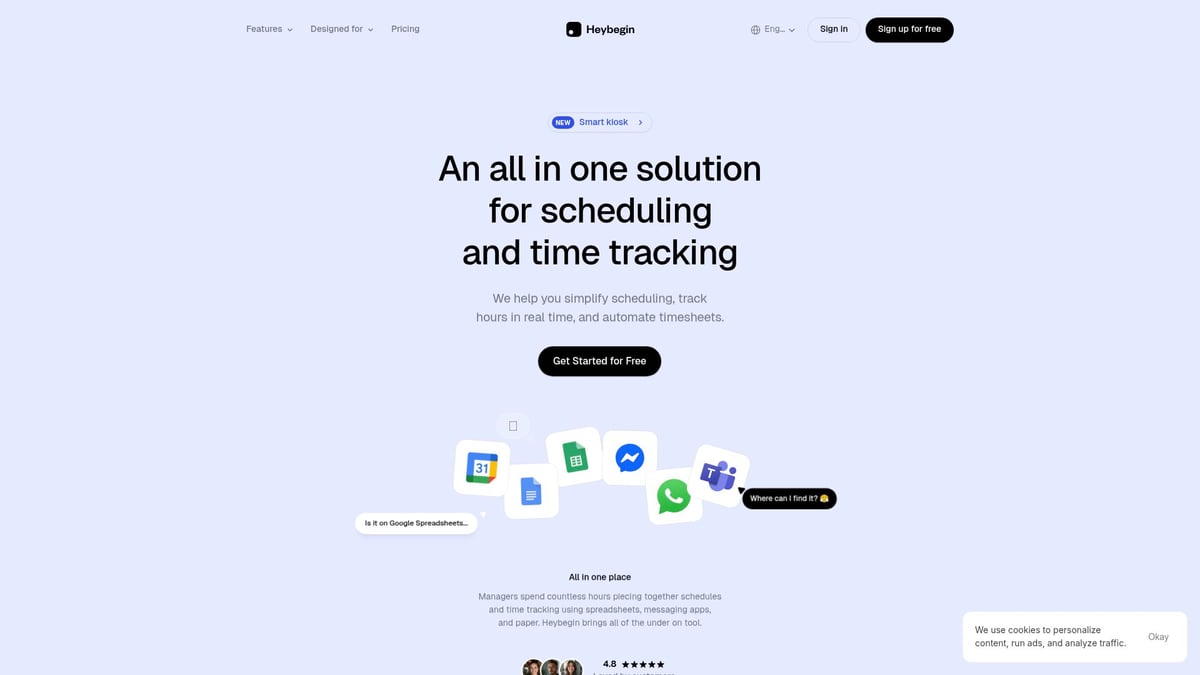
Trusted by over 500 businesses, Heybegin has delivered a 10 percent average reduction in labor costs. Staff and managers consistently report high satisfaction because the platform streamlines operations and ensures everyone has access to the most up-to-date schedule.
Industry-specific scheduling tools are crucial because generic solutions rarely address the complex needs of service businesses. When you create a schedule with a tailored tool, you benefit from built-in compliance, easy shift-swapping, and automated processes that minimize errors. These solutions not only save time but also help businesses stay organized and ensure staff coverage, especially during peak hours.
Choosing a platform designed for your industry can transform how you create a schedule, leading to greater efficiency, cost savings, and happier teams.
Future-Proofing Your Schedule: Trends and Tips for 2026 and Beyond
Creating a schedule that stands the test of time means staying ahead of trends and embracing continuous improvement. As 2026 approaches, the landscape for scheduling is evolving rapidly, driven by technology and new work models. Here are the essential strategies to future-proof your approach.
Embracing AI and Automation
AI is transforming how professionals create a schedule for optimal results. Predictive scheduling tools now analyze past behaviors to recommend the best times for meetings, deep work, or team collaboration. Automation features, such as smart reminders and recurring event suggestions, reduce manual input and help teams stay organized.
Platforms are integrating AI to personalize templates, making it easier to adapt to changing needs. For a deeper look at how AI is optimizing workforce planning, see AI in Business 2026 Use Cases.
Continuous Learning and Adaptation
The ability to create a schedule that adapts to new tools and workflows is critical for ongoing success. Stay informed by attending webinars, reading industry reports, and exploring new features as they are released. Resources like the AI Recruiting Tools Trends 2026 provide valuable insights on emerging scheduling and recruitment technologies.
Encourage your team to share discoveries and best practices, ensuring everyone benefits from the latest advancements.
Integrating with Broader Productivity Ecosystems
To maximize efficiency, integrate your scheduling tools with project management, payroll, and HR platforms. This creates a seamless workflow and ensures that scheduling data supports broader business objectives.
When you create a schedule that connects with other systems, you eliminate duplication and enable real-time updates across all platforms.
Building a Culture of Flexibility and Collaboration
Future-ready teams thrive when they co-create schedules and adapt quickly to changing priorities. Foster open communication so feedback can shape the scheduling process.
Regularly review and refine your approach, inviting input from all stakeholders. This collaborative mindset leads to schedules that are both resilient and responsive.
Key Takeaways for Long-Term Success
Review your scheduling strategies regularly.
Embrace automation and integration for sustained productivity.
Foster a culture of learning and flexibility to stay competitive in 2026 and beyond.
With these tips, you can confidently create a schedule that not only meets today’s demands but also adapts to tomorrow’s opportunities.
As you look ahead to success in 2026, embracing smarter, tech-driven scheduling is no longer optional—it is essential for staying efficient and competitive. We have explored how the right strategies and tools can help you cut costs, streamline operations, and keep your team focused on what matters most. If you are ready to put these expert insights into action and see real results for your restaurant or service business, now is the perfect time to experience a solution built just for you.
Try Heybegin for Free
and discover how effortless scheduling can transform your workflow.