Master Scheduling Software Guide: Streamline Planning in 2026
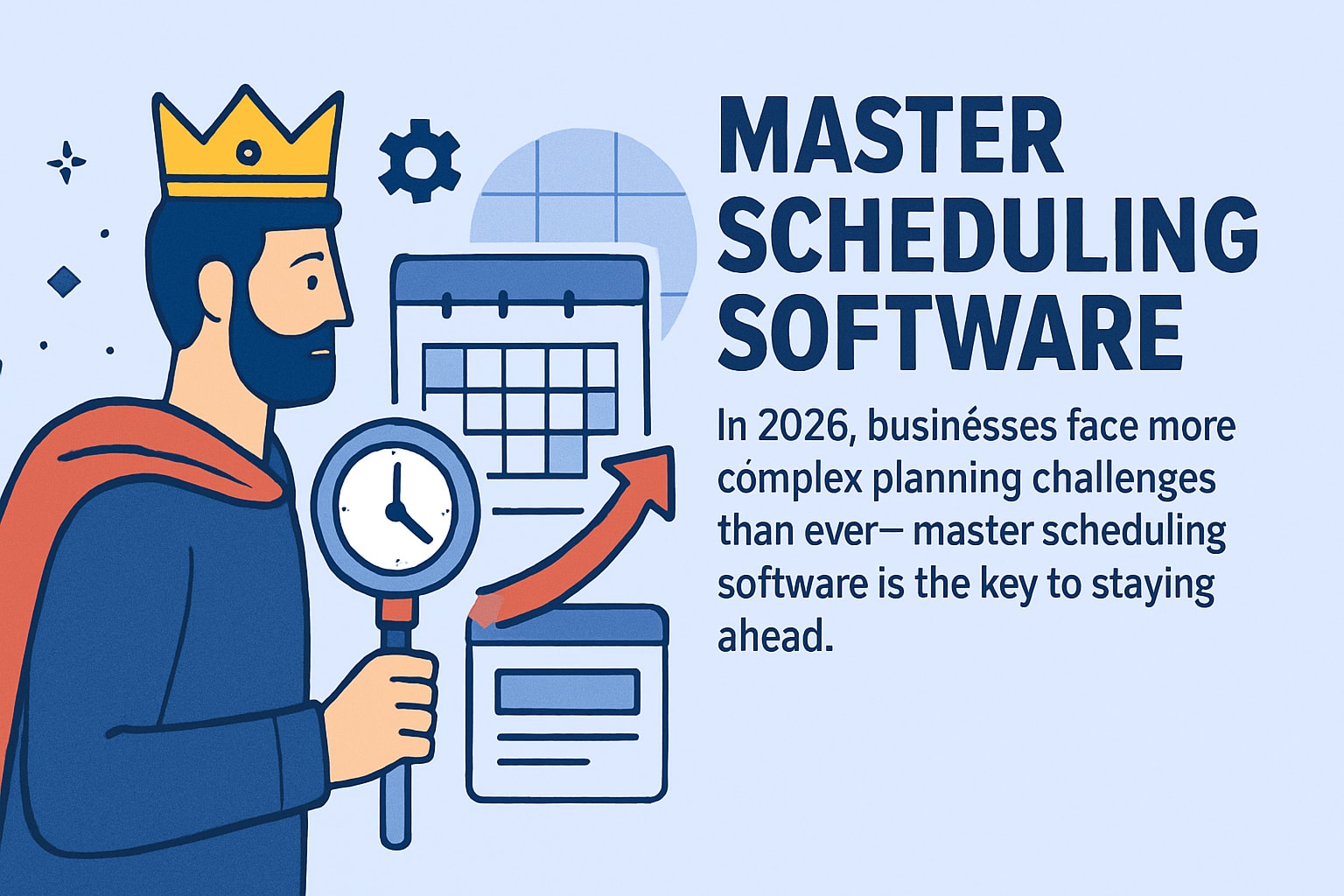
Discover how master scheduling software streamlines planning, boosts efficiency, and reduces costs in 2026. Explore expert tips and top trends for maximum ROI.
In 2026, planning for business success is more complex than ever. Companies are overwhelmed by shifting demands, tighter timelines, and the need for smarter resource management. Master scheduling software stands out as the critical tool to bring clarity and control to this chaos.
This comprehensive guide explores how master scheduling software can streamline your planning processes, drive efficiency, and keep your organization competitive in a fast-paced, data-driven marketplace.
You will discover what master scheduling software is, its essential features, the benefits it offers, how to implement it step by step, the top trends shaping 2026, and expert advice to maximize your return on investment.
Are you ready to future-proof your operations? Dive in and see how adopting master scheduling software can transform the way you plan, allocate resources, and achieve your business goals.
What Is Master Scheduling Software?
Master scheduling software is a digital tool designed to automate and optimize complex planning tasks for organizations. Unlike simple calendar apps or spreadsheets, this software connects multiple business functions, offering a unified approach to scheduling. It centralizes data from production, workforce, and service operations, giving planners a holistic view of resources.
Modern master scheduling software integrates seamlessly with ERP, MRP, and MES systems, ensuring data consistency across the business. There are specialized solutions for different industries, such as manufacturing, hospitality, and healthcare. For instance, DELMIAWorks MPS is popular in manufacturing, while Heybegin serves hospitality and service sectors. According to DELMIAWorks case studies, 72% of manufacturers reported improved on-time delivery after adopting these systems. Clearly, today's planning demands require more than basic tools; they need solutions built for complexity.

Defining Master Scheduling Software
At its core, master scheduling software is designed to automate planning for production lines, workforce shifts, or service appointments. What sets it apart from basic scheduling tools is its ability to manage complex, multi-layered schedules and adapt to changing business needs.
These systems connect with enterprise platforms like ERP, MRP, and MES, consolidating data for accurate scheduling. There are several types, including solutions tailored for manufacturing, workforce management, and service industries. For example, DELMIAWorks MPS is used in manufacturing, while Heybegin is tailored for hospitality.
A key advantage is the ability to handle scale and complexity. For instance, manufacturers using master scheduling software see significant improvements in on-time delivery and resource allocation. The demand for integrated, specialized solutions is higher than ever as businesses grow and diversify operations.
Core Functions and Capabilities
Master scheduling software offers a range of advanced features to simplify planning. These include demand forecasting, sales order integration, and real-time visibility into inventory and capacity. Planners can use calendar and dashboard views, making it easy to assess workloads and allocate resources.
A standout capability is the “what-if” scenario analysis, which allows teams to test different planning strategies without risk. The software can automatically convert plans into production or work orders, streamlining execution. Multi-site and multi-department scheduling are also standard, supporting businesses with complex operations.
For example, BatchMaster’s drill-down and grouping features help planners manage large volumes of data efficiently. According to the Advanced Scheduling Features Overview, these capabilities reduce manual errors and eliminate scheduling bottlenecks, making master scheduling software essential for modern organizations.
Who Needs Master Scheduling Software?
Master scheduling software is valuable for manufacturers managing multi-step production processes, as well as service industries like restaurants, hospitality, and healthcare with dynamic staffing needs. Organizations with multiple locations or departments benefit from centralized planning and real-time updates.
Growing businesses also turn to these solutions to scale operations without losing control over resources. For instance, food and beverage manufacturers use BatchMaster to manage allergen control and regulatory requirements. Even small businesses gain from automation and increased visibility, leading to smarter decisions.
A compelling statistic: Heybegin users report a 10% average reduction in labor costs after implementing master scheduling software. This level of efficiency appeals to companies of all sizes looking to optimize planning and resource allocation.
Key Features to Look For in 2026
The best master scheduling software in 2026 offers a suite of advanced features that address the increasing complexity of modern business operations. Selecting the right platform means looking beyond basic scheduling to ensure your organization is ready for the future.

Intelligent Automation and AI
Artificial intelligence is at the heart of next-generation master scheduling software. Platforms leverage AI-driven demand forecasting to anticipate needs and optimize schedules automatically. Key capabilities include:
Automated conflict detection and smart resource allocation
Machine learning models that predict bottlenecks before they occur
Real-time adjustments based on labor availability and demand shifts
For example, some solutions use AI to update schedules instantly as workforce or supply variables change. According to AI-native architecture in enterprise applications, integrating AI at the core is essential for keeping pace with the rapid developments shaping enterprise technology. As a result, master scheduling software with embedded AI delivers agility and precision no manual process can match.
Real-Time Data Integration and Collaboration
Seamless integration is a must for master scheduling software in 2026. Leading platforms connect effortlessly with inventory, HR, and financial systems, ensuring data flows without interruption. Real-time updates keep all stakeholders informed and responsive.
Notable features include:
Mobile access and multi-device compatibility for managers and teams
Collaborative scheduling tools that enable instant feedback and shared decision-making
Live dashboards that visualize resource status, capacity, and schedule changes
For instance, some software provides mobile apps that empower staff to view and adjust schedules on the go. This high level of connectivity ensures that master scheduling software accelerates decision-making and keeps your team aligned.
Customization, Scalability, and Usability
Every organization has unique needs, which is why leading master scheduling software emphasizes flexibility and scalability. Top solutions offer:
Configurable workflows tailored to specific industries or departments
Effortless scaling for multi-site or growing businesses
User-friendly interfaces that minimize training requirements
Support for multiple languages and currencies
For example, platforms with grouping and time-phased planning help planners adapt to complex, evolving requirements. The right master scheduling software balances powerful features with intuitive design, making usability just as critical as functionality.
Security, Compliance, and Reporting
Security and compliance are non-negotiable in 2026. Modern master scheduling software includes:
Role-based access controls and detailed audit trails
Built-in compliance tools for standards like FDA and ISO
Automated reporting on labor costs, KPIs, and regulatory audits
Some solutions feature dedicated compliance modules for manufacturing and other regulated industries. By prioritizing security and compliance, master scheduling software protects sensitive data and supports organizational accountability.
How Master Scheduling Software Streamlines Planning
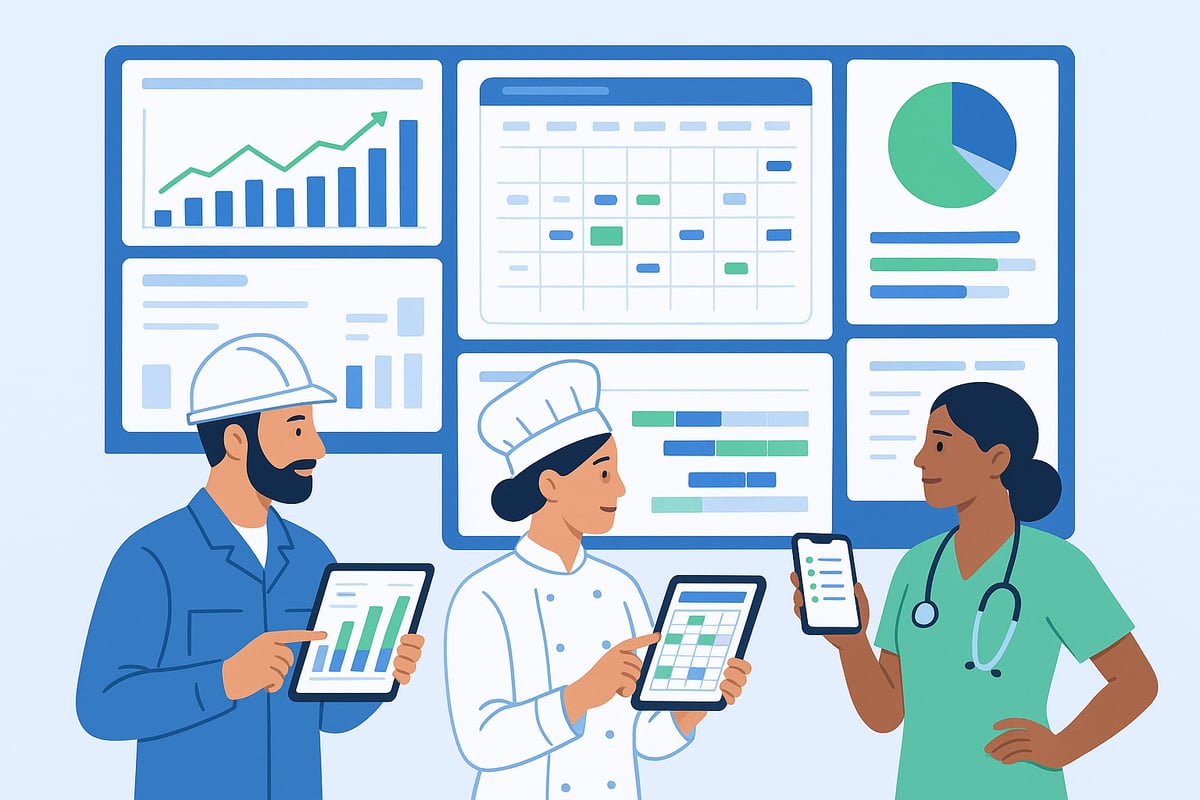
Master scheduling software has become the backbone of efficient planning for modern businesses. By automating critical tasks and providing real-time insights, these tools help organizations overcome common planning challenges. Let’s explore how this technology delivers tangible improvements in daily operations.
Eliminating Bottlenecks and Manual Errors
Manual scheduling methods often lead to mistakes and delays. Master scheduling software detects resource conflicts and shortages automatically, flagging issues before they disrupt production or service. This proactive approach significantly reduces manual data entry and eliminates spreadsheet errors.
Automated alerts for overbooked resources
Visual dashboards for quick status checks
Integration with real-time inventory and workforce data
For example, DELMIAWorks’ system enables manufacturers to avoid production bottlenecks entirely. After implementation, many report up to 30% fewer scheduling errors. By freeing planners from repetitive tasks, master scheduling software enables staff to focus on strategic improvements. Managers also benefit from streamlined workflows and faster decision-making, as highlighted in Master Scheduling for Managers.
Enhancing Forecast Accuracy and Resource Utilization
Integrating sales, inventory, and forecast data in one platform allows master scheduling software to dynamically adjust plans as demand changes. This ensures resources are always directed where they are needed most, minimizing waste and maximizing productivity.
Real-time demand forecasting
Automatic adjustment to supply fluctuations
Scenario analysis for planning flexibility
BatchMaster’s demand-to-supply pegging, for instance, helps planners match production to actual sales trends. Accurate forecasting reduces both overproduction and shortages. With master scheduling software, organizations can optimize every resource, boosting overall profitability and agility.
Improving On-Time Delivery and Customer Satisfaction
Meeting delivery promises is easier with master scheduling software. Real-time visibility into order status and delivery dates helps teams react quickly to rush orders or unexpected changes. This transparency builds customer trust and enhances satisfaction.
Instant updates on production or service progress
Automated notifications for order changes
Tools to prioritize urgent tasks
Manufacturing plants using MPS consistently meet delivery commitments, leading to higher customer retention. In fact, 72% of manufacturers see improved on-time delivery rates after adopting master scheduling software. Reliable schedules not only increase efficiency but also strengthen client relationships.
Reducing Labor and Operational Costs
Automated scheduling cuts down on overtime and prevents idle time, directly reducing labor costs. The software tracks labor expenses in real time and suggests optimized shift patterns.
Overtime reduction through balanced scheduling
Labor cost tracking and optimization
Insights for continuous improvement
Heybegin users report a 10% reduction in average labor costs, showing that operational savings can be reinvested in further digital transformation. These efficiencies allow businesses to stay competitive in a fast-paced environment.
Step-by-Step Guide to Implementing Master Scheduling Software
Implementing master scheduling software requires a structured approach to ensure a seamless transition and maximum return on investment. Follow these five clear steps to transform your planning process and unlock the full potential of your scheduling solution.
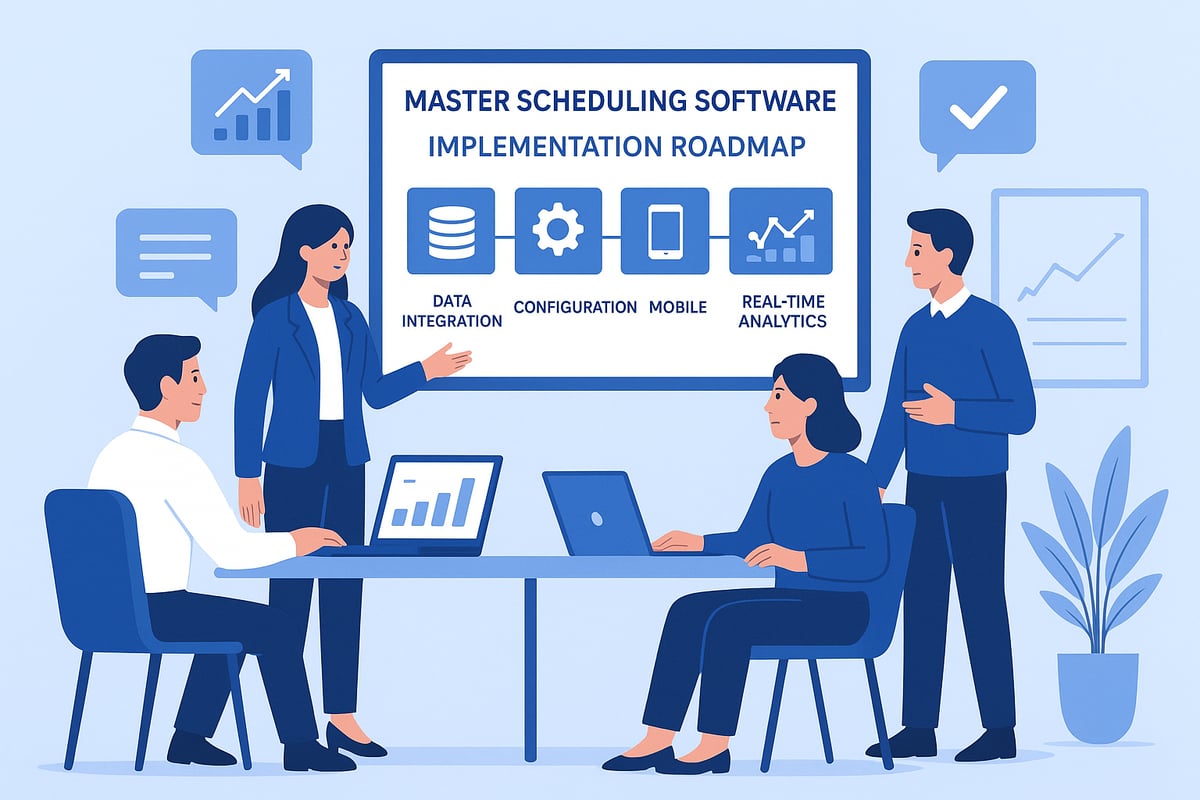
Step 1: Assess Business Needs and Set Objectives
Begin by evaluating your current scheduling workflows and identifying pain points. Are you struggling with manual processes, missed deadlines, or resource conflicts? Gather insights from stakeholders in operations, HR, and IT to develop a clear vision for what you want to achieve with master scheduling software.
Define measurable goals such as improved efficiency, reduced costs, or enhanced compliance. By aligning objectives early, you lay a solid foundation for successful software adoption.
Step 2: Select the Right Software Solution
With objectives in hand, compare master scheduling software solutions based on your industry needs, required features, and growth plans. Evaluate how each platform integrates with existing systems like ERP, HR, or POS.
Request product demos and seek feedback from organizations with similar requirements. For example, BatchMaster is tailored for process manufacturing, while Heybegin is optimized for hospitality operations.
Prioritize solutions that offer scalability, strong support, and a proven track record in your sector. This careful selection process ensures your master scheduling software will support your business long term.
Step 3: Prepare Data and Processes
Start by cleaning and organizing all relevant data—scheduling records, workforce details, and inventory information. Accurate data is crucial for the master scheduling software to function effectively.
Map out your current workflows and identify where changes will occur during the migration. Address data security and compliance requirements to protect sensitive information and meet regulatory standards.
A thorough preparation phase minimizes disruptions and sets the stage for a smooth implementation.
Step 4: Configure, Integrate, and Train
Customize the master scheduling software to reflect your unique business processes. Integrate the new system with platforms such as ERP or HR management tools for seamless data flow.
Train both managers and frontline staff to ensure everyone is comfortable with the new workflows. Consider leveraging a Mobile App for Scheduling for real-time access and on-the-go task management, which can significantly improve adoption and flexibility.
Ongoing support and clear communication help your team adapt quickly and maximize the software’s benefits.
Step 5: Launch, Monitor, and Optimize
Roll out the master scheduling software in phases, starting with a pilot group or a single location if needed. Closely monitor key performance indicators such as on-time delivery rates, labor cost reductions, and error frequency.
Collect feedback from users and use built-in reporting tools to identify opportunities for further optimization. Regularly review and refine scheduling processes to ensure continuous improvement and lasting success.
Top Trends in Master Scheduling Software for 2026
Staying ahead in 2026 means adopting master scheduling software that evolves with industry trends. As planning complexity increases, organizations must leverage the latest advancements to ensure seamless operations and adaptability. Here are the top developments shaping the future of master scheduling software.
AI and Predictive Analytics
Artificial intelligence is transforming master scheduling software by making predictive analytics the industry standard. AI algorithms forecast demand, optimize production, and identify bottlenecks before they disrupt workflows. Predictive maintenance features prevent downtime, while scenario analysis enables proactive planning.
According to recent industry surveys, 65% of manufacturers plan to invest in AI scheduling by 2026. This rapid adoption is fueled by the need for smarter, data-driven decisions. For a deeper dive into the evolving AI landscape, see AI trends 2026: The key enterprise shifts you must know.
With these capabilities, master scheduling software empowers organizations to respond instantly to changes, ensuring optimal performance and accuracy.
Cloud-Based and Mobile-First Solutions
The shift to cloud-based master scheduling software is accelerating, offering unmatched flexibility and scalability. Cloud platforms reduce IT overhead, speed up deployment, and enable real-time updates across sites.
Mobile-first solutions put scheduling power in the hands of both managers and frontline staff, supporting remote access and instant collaboration. This aligns with top technology trends highlighted by Gartner's top strategic technology trends for 2026, emphasizing cloud-native architectures.
With cloud and mobile features, master scheduling software adapts to modern work environments, keeping businesses agile and connected.
Industry-Specific Customization and Compliance
Modern master scheduling software is increasingly tailored to meet the unique needs of various industries. Manufacturing, hospitality, and healthcare each require specialized features, from allergen tracking to regulatory reporting.
Built-in compliance tools help organizations adhere to sector regulations and standards, such as FDA or ISO requirements. This focus on industry specificity delivers faster ROI and higher user adoption.
As regulations evolve, customizable solutions ensure that master scheduling software remains a central pillar of operational excellence and risk management.
Sustainability and Workforce Wellbeing
Sustainability is now a core consideration in master scheduling software. Features support energy efficiency, waste reduction, and responsible resource allocation. At the same time, employee wellbeing is prioritized through fair shift distribution and tools that promote work-life balance.
These enhancements help organizations achieve both profitability and social responsibility. By integrating sustainability and wellbeing, master scheduling software delivers value not only to the bottom line but also to people and the planet.
Expert Tips for Maximizing ROI from Master Scheduling Software
Achieving maximum return on investment from master scheduling software requires a blend of strategic planning, cross-functional collaboration, and continuous improvement. Each step ensures your organization fully leverages the software’s potential, delivering measurable gains in efficiency and cost savings.
Involve Stakeholders from Day One
For successful adoption of master scheduling software, involve all key stakeholders from the outset. Planners, IT specialists, HR, and operations staff should participate in defining requirements and goals. Early engagement builds ownership and ensures the software aligns with real-world needs.
Cross-functional collaboration helps identify potential roadblocks before they arise. Schedule regular meetings to discuss expectations and gather feedback. This approach reduces resistance and accelerates implementation.
Prioritize Integration and Data Quality
Seamless integration between master scheduling software and existing ERP, HR, or payroll systems is essential. High-quality, accurate data enables better forecasting, resource allocation, and compliance. Before deployment, clean and standardize data to prevent errors from propagating.
Consider solutions that support AI-driven analytics, as highlighted in AI in ERP: 7 key trends to watch in 2026. Leveraging advanced integration helps organizations adapt faster to changing business demands.
Leverage Advanced Analytics and Reporting
Harness the full value of master scheduling software by utilizing built-in dashboards and automated reporting tools. These features provide real-time insights into KPIs, bottlenecks, and performance trends. Regularly review analytics to spot inefficiencies and drive continuous improvement.
To explore robust reporting capabilities, review Real-Time Reporting and Analytics. Effective use of analytics ensures data-driven decisions, supporting both operational and strategic objectives.
Invest in Training and Change Management
Comprehensive onboarding is vital for all master scheduling software users. Provide tailored training sessions for managers and frontline staff, ensuring everyone understands new processes and tools. Ongoing support and refresher courses help maintain proficiency as features evolve.
Address resistance by communicating the benefits of automation and transparency. Empower employees to become advocates for change, fostering a culture of continuous improvement and digital literacy.
Continuously Review and Optimize Processes
Maximize the long-term value of master scheduling software by regularly auditing scheduling workflows and gathering feedback from end-users. Use insights from periodic reviews to identify new opportunities for automation or efficiency gains.
Stay updated with software enhancements and industry best practices. This proactive approach ensures your scheduling operations remain agile, compliant, and aligned with organizational goals.
If you’re ready to take control of your scheduling and leave behind the headaches of spreadsheets and manual tracking, now’s the perfect time to see what modern solutions can do for you. We’ve explored how master scheduling software can streamline your operations, reduce labor costs, and give you the clarity needed to thrive in a fast paced world. You don’t have to tackle these challenges alone—discover firsthand how automation and real time insights can transform your business. Start simplifying your scheduling today and Try Heybegin for Free.