12 Top Time Tracking Tools to Boost Productivity in 2026
Discover the 12 best time tracking tools for 2026 to increase productivity, improve billing accuracy, and streamline workflows. Find the ideal solution for your team.
Are you finding it difficult to keep your team aligned and projects moving forward in 2026’s rapidly changing workplace? Many businesses face similar obstacles as remote and hybrid work models become the norm.
In this environment, time tracking tools are now vital for boosting productivity, supporting accurate billing, and simplifying daily operations for organizations of all sizes. These solutions help teams stay organized and accountable, even as work dynamics shift.
This article will introduce the 12 top time tracking tools for 2026. Discover each tool’s unique features, pricing, and best-fit scenarios so you can confidently select the right system to maximize your team’s efficiency.
Why Time Tracking Tools Matter in 2026
The modern workforce is rapidly transforming. In 2026, businesses operate across remote, hybrid, and distributed environments, making efficiency and oversight more challenging than ever before. As teams become more dispersed, time tracking tools are no longer a luxury but a necessity for maintaining productivity and accountability.
Transparency is at the heart of effective team management. Organizations need clear records of hours worked, tasks completed, and project timelines to ensure everyone is aligned. Time tracking tools provide the visibility required to prevent misunderstandings, foster trust, and support accurate payroll, especially when managing global or flexible teams.
Automation and AI-driven features have become standard in time tracking tools. These innovations reduce manual entry, minimize errors, and help detect time theft or unproductive habits. By automating timesheets and attendance, businesses save countless hours previously spent on administrative work, allowing teams to focus on high-value tasks.
Accurate time tracking also impacts the bottom line. For project-based businesses, it ensures client billing is precise and supports compliance with labor regulations. Many organizations report significant financial improvements after implementing time tracking tools. For example, a digital agency that adopted automated time tracking reduced project overruns by 20 percent within the first year, directly improving profitability and client satisfaction.
According to industry benchmarks, teams using time tracking tools experience up to 30 percent higher efficiency compared to those relying on manual methods. These gains are not just theoretical—they translate into faster project delivery, fewer missed deadlines, and improved employee morale.
Trends in 2026 show deep integration of time tracking tools with project management, HR, and payroll platforms. This seamless connectivity eliminates data silos and streamlines business operations. Common pain points, such as manual timesheet errors, inaccurate data, and communication gaps, are being addressed through smarter, more intuitive solutions.
The rapid growth and widespread adoption of time tracking tools are further supported by research showing strong market expansion and increasing reliance across industries. For a comprehensive analysis of how these tools are shaping business productivity, see the Time Tracking Software Market Size & Growth report.
In summary, time tracking tools are foundational to thriving in the fast-paced, tech-driven business landscape of 2026. The right tool empowers teams to work smarter, delivers accurate insights, and supports sustainable growth.
12 Top Time Tracking Tools to Boost Productivity in 2026
Selecting the right time tracking tools is critical for teams looking to streamline operations, improve billing accuracy, and boost productivity. With dozens of options available, it is essential to focus on features, scalability, integration, and user experience. Below are the top 12 time tracking tools for 2026, each offering unique strengths to fit different business needs.
Heybegin
Heybegin stands out among time tracking tools for its focus on hospitality and service industries. With a free plan and paid options starting at €49 per month, Heybegin offers smart scheduling, real-time tracking, and automated timesheets. Its platform integrates payroll and multi-location management, making it ideal for shift-based teams.
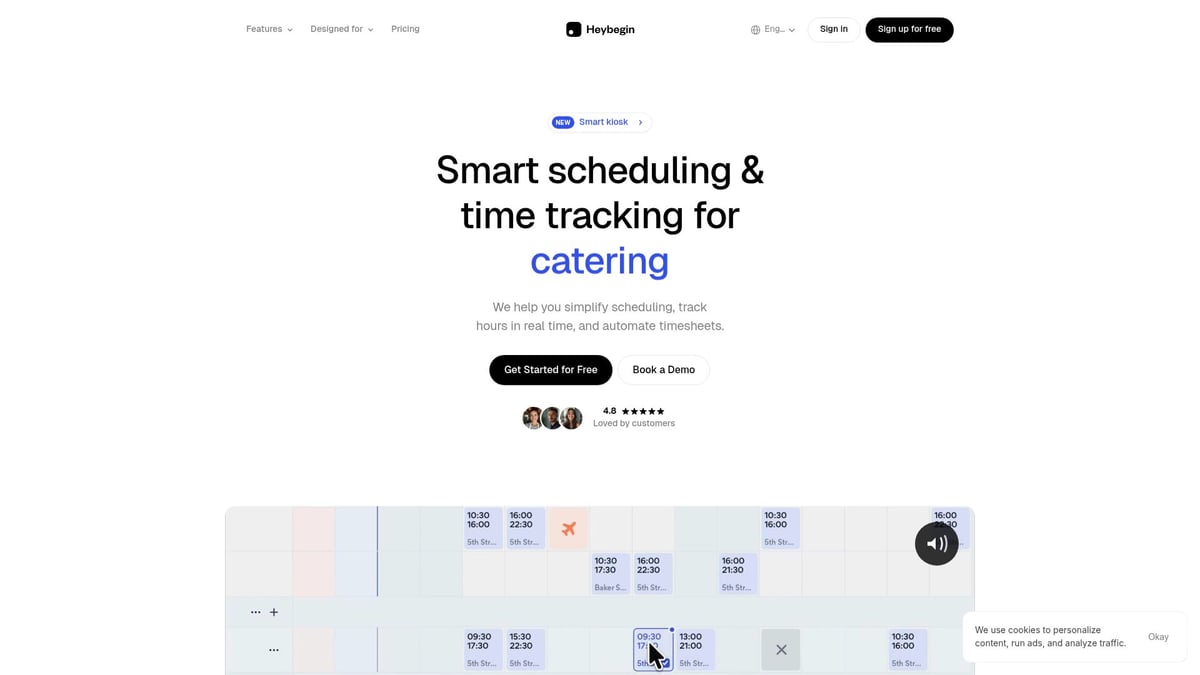
Unique benefits include a 10% reduction in labor costs and seamless compliance checks. While advanced features are reserved for higher tiers, Heybegin delivers excellent user experience. For a deeper dive into its capabilities, explore the Time Tracking Feature Overview.
Toggl Track
Toggl Track is a favorite among time tracking tools for freelancers, agencies, and remote teams. It provides a free basic plan, with paid options starting at $10 per user per month. Users enjoy one-click tracking, detailed reporting, and integrations with over 100 apps.
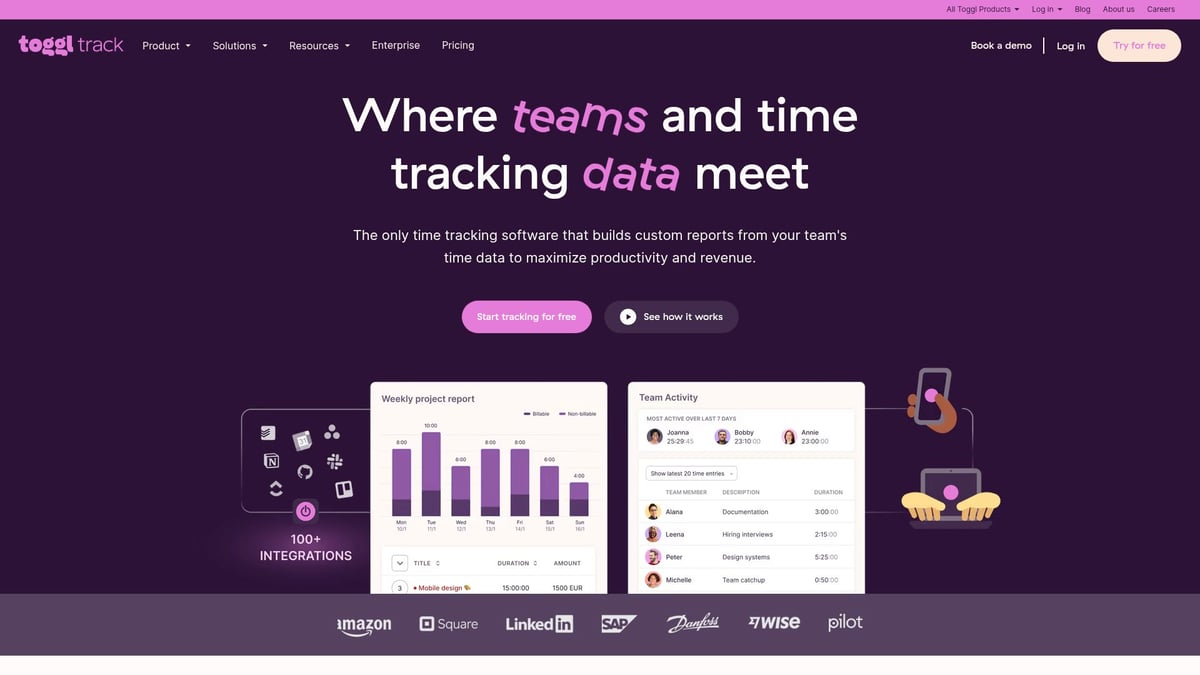
Its intuitive interface and powerful analytics make workload balancing simple. While the free plan has limited advanced features and lacks built-in invoicing, Toggl Track excels in flexibility and mobile usability, supporting a variety of workflows.
monday.com
monday.com combines time tracking tools with robust project management. With plans starting at $9 per user per month, teams can leverage time tracking columns, automation, dashboards, and collaboration tools. The customizable boards allow for tailored workflows.
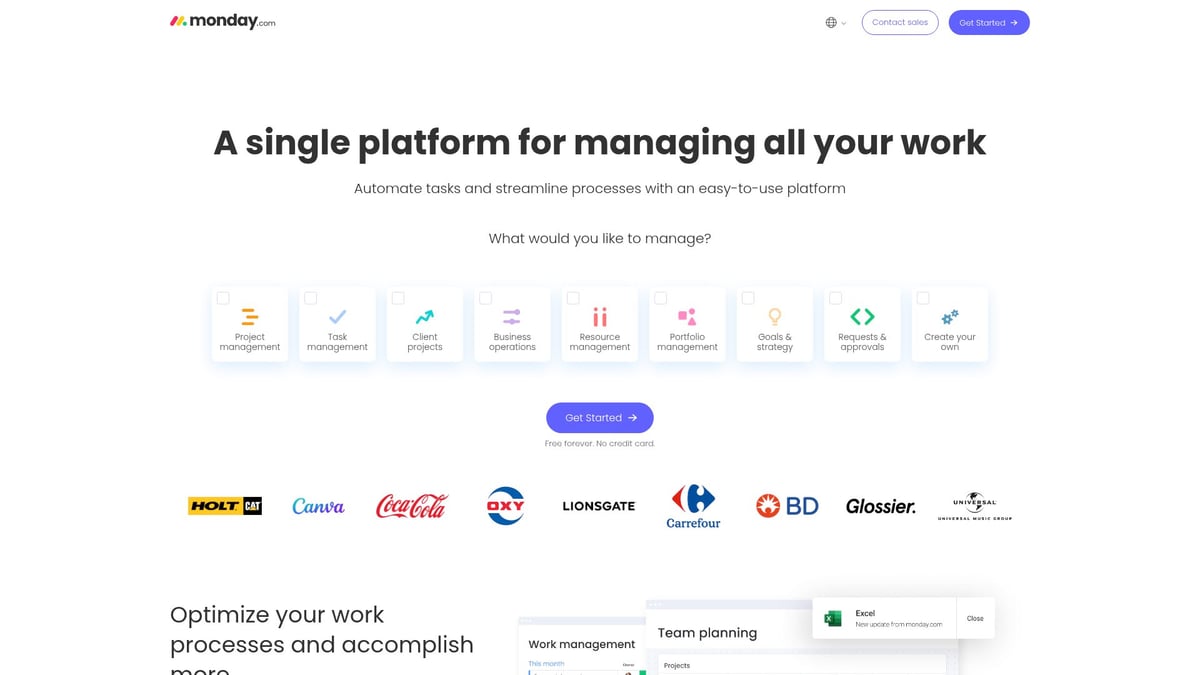
This platform is best for teams needing integrated project and time tracking solutions. While some features, like time tracking, are only available on higher plans, monday.com’s all-in-one platform and scalability make it a strong contender for growing organizations.
Hubstaff
Hubstaff is designed for distributed and remote teams seeking advanced time tracking tools. Starting at $4.99 per user per month, Hubstaff features automated time tracking, GPS monitoring, productivity measurement, and payroll integrations.
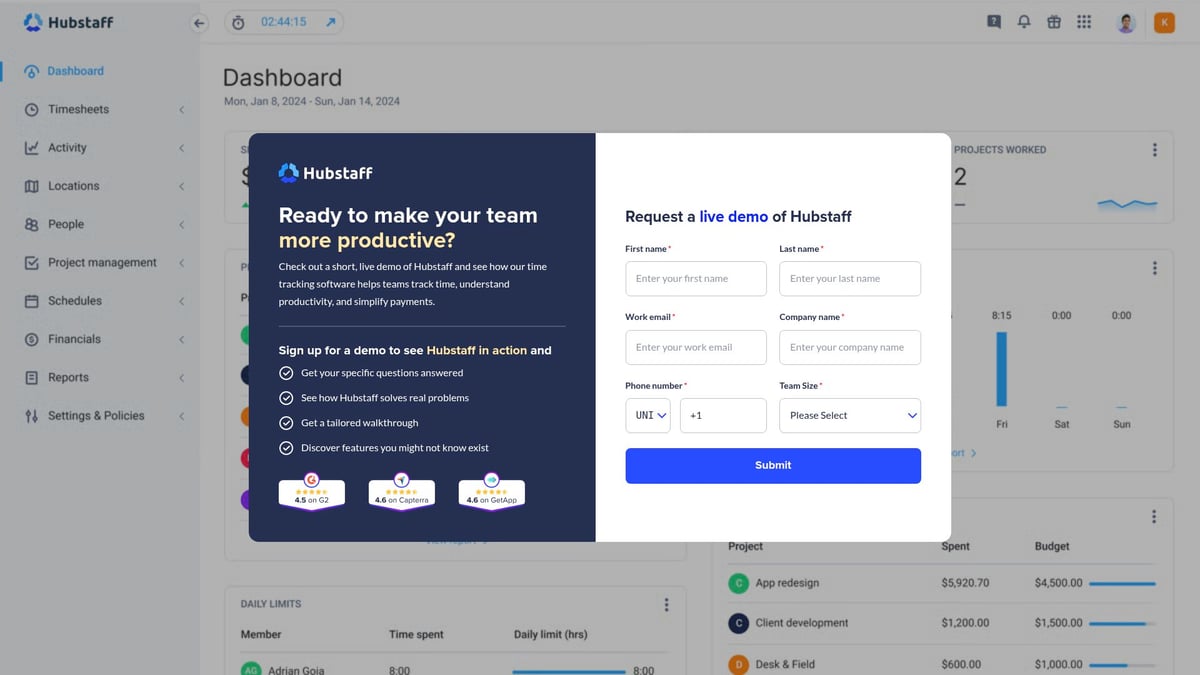
It includes activity levels and screenshots, making it ideal for companies wanting detailed oversight. While some may find its monitoring features intrusive and premium plans are required for certain tools, Hubstaff’s reporting and mobile support stand out in the market.
Scoro
Scoro positions itself as an all-in-one business suite with robust time tracking tools. With pricing from $19.9 per user per month, Scoro offers detailed tracking, billing, project management, and advanced analytics.
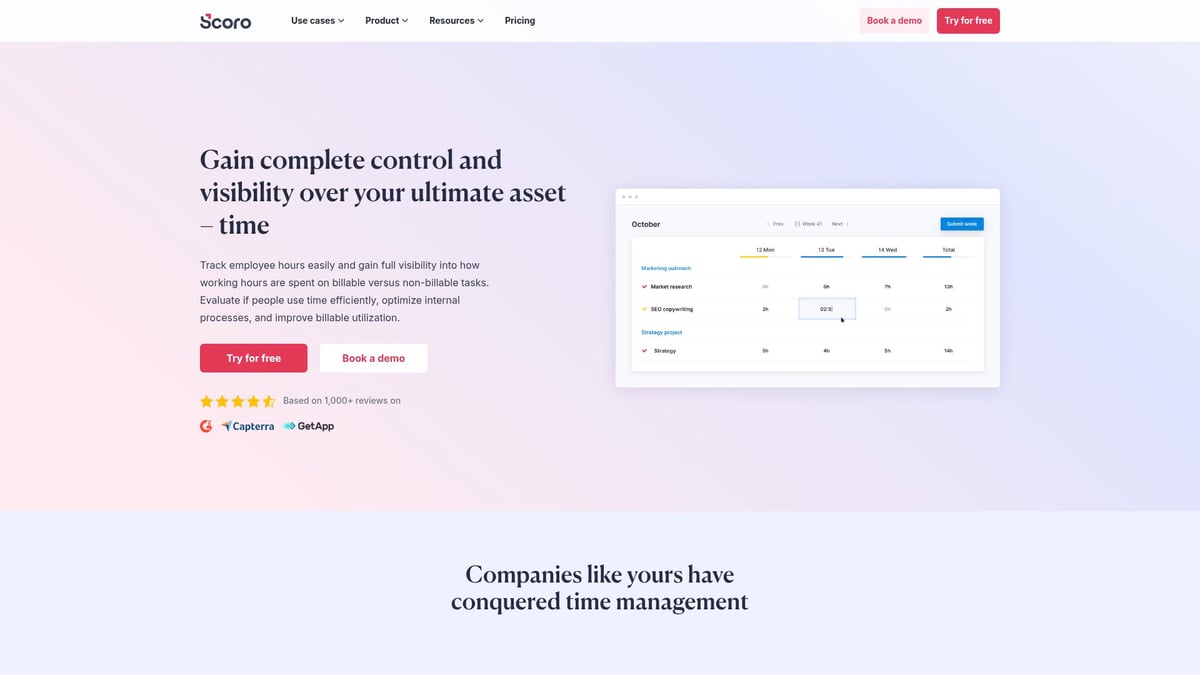
Its deep integrations with CRM and invoicing make it suitable for agencies and consultancies. Although it may be complex for small teams and comes at a higher price point, Scoro’s customizable analytics and resource management are unmatched for larger organizations.
Connecteam
Connecteam is a mobile-first platform among time tracking tools, particularly for field teams, construction, and hospitality. With a free plan and paid options from $29 per month for up to 30 users, it offers a GPS time clock, shift scheduling, and geofencing.
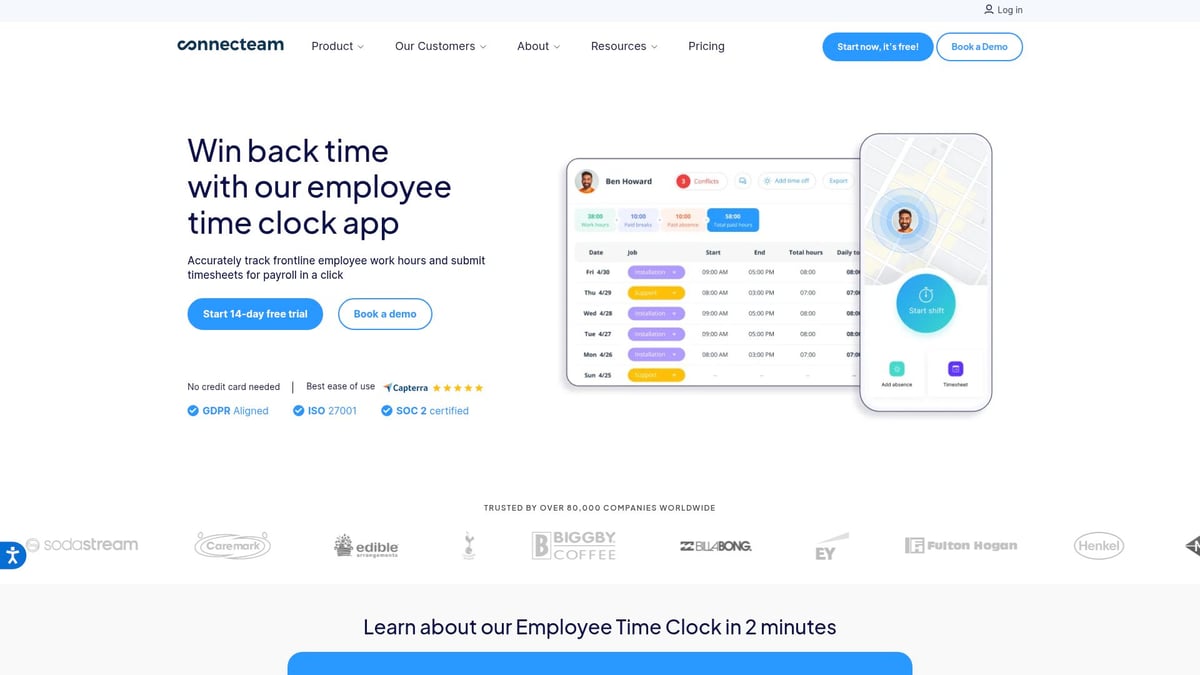
Connecteam’s intuitive mobile app and affordable pricing make it attractive for small businesses. However, integrations are limited, and advanced features are available only in higher plans, making it best for teams prioritizing mobility and scheduling.
Productive
Productive focuses on agencies and consultancies, delivering time tracking tools that emphasize profitability and business intelligence. Starting at $9 per user per month, it provides time tracking, budgeting, invoicing, and resource planning.
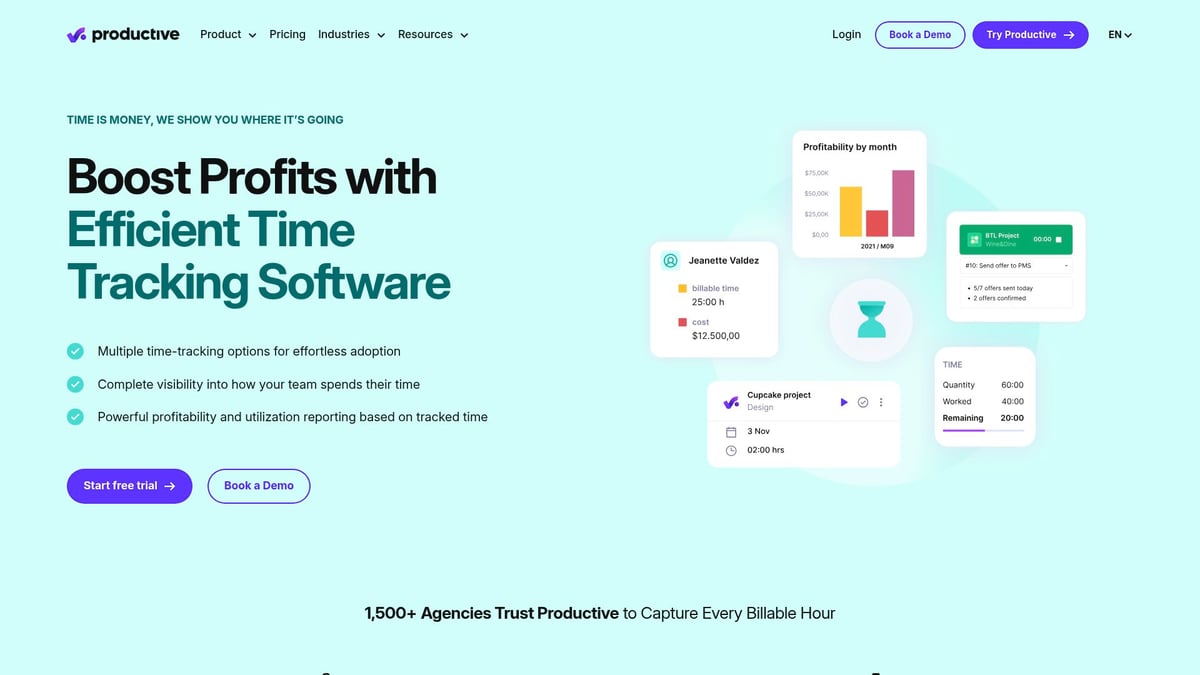
Real-time profitability tracking and strong integrations set Productive apart. While there is a learning curve and it may be too comprehensive for very small teams, its customizable features make it a powerful option for service businesses.
Insightful
Insightful is tailored for remote and hybrid teams needing advanced time tracking tools and oversight. With custom pricing and a free trial, Insightful offers automated tracking, productivity analytics, and app usage monitoring.
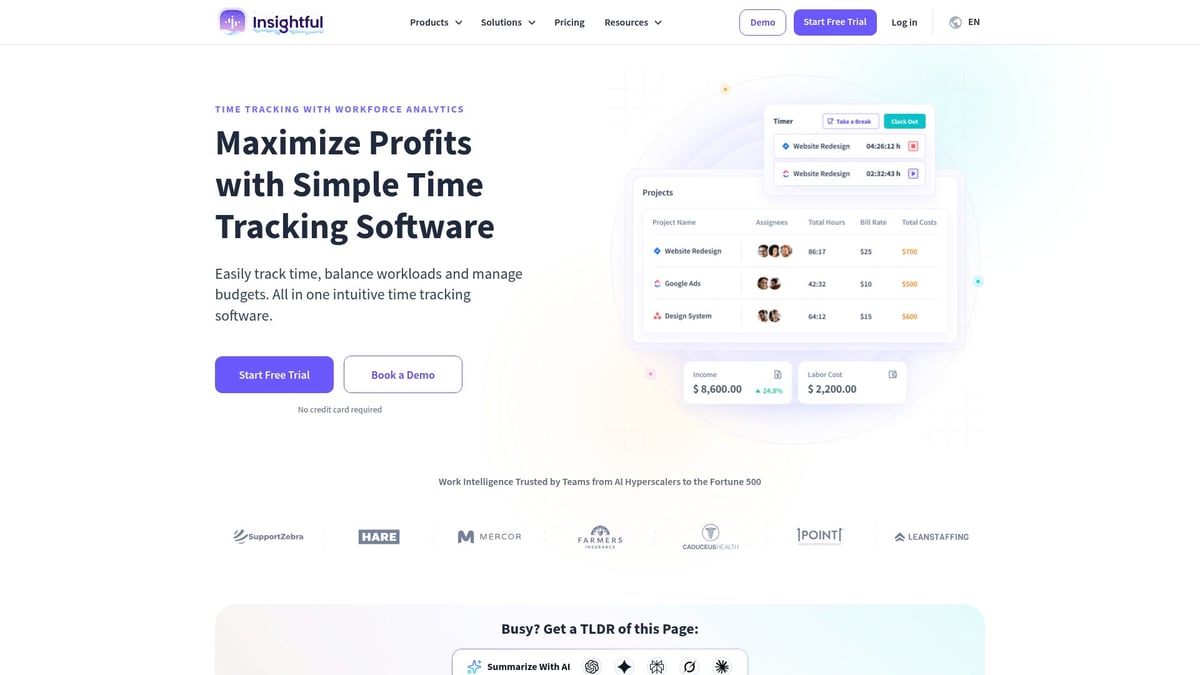
Stealth mode and robust privacy controls ensure compliance and transparency. Although the level of detail may be excessive for small teams and pricing is custom, Insightful’s in-depth reports and compliance tools are ideal for IT and remote companies.
TimeCamp
TimeCamp is an affordable choice among time tracking tools, offering a free plan and paid options from $2.99 per user per month. Core features include automatic tracking, project management, attendance, and invoicing.
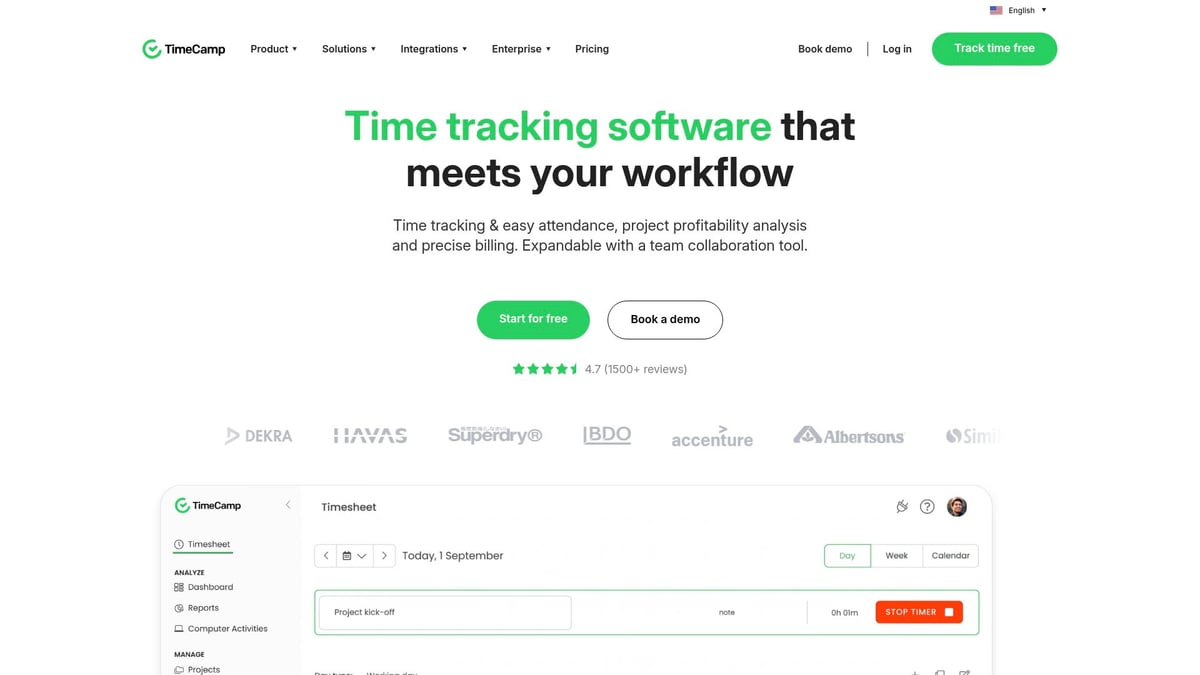
It stands out for value, easy setup, and integrations with major tools. However, its interface can feel dated, and some features are restricted to paid plans. TimeCamp is well-suited for SMBs, freelancers, and agencies looking for cost-effective solutions.
Resource Guru
Resource Guru blends time tracking tools with resource scheduling for agencies and consultancies. At $25 per user per month, it provides visual scheduling, leave management, and utilization reporting.
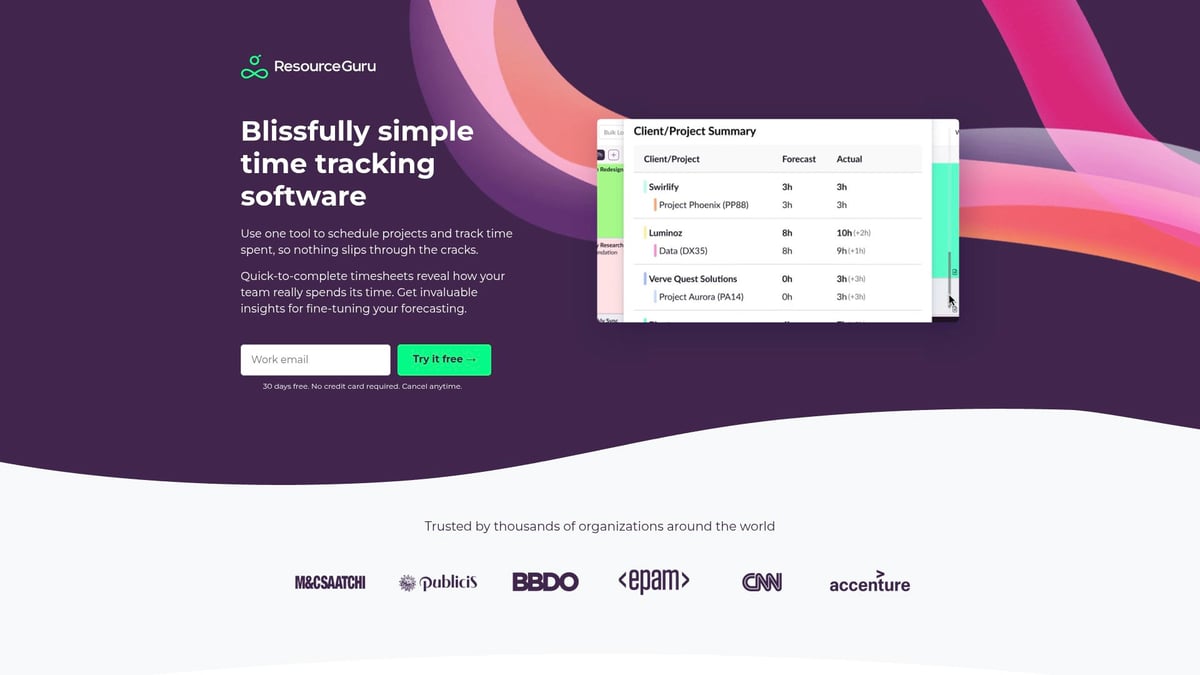
It excels in resource allocation and project management, though it lacks built-in payroll and can be costly for small teams. Resource Guru is best for organizations managing multiple projects who need clear resource visibility.
Bonsai Agency Software
Bonsai Agency Software is an all-in-one platform featuring integrated time tracking tools, project management, client invoicing, and proposal management. With custom pricing and a free trial, it is tailored for agencies, freelancers, and creative professionals.
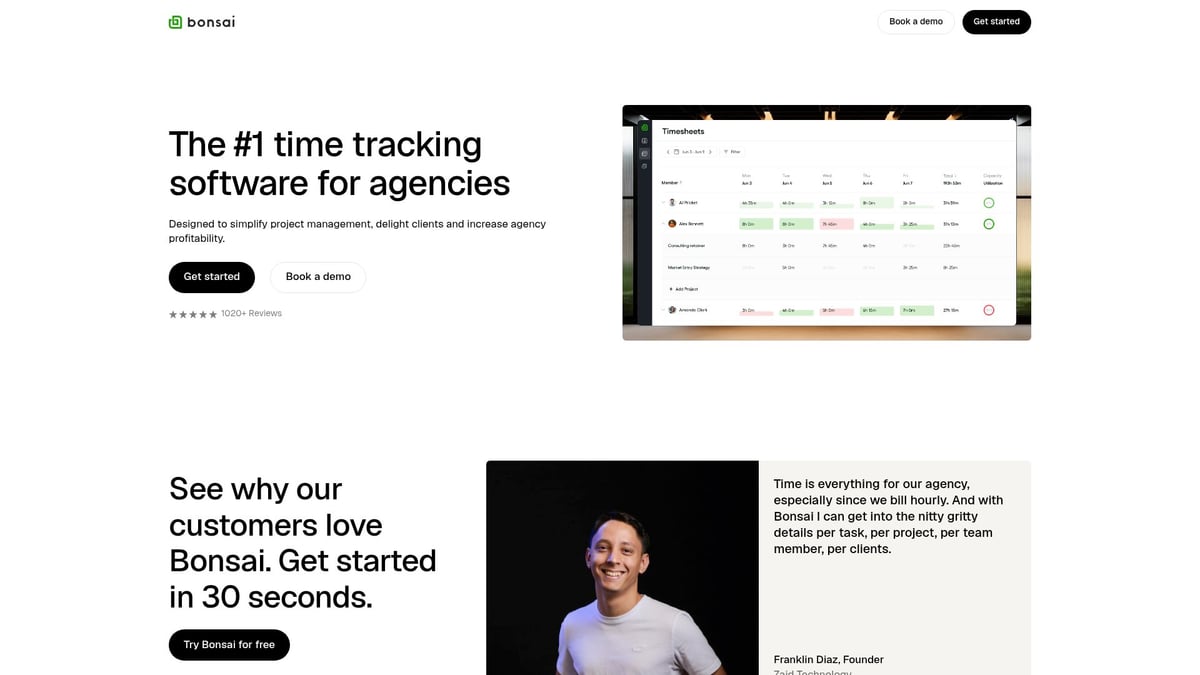
Bonsai’s customizable templates and seamless workflow from tracking to billing are key strengths. Some features may not be needed by all, and pricing is available upon request. Its end-to-end workflow makes it a favorite for creative teams.
Buddy Punch
Buddy Punch is designed for SMBs, retail, healthcare, and field services, focusing on accurate time tracking tools. Starting at $3.99 per user per month, it features an online time clock, GPS and image tracking, PTO management, and scheduling.
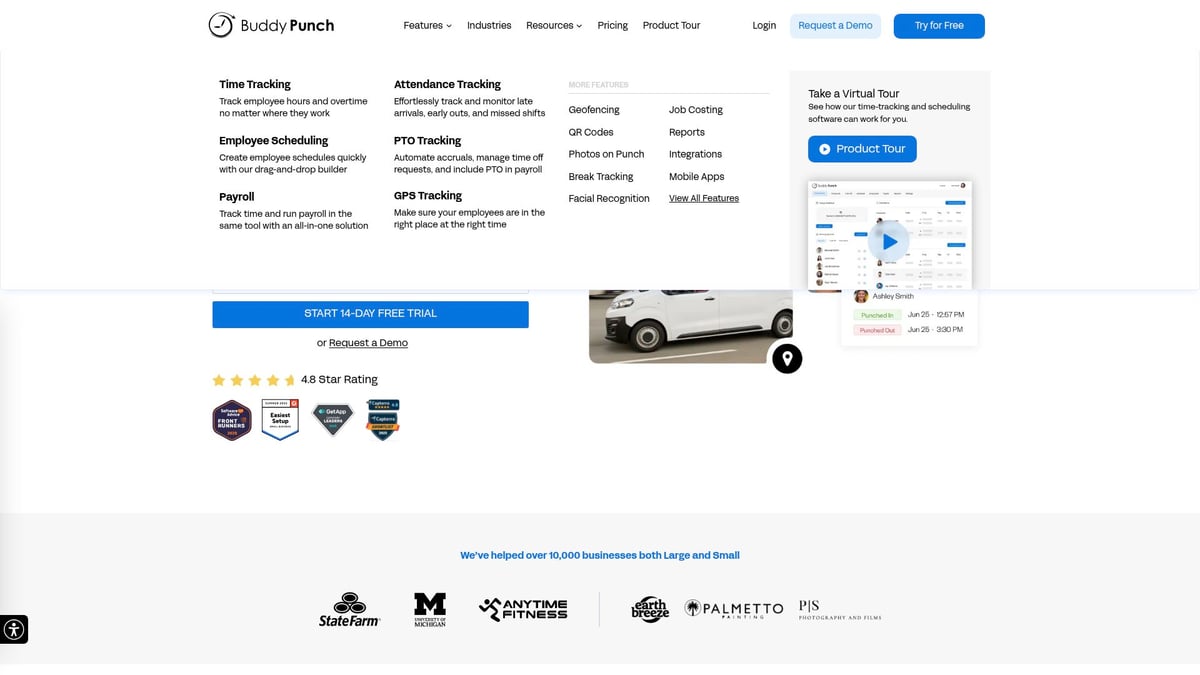
Multiple clock-in methods and strong compliance tools make Buddy Punch user-friendly. While advanced analytics are limited and integrations require higher-tier plans, it offers reliable mobile support and easy employee time capture.
Choosing the right time tracking tools is essential for maximizing productivity and ensuring accurate payroll, billing, and compliance. By considering your industry, team size, and integration needs, you can select a solution that delivers measurable results and supports your business growth.
How to Choose the Right Time Tracking Tool for Your Business
Selecting the right time tracking tools for your organization can dramatically influence productivity and operational efficiency. With so many options available, it is important to evaluate each solution based on your unique business needs.
Key Considerations When Selecting Time Tracking Tools
Begin by assessing your team size, industry, and specific workflow requirements. Large organizations may require advanced reporting, while smaller teams might prioritize simplicity and quick setup. Consider if your business operates in a field, retail, or remote environment, as this will impact the type of time tracking tools you need.
Integration and Compatibility
Ensure the time tracking tools you evaluate offer seamless integration with your existing project management, payroll, and HR platforms. Compatibility with your current tech stack reduces manual work and improves data accuracy, making daily operations smoother.
User Experience and Support
A tool’s usability can make or break adoption rates. Look for intuitive interfaces, helpful onboarding resources, and responsive customer support. Scalable solutions allow your business to grow without switching platforms, saving time and resources in the long run.
Mobile Access and Remote Work
Modern businesses require flexibility. Prioritize time tracking tools with robust mobile apps and remote access features. This ensures your team can log hours and manage schedules from any location. For teams with complex schedules, features like Scheduling and Shift Management can provide additional value and reduce administrative effort.
Balancing Cost and Features
Compare pricing tiers to ensure you are not overpaying for features you do not need. Seek out user reviews, request demos, and take advantage of free trials to gauge real-world performance. For example, a mid-sized retail chain selected a tool with integrated scheduling and payroll features, streamlining their workforce management and improving payroll accuracy.
Key Features to Look for in Time Tracking Software
Selecting the right time tracking tools in 2026 means looking beyond basic timers. The best solutions combine usability, automation, and compliance to support modern business needs.
Here are the essential features every business should consider:
Automatic vs. manual tracking: Choose time tracking tools that offer both real-time automatic tracking and manual entry for flexibility across different roles.
Robust reporting and analytics: Comprehensive reporting and analytics tools empower teams to monitor productivity, identify trends, and ensure compliance with evolving regulations.
Seamless integrations: Look for solutions that integrate with project management, payroll, and CRM systems to streamline operations and reduce data silos.
Mobile and desktop compatibility: Modern teams work on the go, so prioritize platforms with strong mobile time tracking app features for accurate logging from any location.
Compliance and data privacy: Ensure your time tracking tools comply with labor laws and safeguard sensitive employee data through robust security measures.
Customization and scalability: Scalable solutions allow you to adapt as your business grows, with customizable settings to suit unique workflows.
Support and training: Reliable customer support and learning resources help teams get the most from their time tracking tools.
By focusing on these core features, you can select time tracking tools that will deliver measurable value and adapt to your evolving business landscape.
Time Tracking Trends and Innovations for 2026
The landscape of time tracking tools is rapidly transforming as businesses seek greater efficiency and smarter workflows. In 2026, AI-powered analytics and smart suggestions are helping teams identify productivity patterns and optimize work schedules.
Mobile-first and location-aware time tracking tools are now essential for supporting remote and field-based employees. Seamless integration with workforce management and automation platforms is reducing manual effort while improving accuracy.
Data privacy and compliance features continue to advance, protecting sensitive employee information and supporting regulatory standards. The industry is also seeing a move toward all-in-one solutions that combine scheduling, tracking, and payroll in a unified platform.
To learn more about the latest innovations shaping time tracking tools, explore these Key Innovations in Time Tracking Software.
After exploring the top time tracking tools for 2026, it’s clear that choosing the right solution can make a real difference in your team’s productivity and your bottom line. If you’re in the restaurant, café, or service industry and want to simplify scheduling while tracking hours in real time, Heybegin stands out for its smart, all-in-one platform. You can streamline timesheets, cut labor costs, and stay compliant—no more manual headaches or wasted hours. Ready to see how effortless workforce management can be? Try Heybegin for Free and start optimizing your operations today.