Complete Guide to Tracking Report Best Practices 2026
Master tracking report best practices for 2026 Discover key metrics, modern tools, automation, compliance, and expert tips to elevate your reporting strategy
In 2026, organizations across every industry rely on the accuracy of their tracking report to drive smarter, faster decisions. The demand for real-time visibility and actionable insights has never been higher, shaping how businesses operate and compete.
This guide will show you the latest best practices for building, managing, and optimizing your tracking report processes. We will explore tracking report fundamentals, how to choose the right metrics, modern tools, design and automation strategies, compliance essentials, and expert tips to elevate your reporting.
Stay ahead of the curve and unlock the full value of your data with effective tracking report strategies designed for the future.
Understanding Tracking Reports: Purpose and Value in 2026
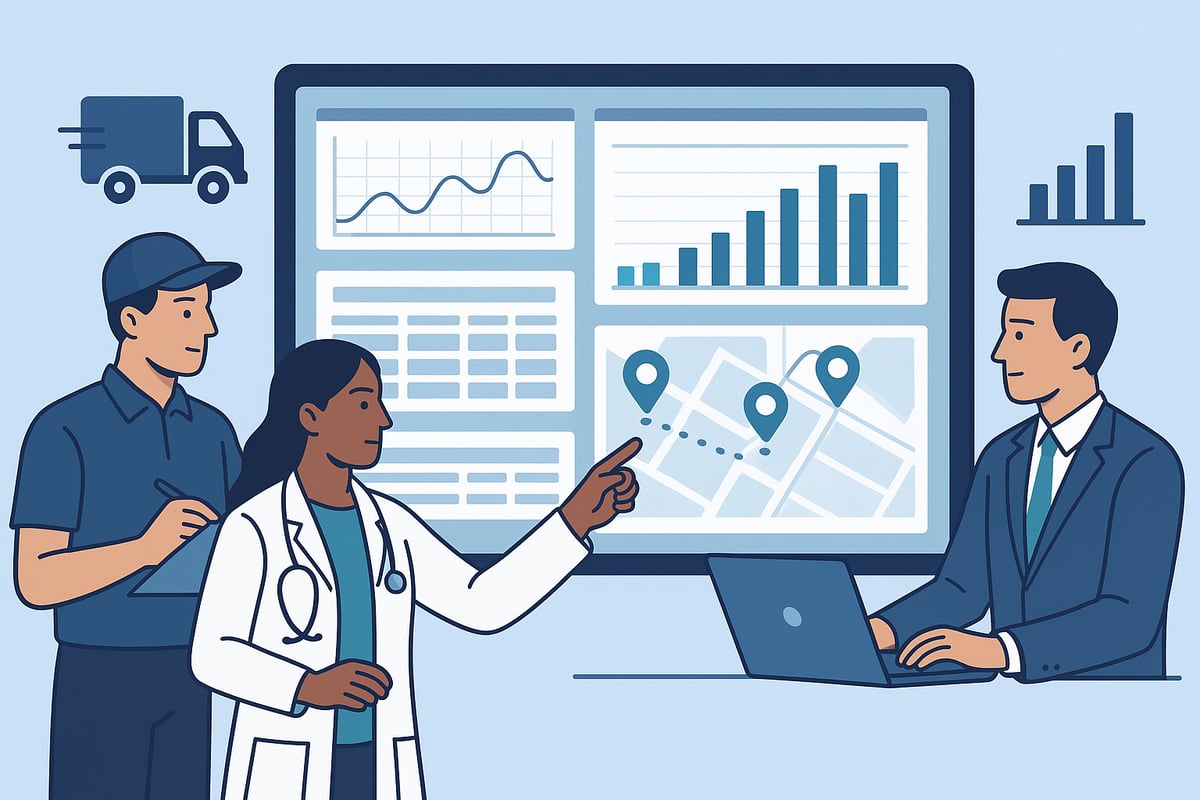
Tracking reports are foundational tools that enable organizations to monitor, analyze, and optimize various operations. In 2026, a tracking report serves as a structured document or dashboard that captures key data points across sectors such as logistics, healthcare, and business operations. For example, postal services like USPS rely on tracking reports to provide shipment updates, healthcare providers use them for patient monitoring, and businesses implement workforce tracking to oversee productivity.
To clarify the terminology, it helps to distinguish between tracking, monitoring, and performance reporting. Tracking reports focus on following the movement or status of specific items or processes. Monitoring is broader, involving ongoing observation of systems, while performance reporting centers on outcomes and results. The table below provides a quick comparison:
Type | Focus | Example Use Case |
|---|---|---|
Tracking Report | Status, location, events | USPS shipment updates |
Monitoring Report | System health, alerts | Server uptime |
Performance Report | Results, KPIs | Quarterly sales review |
Why Are Tracking Reports Essential?
A tracking report plays a critical role in promoting operational transparency and accountability. By documenting each step or change, it becomes easier to trace actions, identify issues, and maintain compliance with industry standards. For instance, healthcare organizations create tracking reports to record treatments and interventions, supporting both patient safety and regulatory requirements.
The value of a tracking report extends to audit trails and strategic planning. Over 80% of organizations report improved efficiency when robust tracking systems are in place, according to industry surveys. Essential features such as customizable fields, real-time updates, and export options have become standard expectations. For a deeper dive into must-have features, explore this Reporting Features Overview.
Moreover, tracking reports enable organizations to make informed decisions. By consolidating data from multiple sources, managers can identify trends, spot inefficiencies, and plan proactively.
Evolving Expectations for 2026
In 2026, the expectations for a tracking report have grown significantly. Organizations now demand real-time, actionable insights rather than static summaries. Integration with AI and automation tools is increasingly common, allowing predictive analytics and anomaly detection to enhance the value of each tracking report.
Cross-departmental visibility is another emerging trend. Rather than isolated data silos, modern tracking reports bring together information from logistics, HR, finance, and more. This comprehensive approach supports better collaboration and faster response times.
As digital transformation continues, organizations must adapt their tracking report strategies to stay ahead. Embracing automation, real-time data, and integrated platforms will be key to unlocking full value and future readiness.
Key Components of Effective Tracking Reports
A well-structured tracking report is the backbone of informed decision-making in any organization. To maximize value, each report must be designed with precision, ensuring all essential components are present and function seamlessly together.
Core Elements Every Tracking Report Needs
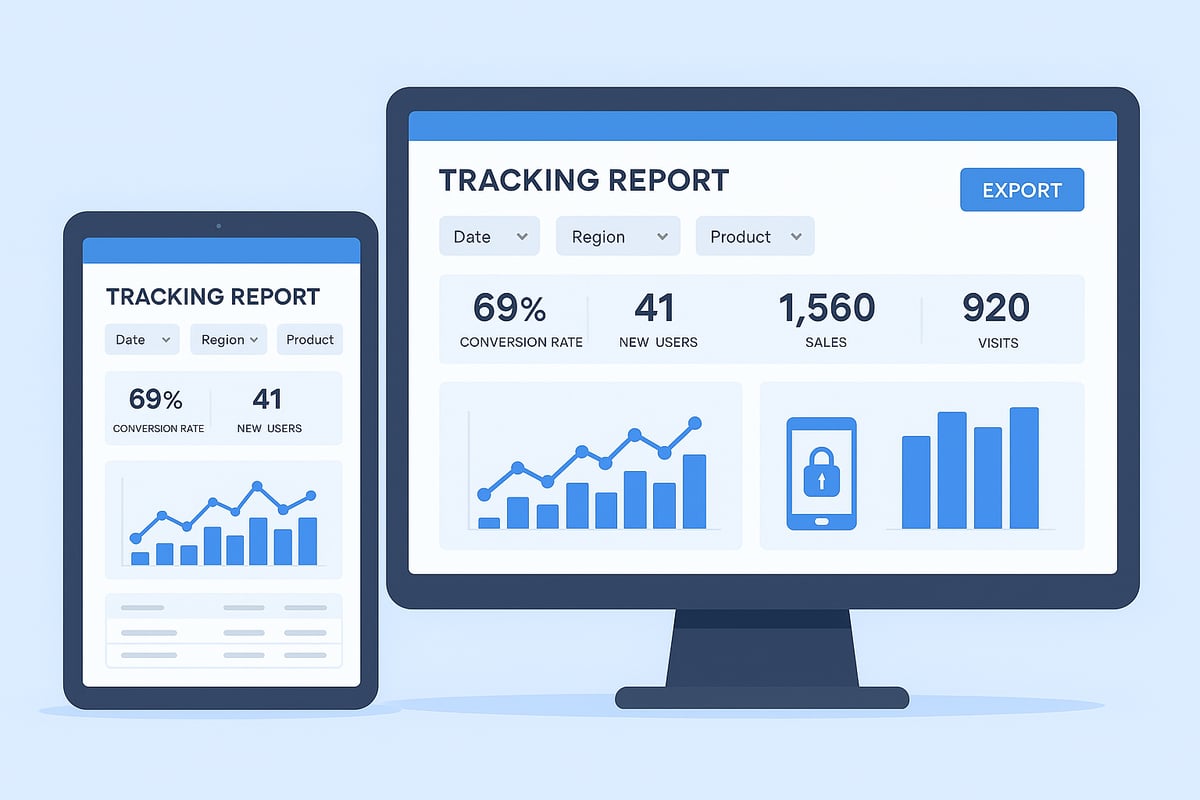
Every effective tracking report starts with clear objectives and well-defined KPIs that align with organizational goals. Data sources can include manual input, automated feeds, or IoT devices, ensuring flexibility in data collection. Segmentation is crucial, allowing reports to be broken down by time period, department, or even individual, such as monthly summaries or detailed health reports. By focusing on these core elements, organizations ensure their tracking report delivers actionable insights.
Clear objectives and KPIs
Diverse data sources
Segmentation by relevant categories
A robust tracking report foundation supports reliable business analysis.
Data Accuracy and Integrity
Precision is vital for any tracking report. Real-time data capture reduces errors, while validation processes and audit trails further enhance reliability. For example, export features in platforms like Therap Global help maintain data accuracy. Organizations should implement best practices for error reduction, such as automated checks and regular audits. Ensuring integrity at every stage guarantees that each tracking report remains trustworthy and compliant.
Real-time data capture
Automated validation checks
Comprehensive audit trails
Accuracy strengthens the value and credibility of tracking reports.
Visualization and Accessibility
A tracking report should present data clearly through charts, tables, and interactive dashboards. Visual tools make complex information easy to interpret. Exportable formats like PDF and Excel, along with mobile-friendly interfaces, ensure everyone can access reports as needed. For enhanced accessibility, consider features outlined in the Mobile App for Reporting, which enable on-the-go access and support for diverse teams. Accessibility transforms a tracking report into a practical tool for all stakeholders.
Interactive dashboards
Exportable and mobile-friendly formats
Accessibility for all users
Well-visualized tracking reports drive engagement and faster decision-making.
Customization and Flexibility
Customization empowers users to filter tracking report data by date, individual, or form type, tailoring outputs to specific needs. Modular reports allow different stakeholders to focus on what matters most to them. For example, USPS offers modular tracking options for various shipping needs. Flexible design ensures each tracking report adapts to evolving business requirements.
Filtering by key parameters
Modular report layouts
Stakeholder-specific views
A flexible tracking report supports diverse operational goals.
Security and Privacy
Protecting sensitive data within a tracking report is non-negotiable. Organizations must comply with regulations by enforcing user permissions and access controls. Security features such as encryption and audit logs are essential for safeguarding information. By prioritizing privacy, businesses maintain trust and meet industry standards.
User permissions and roles
Data encryption
Audit logs for compliance
Security measures uphold the integrity of every tracking report.
Selecting the Right Metrics and KPIs for Tracking Reports
Crafting an effective tracking report is all about choosing metrics that truly matter. The right KPIs reveal performance, drive action, and help teams focus on what moves the needle. Let’s explore how to align your tracking report with business goals, set up robust data processes, and avoid common mistakes.
Aligning Metrics with Business Objectives
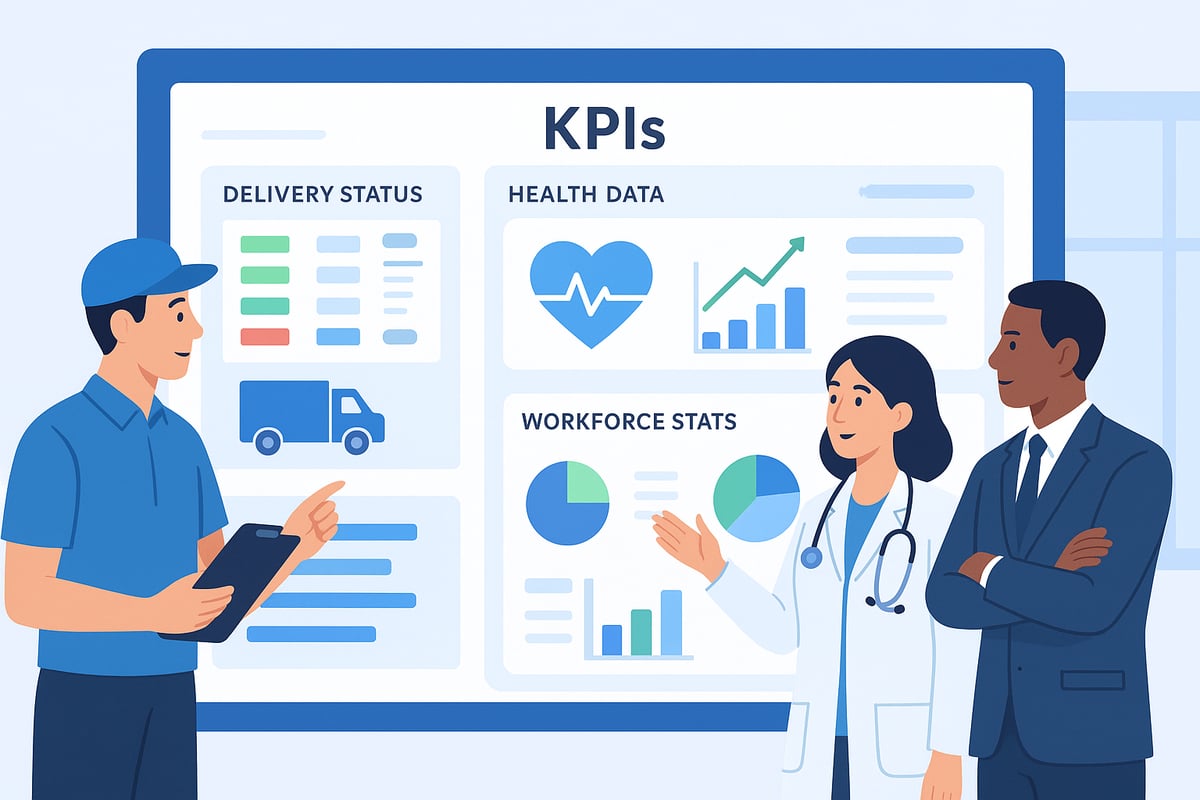
The foundation of any tracking report is selecting KPIs that align with your organization’s strategic goals. In healthcare, vital signs, medication adherence, and treatment outcomes are essential. Logistics teams rely on delivery status, shipping times, and exception rates. For business operations, time tracking and project completion rates are often top priorities.
Focusing on actionable data, not vanity metrics, is critical. For managers seeking oversight and better decision-making, Solutions for Managers demonstrates how to identify KPIs that truly impact results. By targeting relevant indicators, your tracking report becomes a powerful tool for continuous improvement.
Setting Up Data Collection Processes
Automating data collection is key to maintaining accuracy and completeness. Integrated systems reduce manual errors, while real-time feeds from IoT devices or software ensure fresh data for every tracking report. Consistency across data sources is vital, especially when reports inform compliance or regulatory needs.
For example, in healthcare, monthly and detailed reports help streamline compliance by gathering all necessary information efficiently. Establishing clear data collection protocols allows your tracking report to deliver reliable insights every time.
Reviewing and Updating KPIs Regularly
Business needs and regulatory requirements evolve, making it crucial to review tracking report KPIs on a regular basis. Benchmarking against industry standards ensures relevance and competitiveness. According to industry data, 67 percent of organizations update their KPIs annually to stay aligned with changing priorities.
Regular review sessions encourage teams to refine their tracking report, adapt to market shifts, and maintain compliance. This iterative approach ensures your metrics always reflect current objectives and operational realities.
Common Pitfalls to Avoid
Overcomplicating your tracking report with excessive data can hinder clarity and decision-making. Avoid including metrics that do not drive action or support business goals. Failing to account for data lag can lead to outdated insights, frustrating stakeholders.
Delayed shipment tracking, for instance, often leads to customer dissatisfaction and lost trust. Keep your tracking report streamlined, focused, and responsive to avoid these common issues and maximize its value for your organization.
Tools and Technologies for Streamlined Tracking Reporting in 2026
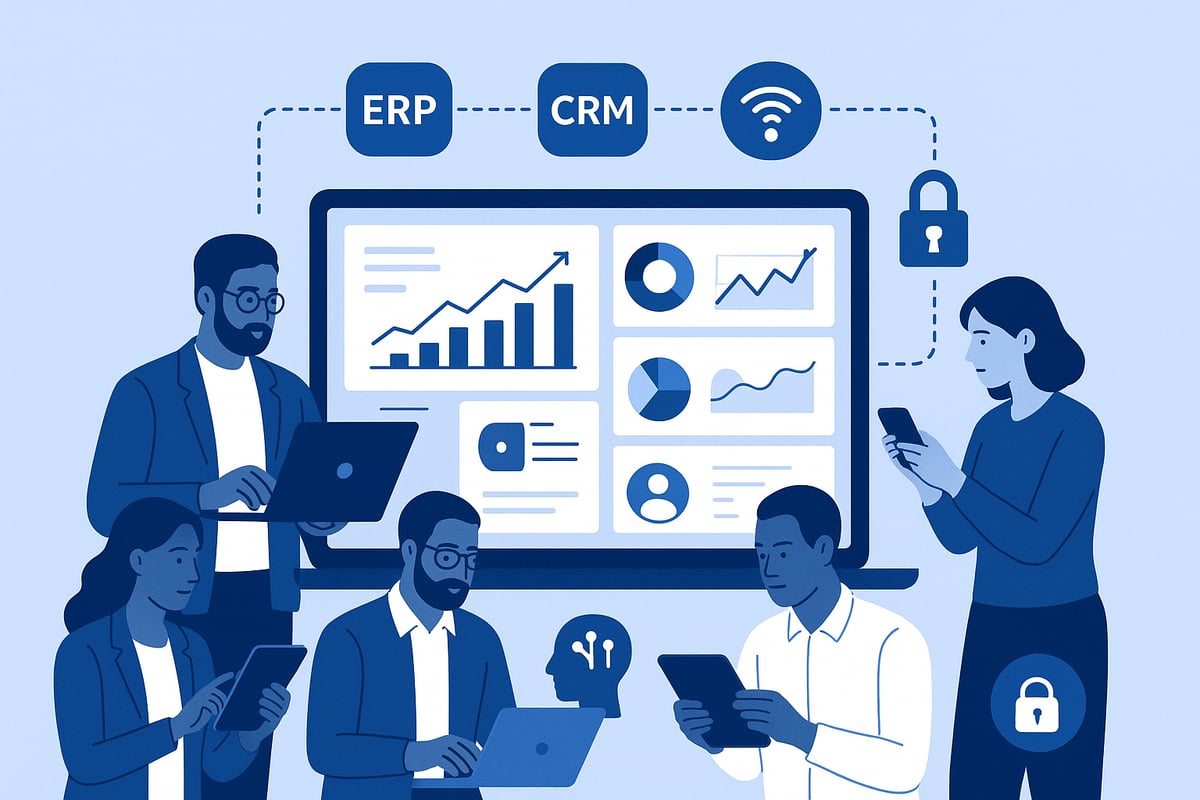
The landscape of tracking report tools in 2026 is more dynamic and interconnected than ever before. Organizations now expect seamless, automated, and secure solutions that drive efficiency and actionable insights across every sector.
Modern Tracking Report Platforms
Modern tracking report platforms cater to logistics, healthcare, and business operations with robust, real-time capabilities. These platforms deliver live dashboards, customizable export options, and mobile compatibility, supporting on-the-go access.
Key features include:
Real-time data visualization
Export formats like PDF and Excel
Interactive dashboards
Mobile access for remote teams
A tracking report solution designed for 2026 is expected to adapt quickly to new data sources and provide a user-friendly interface for all stakeholders. Choosing a platform with these features ensures your organization can respond rapidly to operational needs.
Integration Capabilities
Effective tracking report tools must integrate effortlessly with ERP, CRM, and HR systems. This integration centralizes data, reduces manual entry, and ensures seamless information flow.
For example, PostalPro integrates with payment solutions and address quality modules, enabling comprehensive tracking report generation. Integration also enhances accuracy and timeliness, allowing teams to analyze operational performance in context.
When evaluating solutions, look for platforms offering open APIs, pre-built connectors, and modular architecture. These capabilities allow tracking report tools to scale with your business and minimize data silos.
Automation and AI-Driven Insights
Automation is transforming the tracking report process by reducing manual workload and enabling scheduled, exception-based reporting. AI-powered features detect anomalies, forecast trends, and provide predictive analytics.
According to industry surveys, 55% of organizations have adopted automation for reporting workflows by 2025. To maximize efficiency, many businesses are also leveraging Top Data Management Trends Every Business Must Prepare for in 2026, such as real-time analytics and advanced machine learning.
Automated report scheduling, distribution, and AI-driven recommendations help organizations act proactively, making the tracking report a strategic asset.
Data Security and Compliance Features
With sensitive information at stake, tracking report platforms in 2026 prioritize security and compliance. Built-in encryption protects data at rest and in transit, while compliance modules ensure alignment with evolving regulations.
Key security features include:
User authentication and role-based permissions
Audit logs for all report access and changes
Regular updates for regulatory compliance
Choosing a platform with robust security safeguards your tracking report data, maintains client trust, and simplifies audits.
Scalability and Customization
As organizations grow, tracking report solutions must scale from single-site operations to global, multi-location deployments. Modular add-ons and customizable dashboards empower stakeholders to access the information most relevant to their role.
Scalable platforms can accommodate increased data volume, new data sources, and evolving reporting needs. Customization ensures each department or user receives actionable insights, driving better business outcomes.
In 2026, investing in flexible, scalable tracking report tools positions your organization for continued growth and compliance.
Designing, Automating, and Distributing Tracking Reports
A well-crafted tracking report is only as effective as its design, automation, and delivery. In 2026, organizations must prioritize clarity, efficiency, and accessibility to ensure that every tracking report delivers actionable insights to the right stakeholders at the right time.
Best Practices for Report Design
Designing a tracking report for maximum impact requires a balance of structure and visual appeal. Start by grouping related data, such as KPIs and trends, so readers quickly find what matters.
Use color coding and icons to highlight key information.
Incorporate interactive elements like clickable counts and form IDs.
Ensure consistent layouts for easy comparison across reports.
For example, health tracking reports often include segmented tables and clear visual cues, making complex data accessible even to non-technical users.
Automating Report Generation
Automation is essential for reducing manual errors and saving time in tracking report workflows. Set up scheduled reports for daily, weekly, or monthly delivery, ensuring teams always have up-to-date information.
Enable triggers for exception-based reporting, such as alerts for anomalies or missed deadlines.
Leverage integrated systems to pull real-time data automatically.
Reduce manual data entry to boost accuracy.
To streamline this process, explore Time Tracking Capabilities that support automated report creation and customizable scheduling, making it easy to generate tracking reports without repetitive effort.
Multi-Channel Distribution
Distributing a tracking report across multiple channels ensures that insights reach every stakeholder, regardless of their preferred format. Export options like PDF and Excel provide flexibility for offline review.
Share reports via email, internal dashboards, or mobile apps.
Use cloud platforms for real-time access and collaboration.
Offer printable and exportable formats to accommodate diverse needs.
Platforms such as Therap Global illustrate how multi-channel distribution supports both compliance and convenience for healthcare organizations.
Ensuring Accessibility and User Adoption
A tracking report must be accessible and user-friendly to drive adoption. Train teams on how to interpret and use reports effectively, offering step-by-step guides or brief video tutorials.
Collect user feedback to identify areas for improvement.
Design with accessibility in mind, such as high-contrast colors and readable fonts.
Emphasize mobile-friendly layouts for on-the-go access.
Research shows that 70% of businesses experience higher adoption rates when they prioritize user-friendly tracking report design.
Monitoring and Optimizing Report Performance
Continuous improvement is key to maintaining the value of a tracking report. Monitor engagement metrics, such as report opens and downloads, to understand usage patterns.
Solicit feedback regularly to refine report formats.
Iterate on design and automation settings based on real-world needs.
Adjust distribution frequency to match stakeholder preferences.
By making reporting an iterative process, organizations ensure their tracking reports remain relevant, actionable, and truly impactful.
Compliance, Privacy, and Data Governance for Tracking Reports
In 2026, regulatory scrutiny around tracking report practices is at an all-time high. Organizations must balance transparency with privacy, ensuring that every tracking report meets strict standards for compliance, security, and governance.
Regulatory Requirements in 2026
The regulatory landscape for tracking report management continues to evolve. Compliance with standards like GDPR in Europe, HIPAA for healthcare in the US, and postal industry regulations is non-negotiable. Failure to comply can result in severe penalties and reputational risks. Organizations must regularly review their tracking report processes to ensure adherence to all applicable laws, documenting every step for future audits.
Data Privacy Best Practices
Protecting sensitive data within every tracking report is essential. Anonymizing personal information, using role-based access controls, and encrypting data at all stages are now standard procedures. Health tracking systems, for example, strictly limit user permissions to safeguard patient data. Regular privacy reviews help organizations stay ahead of evolving threats and maintain stakeholder trust in their tracking report processes.
Audit Trails and Record Keeping
Maintaining detailed audit trails is a cornerstone of effective tracking report governance. Every access, change, or export should be logged, creating a comprehensive record for compliance checks. Exporting and archiving reports is vital for both regulatory reviews and internal audits. For more on system vulnerabilities and best practices, see this systematic security analysis for path-based traceability systems in RFID-enabled supply chains.
Secure Data Storage and Transmission
Securing tracking report data both at rest and in transit is critical. Organizations deploy advanced encryption protocols and choose between cloud or on-premises storage based on risk assessments. Server-side solutions offer enhanced protection by minimizing client-side exposure. For further insights, consult the Server-Side Tracking Best Practices Guide 2026, which details secure implementation strategies for modern tracking report systems.
Preparing for Regulatory Changes
Staying compliant means looking ahead. Organizations should monitor regulatory developments, conduct proactive audits, and update tracking report protocols as new laws emerge. Regular staff training and policy reviews are essential to maintain readiness. By embracing a culture of continuous improvement, businesses ensure their tracking report practices remain robust and future-proof.
Advanced Tips and Future Trends in Tracking Reporting
The landscape of tracking report best practices is evolving rapidly as organizations seek greater accuracy, speed, and actionable insights. Staying ahead means embracing new technologies and approaches designed to maximize the value of every tracking report.
Leveraging Predictive Analytics and AI
Artificial intelligence is transforming the tracking report by enabling predictive analytics and anomaly detection. Machine learning can forecast delivery times, identify unusual patterns in health or logistics data, and automate alerts for potential issues. This proactive approach allows organizations to act on insights before problems escalate, making the tracking report a strategic asset.
Real-Time and Self-Service Reporting
Demand for real-time access to tracking report data is higher than ever. Modern platforms empower users to generate their own reports instantly, reducing reliance on IT teams. With self-service options, stakeholders can filter, sort, and export the tracking report they need, anytime, leading to faster, more informed decisions.
Mobile-First and Cross-Platform Access
As remote work and diverse teams become standard, mobile-friendly tracking report solutions are essential. Dashboards optimized for smartphones and tablets ensure that insights are accessible wherever users are. Cross-platform compatibility supports seamless workflows, whether in healthcare clinics, warehouses, or on the road.
Personalization and User-Centric Design
Customizable dashboards and adaptive reporting interfaces are now expected. Different users require different views, so tracking report tools offer role-based access and layouts. This personalization enhances user experience, drives adoption, and ensures that each stakeholder gets the most relevant information at a glance.
Anticipating Future Innovations
Emerging technologies like blockchain and IoT are poised to reshape tracking report standards. Blockchain can secure audit trails and prevent tampering, while IoT devices provide granular, automated data collection. For a deeper dive into industry-specific advancements, see the latest Fleet Management Trends in 2026. According to industry forecasts, 60% of organizations plan to invest in advanced tracking technologies by 2027, highlighting the importance of staying informed and adaptable.
As you’ve seen throughout this guide, mastering tracking report best practices in 2026 means prioritizing accuracy, real-time insights, and user-friendly automation—especially for dynamic industries like restaurants and cafes. If you’re eager to put these strategies into action and make scheduling and time tracking truly effortless, why not see how a purpose-built platform can help? I encourage you to explore how Heybegin’s smart solutions can simplify your workflows, reduce labor costs, and boost efficiency. You can get started and see the benefits for yourself—Try Heybegin for Free.