Free Roster App: Smart Scheduling for Service Teams
Discover how a free roster app can transform your team scheduling. Compare features, benefits, and best practices for restaurants and cafes.
Managing employee schedules in restaurants, cafes, and service industries presents unique challenges that can make or break operational efficiency. A free roster app offers businesses an accessible entry point into digital scheduling without the financial commitment, allowing managers to test automation features while reducing administrative burden. These tools have evolved significantly in 2026, providing capabilities once reserved for enterprise-level software at no cost to small and medium-sized establishments.
Understanding Free Roster App Solutions
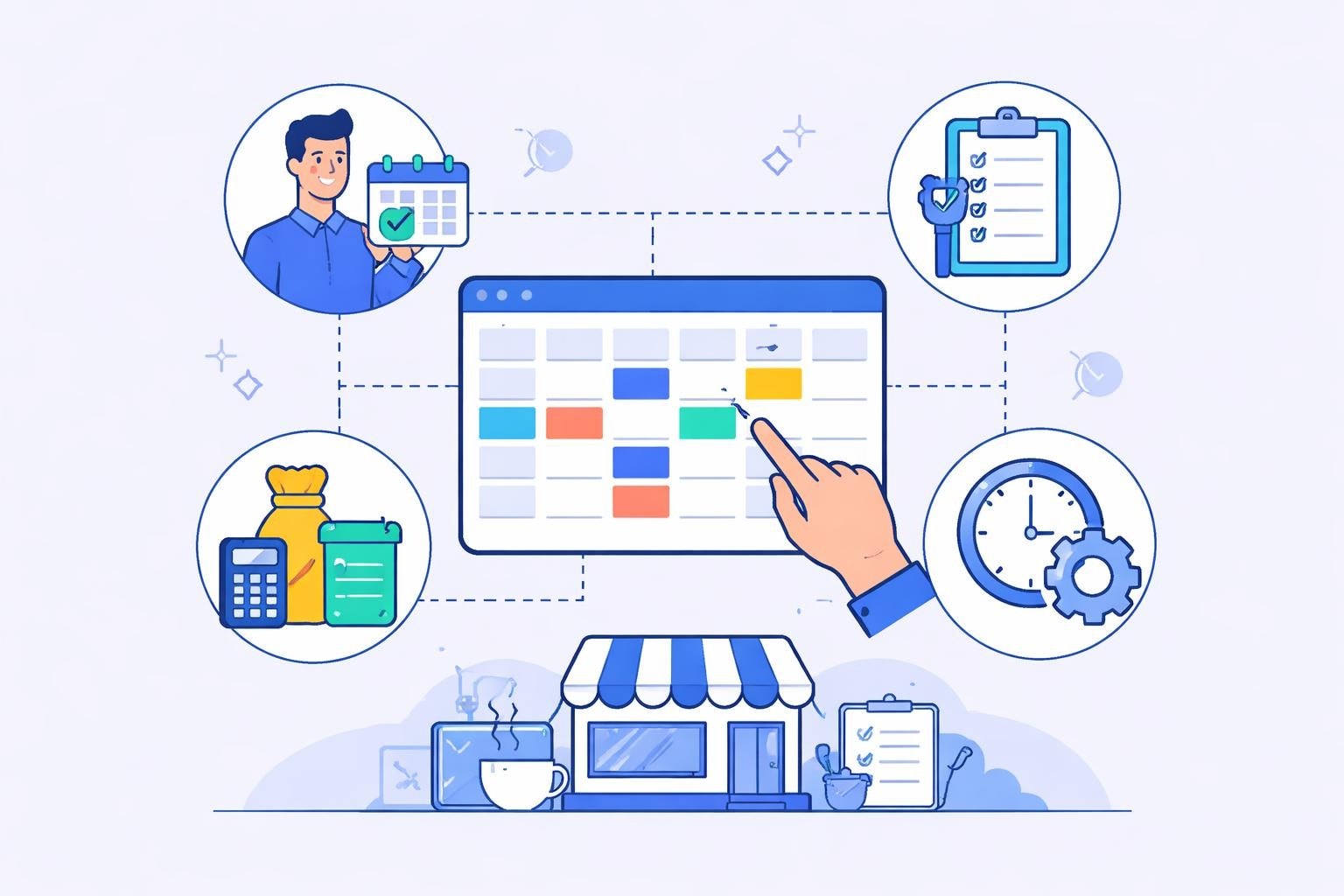
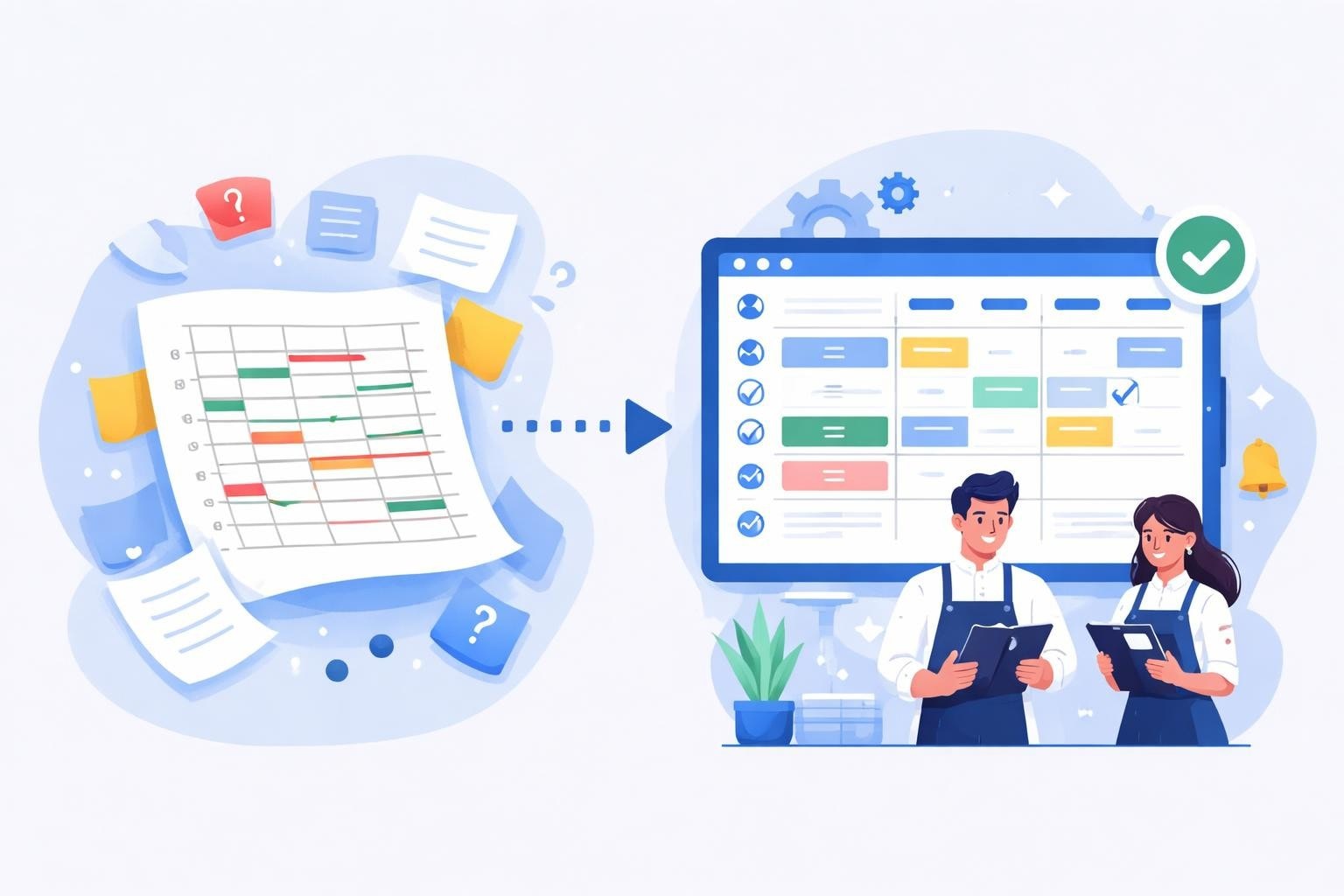
A free roster app serves as a digital platform that replaces manual scheduling methods like spreadsheets, whiteboards, or paper calendars. These applications enable managers to create, distribute, and modify work schedules while giving employees visibility into their upcoming shifts.
The core functionality typically includes:
Shift creation and assignment
Employee availability tracking
Schedule distribution via mobile devices
Basic conflict detection
Shift swap requests
Most free roster app options operate on a freemium model, offering essential features at no cost while reserving advanced capabilities for paid tiers. This approach allows restaurants and cafes to implement digital scheduling without upfront investment, making it particularly attractive for businesses testing new operational systems.
Key Features That Matter
When evaluating scheduling platforms, understanding which features deliver tangible value helps businesses make informed decisions. The best employee scheduling software typically balances functionality with ease of use, ensuring managers can quickly adapt to new systems.
The following table compares essential versus advanced features:
Essential Features | Advanced Features | Business Impact |
|---|---|---|
Shift templates | AI-powered scheduling | Time savings |
Mobile access | Budget forecasting | Cost control |
Availability tracking | Labor law compliance | Risk reduction |
Schedule publishing | Integrated payroll | Process automation |
Basic notifications | Advanced analytics | Decision support |
Free versions generally include essential features, while businesses experiencing growth may eventually need advanced capabilities. The transition point varies depending on team size, scheduling complexity, and regulatory requirements.

Benefits for Restaurant and Cafe Operations
Service industries face distinctive scheduling challenges that general workforce tools often fail to address. Peak dining hours, seasonal fluctuations, and high turnover rates demand flexible solutions that adapt quickly.
A free roster app specifically benefits these businesses by:
Reducing labor costs through better schedule optimization. Understanding labor costs for restaurants helps managers recognize how scheduling inefficiencies directly impact profitability. Over-scheduling during slow periods or under-staffing during rushes both create financial waste.
Minimizing communication errors. Digital distribution eliminates the confusion of verbal schedule changes or illegible handwritten rosters. Employees receive immediate notifications when schedules publish or shifts change, reducing no-shows and miscommunication.
Improving employee satisfaction. Staff members appreciate transparency around their schedules and the ability to manage availability through mobile devices. This empowerment leads to better retention in industries known for high turnover.
Real-Time Schedule Adjustments
The restaurant environment demands rapid response to unexpected situations. When a server calls in sick thirty minutes before their shift, managers need immediate solutions. Modern scheduling tools enable quick adjustments with automated notifications to potential replacement staff.
Efficient employee scheduling practices emphasize the importance of integrating time tracking with shift planning. This integration allows managers to monitor actual versus scheduled hours, identifying patterns that inform future roster decisions.
Selecting the Right Free Roster App
Not all scheduling platforms serve service industry needs equally well. Restaurants and cafes require specific functionality that general business tools may lack.
Consider these evaluation criteria:
Industry-specific templates that accommodate split shifts, varying shift lengths, and role-based scheduling
Mobile-first design enabling both managers and staff to access schedules from smartphones
Offline capability ensuring schedule access even when internet connectivity falters
Integration options connecting with existing POS systems, payroll providers, or HR platforms
Scalability allowing growth from a single location to multiple sites without platform changes
Implementation Best Practices
Successfully deploying a new scheduling system requires more than selecting software. Employee scheduling tips highlight the importance of change management when transitioning from legacy systems.
Follow these implementation steps:
Audit current scheduling processes to identify pain points
Select two to three free roster app options for trial evaluation
Test each platform with a small team before full deployment
Gather feedback from both managers and employees during trials
Provide training sessions covering all user roles
Establish clear policies around shift trading, availability updates, and schedule access
Monitor adoption rates and address resistance proactively
The transition period typically spans two to four weeks, depending on team size and technical comfort levels. Rushing implementation often leads to incomplete adoption and frustrated users.

Maximizing Value from Free Tools
Free roster app solutions provide substantial functionality, but businesses must actively leverage available features to realize full benefits. Many organizations use only a fraction of their scheduling platform's capabilities, missing opportunities for efficiency gains.
Advanced Scheduling Strategies
Effective employee scheduling strategies emphasize balancing operational needs with employee preferences. This balance becomes achievable when scheduling tools provide data-driven insights.
Implement these strategies:
Demand forecasting using historical sales data to predict staffing needs
Skills-based scheduling ensuring adequate coverage of essential competencies during each shift
Fair rotation systems distributing desirable and less popular shifts equitably
Buffer management maintaining a pool of on-call staff for unexpected gaps
Modern platforms often include these capabilities even in free versions, though with limitations on historical data retention or forecast accuracy.
Strategy | Manual Method Time | Digital Method Time | Time Saved |
|---|---|---|---|
Weekly schedule creation | 3-4 hours | 45-60 minutes | 65% |
Shift swap processing | 15-20 minutes per swap | 2-3 minutes per swap | 85% |
Availability collection | 2-3 hours | 10-15 minutes | 92% |
Schedule distribution | 30-45 minutes | Instant | 100% |
Integrating Time Tracking
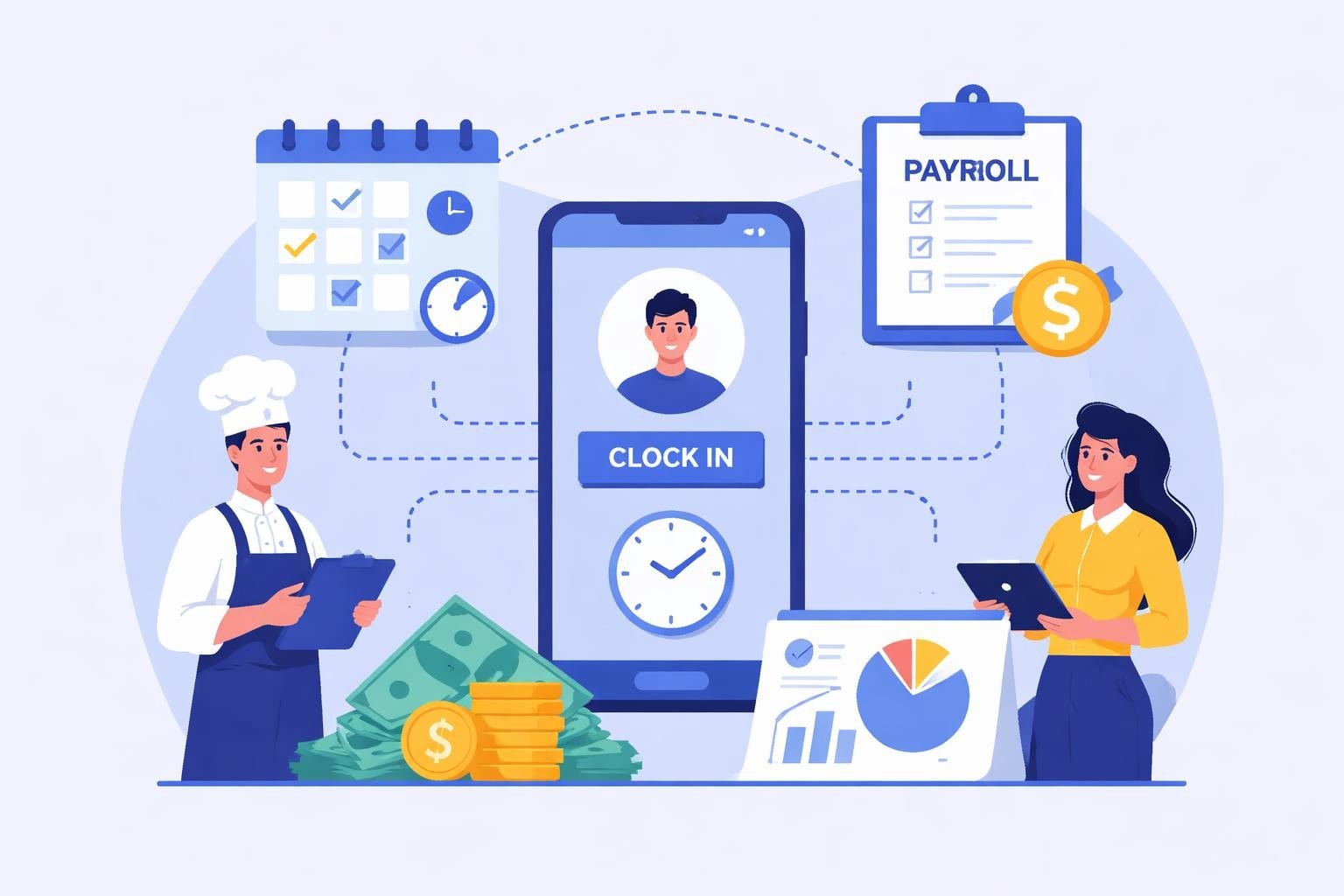
The connection between scheduling and time tracking creates powerful opportunities for operational improvement. When employees clock in and out through the same platform managing their schedules, managers gain immediate visibility into labor variances.
Worker scheduling best practices recommend implementing clear policies around early arrivals, late departures, and missed breaks. A free roster app with integrated time tracking enforces these policies automatically, reducing manual oversight requirements.
This integration also simplifies payroll preparation by generating accurate timesheet data directly from actual worked hours rather than scheduled shifts. The reduction in payroll errors and disputes delivers measurable financial benefits.
Common Challenges and Solutions
Despite the advantages, businesses often encounter obstacles when adopting scheduling technology. Recognizing these challenges early enables proactive mitigation strategies.
Employee resistance to technology represents the most common barrier. Staff members accustomed to checking paper schedules may view digital tools as unnecessary complications. Address this through comprehensive training and by highlighting personal benefits like schedule access from home.
Limited feature sets in free versions sometimes restrict growing businesses. Monitor your usage against platform limitations, planning transitions to paid tiers or alternative solutions before hitting constraints.
Data security concerns arise when employee information moves to cloud platforms. Best practices for employee scheduling include verifying vendor security certifications, understanding data storage locations, and reviewing privacy policies thoroughly.
Troubleshooting Technical Issues
Technical problems inevitably occur with any software platform. Establish clear escalation procedures ensuring quick resolution:
Designate a primary system administrator within your organization
Maintain vendor support contact information in accessible locations
Create backup communication channels for schedule distribution during outages
Document common issues and solutions for quick reference
Most free roster app providers offer community forums, knowledge bases, or email support even for non-paying users. Premium support typically requires paid subscriptions.

Future-Proofing Your Scheduling System
Technology evolves rapidly, and scheduling platforms continuously add capabilities. Effective employee scheduling in busy workplaces increasingly relies on artificial intelligence, predictive analytics, and automated optimization.
When selecting a free roster app, consider the vendor's development roadmap and commitment to ongoing improvement. Platforms that regularly release updates and new features provide better long-term value than stagnant solutions.
Migration Planning
Even free tools require eventual transitions, whether upgrading to paid tiers or switching platforms entirely. Plan for these scenarios:
Data portability ensuring schedule history, employee information, and configuration settings export to standard formats. Vendor lock-in through proprietary data formats creates significant switching costs.
Incremental adoption of new features rather than wholesale platform replacements minimizes disruption. Many modern scheduling tools allow phased rollouts of advanced capabilities.
Continuous evaluation comparing your current platform against emerging alternatives at least annually. The scheduling software landscape shifts rapidly, with new entrants offering innovative approaches.
Measuring Success and ROI
Quantifying the impact of scheduling improvements validates technology investments and identifies optimization opportunities. Even with free tools, tracking key performance indicators demonstrates value.
Monitor these metrics:
Time spent on schedule creation and management
Payroll accuracy rates and correction frequency
Schedule-related employee complaints or disputes
Labor cost percentage relative to revenue
Employee turnover rates among scheduled staff
No-show and late arrival incidents
Establish baselines before implementing your free roster app, then track changes over subsequent months. Most businesses observe measurable improvements within the first scheduling cycle, with continued gains as proficiency increases.
Scaling Beyond Free Tiers
Growth eventually necessitates additional capabilities beyond free offerings. Recognize the indicators suggesting transition timing:
Hitting user limits or location restrictions
Requiring advanced reporting for multi-unit operations
Needing deeper integrations with accounting or HR systems
Facing compliance requirements demanding audit trails
Wanting predictive scheduling or AI-powered optimization
The transition from free to paid tiers represents an investment in operational maturity rather than an abandonment of cost-conscious practices. Evaluate the return on investment by comparing subscription costs against time savings and labor optimization benefits.
Business Size | Monthly Time Saved | Equivalent Labor Cost | Justifiable Investment |
|---|---|---|---|
10-15 employees | 8-10 hours | $120-$200 | Up to $100/month |
20-30 employees | 15-20 hours | $225-$400 | Up to $300/month |
35-50 employees | 25-35 hours | $375-$700 | Up to $500/month |
50+ employees | 40+ hours | $600+ | $500+ per month |
These calculations assume manager time valued at $15-$20 per hour and consider only direct scheduling time savings, excluding labor optimization benefits.
Optimizing Communication Through Scheduling Tools
Beyond basic roster distribution, modern scheduling platforms facilitate rich communication between management and staff. These communication features often differentiate free roster app options in crowded markets.
Essential communication capabilities include:
Shift-specific notes conveying special instructions or preparation requirements
Team messaging for announcing policy changes or general updates
Availability request systems allowing staff to indicate preferences proactively
Automated reminders reducing no-shows through pre-shift notifications
Effective communication through scheduling platforms reduces reliance on separate messaging apps, email chains, or physical bulletin boards. Centralization ensures important information reaches all relevant parties without fragmentation across multiple channels.
Building a Communication Culture
Technology enables communication but doesn't guarantee it. Establishing norms around scheduling platform usage ensures consistent adoption:
Set clear expectations about response times for availability requests, shift swap approvals, and schedule inquiries. Employees need to understand management's availability and typical turnaround times.
Encourage proactive availability updates rather than reactive scheduling conflicts. When staff members communicate time-off needs or availability changes well in advance, managers can plan more effectively.
Recognize and reward employees who consistently maintain accurate availability profiles and respond promptly to scheduling communications. Positive reinforcement drives behavioral change more effectively than punitive measures.
Compliance Considerations
Labor regulations significantly impact scheduling practices, particularly in service industries where wage and hour laws govern break periods, overtime, and predictive scheduling requirements. A free roster app can help maintain compliance when configured correctly.
Key compliance areas include:
Minimum rest periods between shifts
Break requirements based on shift length
Overtime calculation and approval workflows
Predictive scheduling laws in applicable jurisdictions
Minor labor restrictions for businesses employing younger workers
Many scheduling platforms include configurable rules engines that automatically flag potential violations. While free versions may offer basic compliance features, complex regulatory environments often require paid tiers with advanced rule sets.
Consult with legal counsel or HR professionals to ensure your free roster app configuration aligns with applicable laws. Software providers typically disclaim legal liability, placing compliance responsibility on the business.
A free roster app transforms scheduling from an administrative burden into a strategic advantage for restaurants, cafes, and service businesses. By reducing time spent on schedule creation, improving communication, and providing visibility into labor costs, these tools deliver measurable operational improvements. The key lies in selecting platforms aligned with industry-specific needs, implementing them thoughtfully, and leveraging available features fully. Heybegin offers specialized scheduling and time tracking solutions designed specifically for restaurants and service industries, combining the accessibility of modern platforms with features that address the unique challenges of hospitality workforce management.