Team Scheduling Platform: Complete Guide for 2026
Discover how a team scheduling platform transforms workforce management in service industries with automation, real-time tracking, and efficiency.
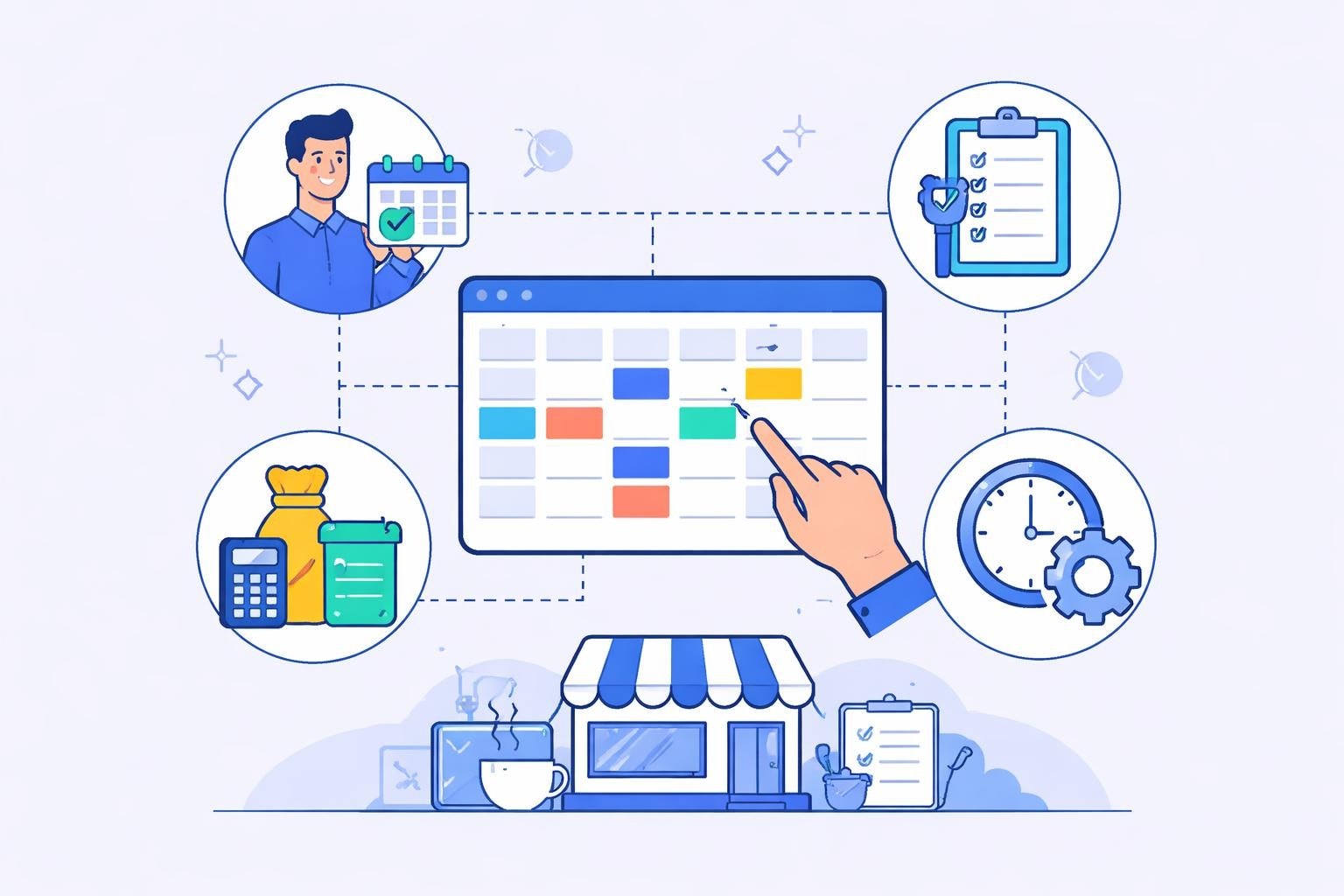
Managing staff schedules in restaurants, cafes, and service-oriented businesses has evolved from handwritten rosters and spreadsheets to sophisticated digital solutions. A team scheduling platform serves as the central nervous system for workforce management, coordinating employee availability, shift assignments, and operational requirements in real-time. As labor costs continue to represent the largest controllable expense for service businesses, implementing the right scheduling technology has become essential for maintaining profitability while ensuring adequate coverage during peak hours.
Understanding the Modern Team Scheduling Platform
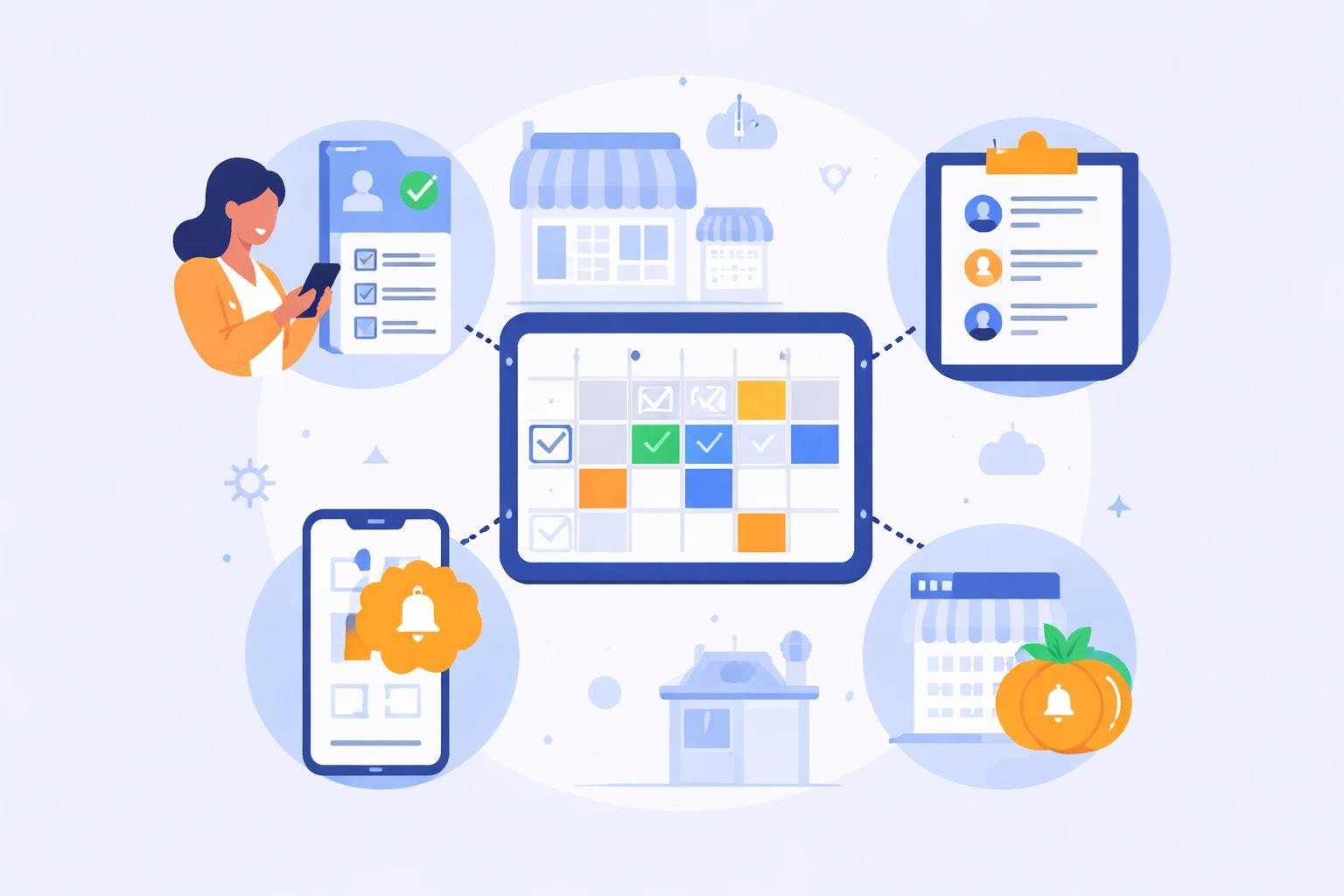
A team scheduling platform is more than just a digital calendar. It represents a comprehensive ecosystem that connects employee availability, business demand forecasting, labor law compliance, and communication tools into a unified interface. Modern platforms leverage automation to eliminate the manual work traditionally associated with creating weekly schedules, allowing managers to focus on strategic decisions rather than administrative tasks.
The core functionality of these systems centers on matching the right employees to the right shifts based on multiple variables. Skills, certifications, availability preferences, labor budgets, and historical demand patterns all factor into the scheduling equation. When implemented effectively, best configurations for team scheduling apps significantly enhance both manager productivity and employee satisfaction.
Key Components of Effective Scheduling Systems
Essential Features:
Real-time availability management
Automated shift assignment algorithms
Mobile access for employees and managers
Integration with payroll and time tracking
Compliance monitoring and alerts
Communication channels for shift swaps
The technical architecture matters significantly. Cloud-based platforms offer accessibility from any device, ensuring managers can handle scheduling emergencies from anywhere. Integration capabilities determine how well the platform fits into existing operational workflows, particularly for businesses using point-of-sale systems or accounting software.
Benefits for Service Industry Operations
Restaurant and cafe managers face unique scheduling challenges. Fluctuating customer demand, split shifts, varying skill requirements for different stations, and high turnover rates create complexity that traditional methods struggle to address. A dedicated team scheduling platform addresses these pain points through intelligent automation and data-driven insights.
Labor cost control stands out as the primary benefit. By analyzing historical sales data and forecasting demand, scheduling platforms prevent both overstaffing during slow periods and understaffing during rushes. This optimization typically reduces labor costs by 3-5% while improving service quality. For a mid-sized restaurant with annual labor costs of $500,000, this translates to $15,000-$25,000 in annual savings.
Operational Efficiency Improvements
Benefit Category | Traditional Method | Platform-Based Approach | Time Saved |
|---|---|---|---|
Schedule Creation | 3-5 hours weekly | 30-45 minutes weekly | 75-85% |
Shift Coverage | Multiple calls/texts | Automated notifications | 90% |
Timesheet Compilation | 2-3 hours weekly | Automated export | 95% |
Compliance Tracking | Manual review | Real-time alerts | 100% |
The adoption metrics improved by team scheduling apps demonstrate measurable improvements across multiple operational dimensions. On-time schedule publication rates increase from 60-70% with manual methods to over 95% with automated platforms. This predictability improves employee work-life balance and reduces last-minute scrambling to find coverage.
Employee empowerment represents another crucial advantage. Self-service features allow staff members to update availability, request time off, swap shifts with colleagues, and view schedules from their smartphones. This autonomy reduces the administrative burden on managers while giving employees greater control over their work schedules.
Implementation Strategies for Maximum Impact
Successfully deploying a team scheduling platform requires more than simply purchasing software and expecting immediate results. Strategic implementation determines whether the system becomes an indispensable tool or an abandoned experiment. Service businesses should approach deployment as a change management initiative that requires planning, training, and continuous refinement.
The foundation begins with accurate data. Before migrating to a new platform, businesses need clean employee records including skills, certifications, availability preferences, and wage rates. Historical scheduling data, sales patterns, and labor cost benchmarks provide the baseline for optimization algorithms. Without this information, even the most sophisticated team scheduling platform cannot deliver meaningful improvements.
Phased Rollout Approach
Pilot Phase (2-3 weeks): Test with one location or department to identify issues
Training Period (1-2 weeks): Comprehensive manager and employee education
Parallel Operation (2 weeks): Run new system alongside existing method
Full Deployment: Complete transition with ongoing support
Optimization Cycle: Monthly review and adjustment based on metrics
Resistance from both managers and employees can derail implementation. Managers often worry about losing control or struggling with new technology. Employees may distrust automated systems or fear reduced hours. Addressing these concerns through transparent communication and demonstrating quick wins builds buy-in. Highlighting how smarter collaboration through team scheduling apps improves daily operations helps overcome skepticism.
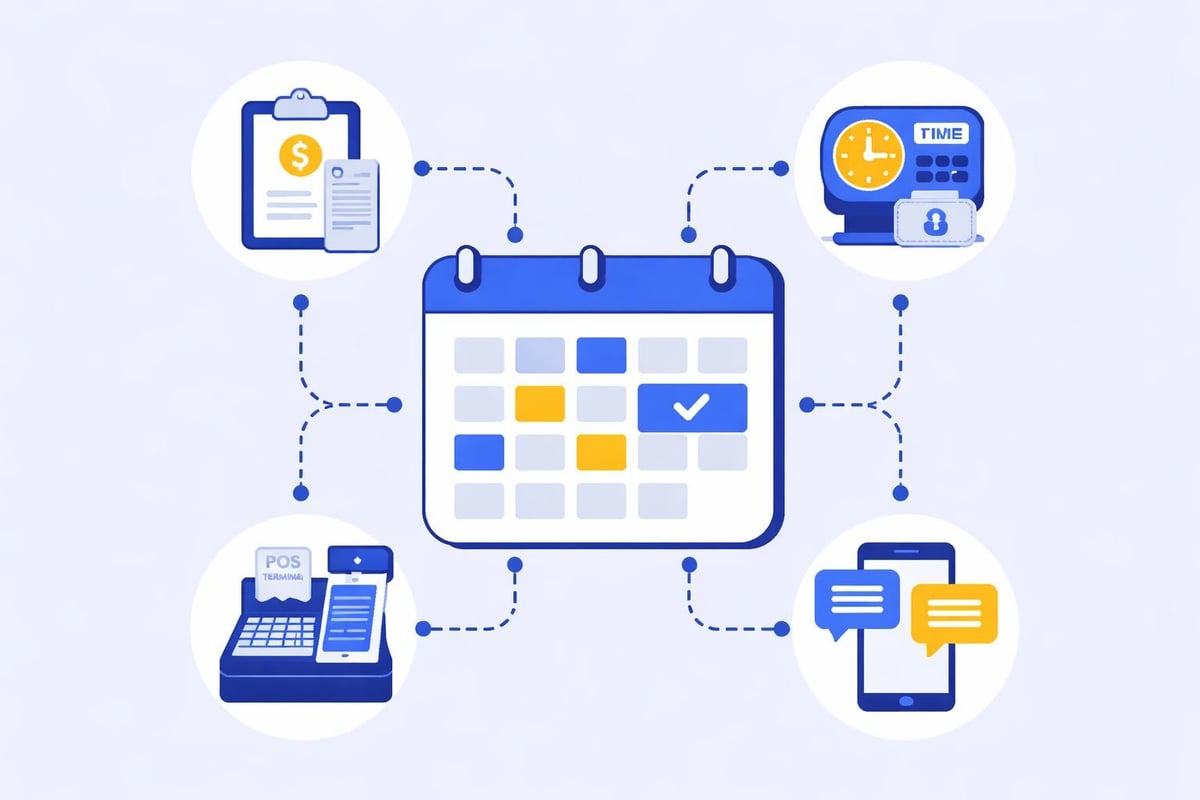
Integration with existing systems prevents the team scheduling platform from becoming an isolated tool. Connecting to payroll systems eliminates double data entry and ensures accuracy. Point-of-sale integration provides the sales data needed for demand forecasting. Time clock integration creates a seamless flow from schedule creation through actual hours worked to payroll processing.

Advanced Features Driving Competitive Advantage
Beyond basic scheduling functionality, advanced capabilities separate adequate platforms from exceptional ones. Predictive analytics transform historical data into actionable forecasts, enabling proactive rather than reactive scheduling decisions. Machine learning algorithms identify patterns in employee performance, customer traffic, and operational efficiency that human managers might miss.
Labor forecasting uses multiple data sources to predict staffing requirements. Sales history, weather forecasts, local events, seasonal patterns, and day-of-week trends combine to generate accurate demand predictions. For restaurants implementing scheduling for restaurants strategies, this precision prevents the costly mistake of scheduling based solely on last year's patterns without accounting for changing market conditions.
Intelligent Automation Capabilities
The most sophisticated team scheduling platform solutions incorporate artificial intelligence to handle complex scheduling constraints. These systems can simultaneously optimize for labor cost targets, employee preferences, skill mix requirements, compliance rules, and service quality standards. What would take a human scheduler hours of trial and error happens in seconds through algorithmic optimization.
Real-time adjustment capabilities prove particularly valuable in the unpredictable service industry environment. When an employee calls in sick or unexpected customer volume requires additional coverage, the platform immediately identifies available staff members who meet the necessary criteria and can reach the location within the required timeframe. Automated notifications go out, and the first person to accept fills the shift.
Advanced Feature | Business Impact | Implementation Complexity |
|---|---|---|
AI-Powered Forecasting | 5-8% labor cost reduction | High |
Shift Marketplace | 30% faster coverage | Medium |
Skills-Based Scheduling | 15% productivity gain | Medium |
Compliance Automation | 95% violation prevention | Low |
Mobile Geofencing | Eliminates time theft | Medium |
Understanding coordination in virtual teams provides insights applicable to distributed service locations. Multi-unit operations benefit from centralized scheduling visibility combined with location-specific management. Corporate oversight ensures consistent policies while individual managers retain flexibility for local conditions.
Compliance and Risk Management
Labor law compliance represents a critical yet often overlooked aspect of scheduling. Regulations governing break requirements, overtime, minor work restrictions, and predictive scheduling laws vary by jurisdiction and change regularly. Manual tracking of these rules creates significant legal exposure, particularly for growing businesses operating in multiple locations.
A robust team scheduling platform embeds compliance rules directly into the scheduling logic. When a manager attempts to create a schedule that violates break requirements or exceeds maximum consecutive days worked, the system provides immediate warnings. This proactive approach prevents violations before they occur rather than discovering problems during audits or employee complaints.
Predictive scheduling laws in cities like Seattle, San Francisco, and New York require advance schedule posting and compensation for last-minute changes. These regulations fundamentally change scheduling workflows for covered businesses. Platforms designed for compliance automatically track good faith estimates, schedule change windows, and premium pay triggers, ensuring businesses meet legal requirements without extensive manual oversight.
Data Security and Privacy Considerations
Employee scheduling data includes personally identifiable information, wage rates, and work patterns that require protection. The pros and cons of online scheduling systems highlight the importance of security measures in any system handling sensitive information.
Businesses should evaluate platforms based on:
Data encryption standards (at rest and in transit)
Access controls and role-based permissions
Audit trails for schedule modifications
Backup and disaster recovery capabilities
Compliance with privacy regulations (GDPR, CCPA)
Cloud-based platforms typically offer superior security compared to on-premises solutions for small and medium businesses. Major providers invest in security infrastructure that individual restaurants cannot economically replicate. However, this requires trust in the vendor's practices and contractual guarantees regarding data ownership and portability.
Measuring Return on Investment
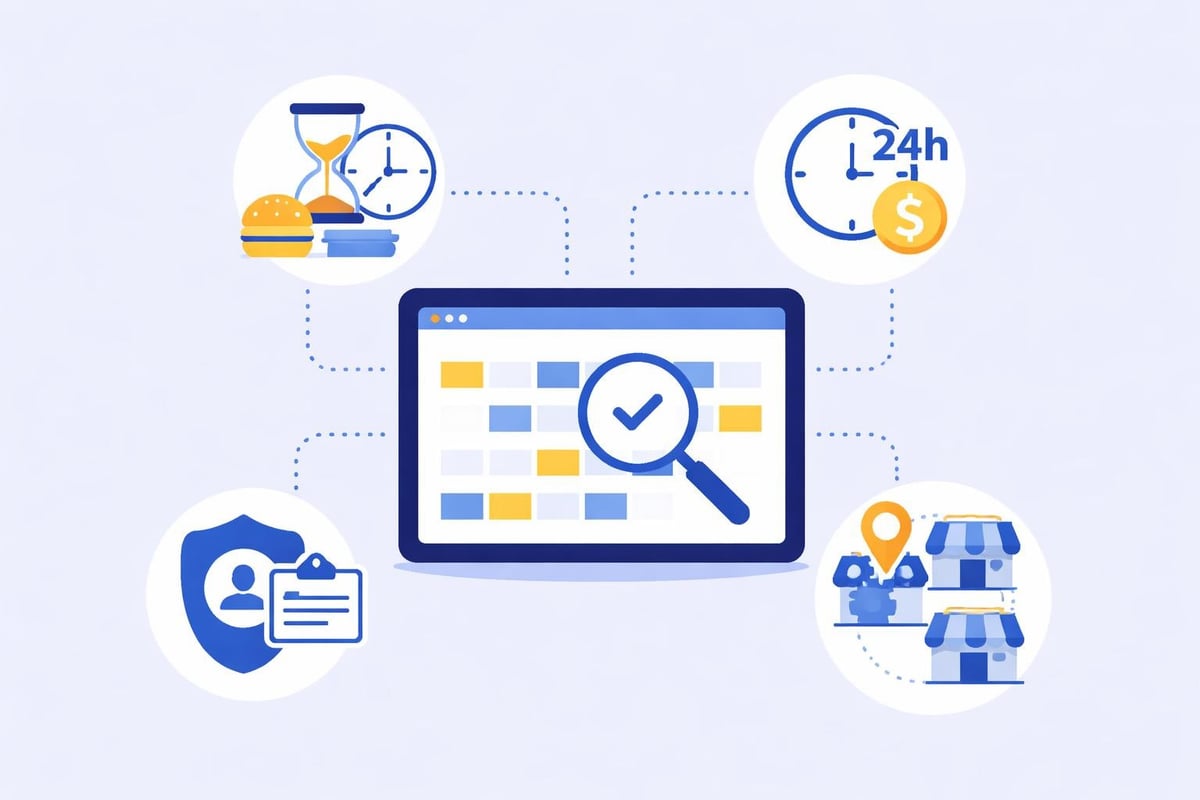
Quantifying the financial impact of a team scheduling platform validates the investment and identifies optimization opportunities. Direct cost savings from reduced labor waste represent the most visible benefit, but comprehensive ROI analysis includes multiple factors that contribute to profitability.
Labor cost reduction stems from eliminating unnecessary coverage and matching staffing levels to actual demand. The platform's forecasting engine prevents both overstaffing (direct waste) and understaffing (lost revenue). Most service businesses achieve 3-7% labor cost reduction within the first six months of implementation, with continued improvements as the system learns patterns and managers refine their approach.
Administrative time savings translate directly to productivity gains. Managers spending 5 hours weekly on manual scheduling can redirect that time to employee development, customer service, or strategic planning. For a manager earning $50,000 annually, five hours weekly represents approximately $3,000 in annual value that can be reallocated to higher-impact activities.
Comprehensive ROI Framework
Measurable Benefits:
Reduced labor costs (3-7% of total labor spend)
Decreased administrative time (70-85% scheduling time reduction)
Lower turnover costs (improved satisfaction reduces attrition)
Compliance risk mitigation (avoided fines and penalties)
Improved revenue capture (optimal staffing drives sales)
Investment Considerations:
Platform subscription fees ($3-8 per employee monthly)
Implementation and training time
Integration development costs
Change management resources
Exploring open source employee scheduling alternatives provides insight into the build-versus-buy decision. While open source options eliminate subscription costs, they require significant technical expertise for implementation, customization, and maintenance. For most service businesses, the total cost of ownership favors purpose-built commercial platforms.
Integration with Broader Workforce Management
A team scheduling platform delivers maximum value when it functions as part of an integrated workforce management ecosystem rather than a standalone tool. Time tracking, payroll processing, performance management, and communication systems all interconnect with scheduling to create a comprehensive solution.
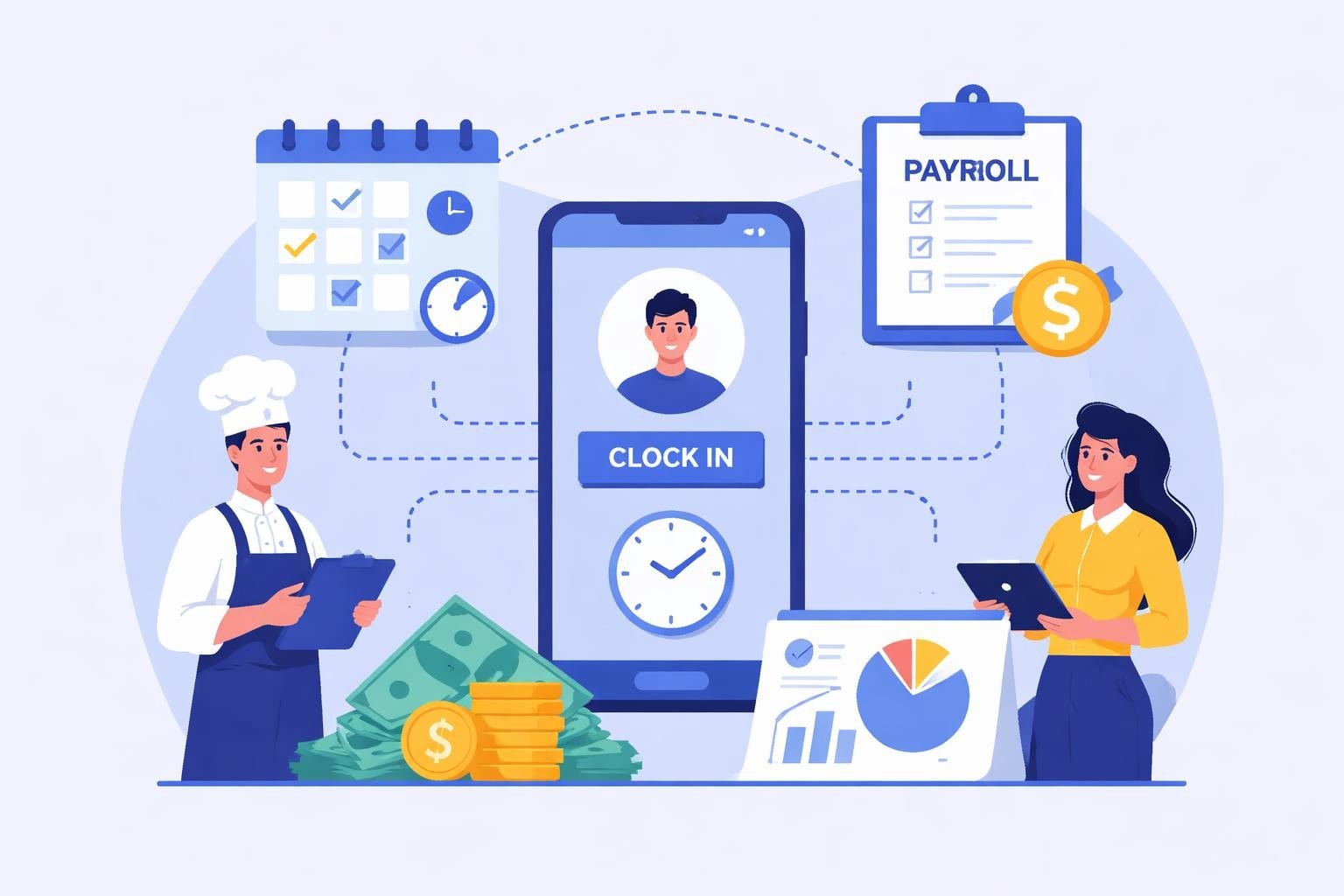
Time tracking integration ensures scheduled hours align with actual worked hours. When employees clock in and out through the same platform managing their schedules, discrepancies trigger immediate alerts. This visibility prevents time theft, identifies scheduling pattern issues, and provides the data needed for continuous improvement. The seamless connection between scheduled and actual hours also streamlines payroll processing, reducing errors and administrative burden.
Performance data adds another dimension to scheduling decisions. Identifying top performers and ensuring they work high-value shifts maximizes revenue. Understanding which employee combinations create the most effective teams allows managers to schedule complementary skill sets together. This strategic approach to shift composition goes beyond simple coverage to optimize team dynamics and customer experience.
Communication and Collaboration Tools
Research on coordination strategies in agile teams emphasizes the importance of clear communication channels in distributed work environments. Service businesses operate in physically distributed spaces where team members work different shifts and may rarely see each other. The team scheduling platform becomes a central communication hub, facilitating coordination despite physical separation.
Built-in messaging features allow managers to broadcast announcements, share updates, and respond to questions without managing multiple communication channels. Employees can communicate directly about shift swaps, coverage needs, or operational issues. This centralization reduces communication fragmentation and ensures important information reaches all team members.
The shift marketplace feature transforms coverage management from a manager's burden to a collaborative process. When an employee needs to give up a shift, they can post it to the marketplace where qualified colleagues can claim it. This peer-to-peer exchange happens entirely within the platform, automatically updating the schedule and notifying relevant parties. The manager maintains oversight through approval workflows but doesn't bear the full responsibility for finding coverage.
Future Trends Shaping Scheduling Technology
The evolution of team scheduling platform capabilities continues to accelerate as artificial intelligence, mobile technology, and data analytics advance. Understanding emerging trends helps businesses select platforms positioned for long-term relevance and plan for upcoming capabilities that will further enhance workforce management.
Conversational AI interfaces are beginning to appear in scheduling platforms, allowing managers and employees to interact through natural language rather than navigating traditional software interfaces. Voice commands and chatbot interactions simplify common tasks like checking availability, requesting time off, or finding shift coverage. This accessibility proves particularly valuable in fast-paced service environments where stopping to use a computer interrupts workflow.
Emerging Capabilities:
AI-powered schedule generation with minimal manager input
Predictive analytics identifying turnover risk and engagement issues
Augmented reality training modules integrated with scheduling
Blockchain-based credential verification for certifications
Advanced biometric time tracking preventing buddy punching
The concept of follow-the-sun workflows traditionally applied to global software teams has applications in multi-location service businesses. Enterprise restaurant groups can leverage centralized scheduling teams working across time zones to provide continuous support for location managers. This approach reduces individual manager burden while maintaining consistency across the organization.
Understanding the dynamics of virtual teams becomes increasingly relevant as remote management positions emerge in the service industry. District managers overseeing multiple locations benefit from scheduling platforms that provide comprehensive visibility without requiring physical presence. The technology enables effective remote oversight while empowering on-site managers with decision-making authority.
Selecting the Right Platform for Your Business
The team scheduling platform market offers numerous options ranging from generic workforce management tools to industry-specific solutions. Service businesses must evaluate platforms based on their unique operational requirements, technical infrastructure, and growth trajectory. A cafe with two locations has vastly different needs than a restaurant group managing fifty properties across multiple states.
Evaluation Criteria:
Industry-specific features (tip pooling, split shifts, station-based scheduling)
Scalability to support growth without platform migration
Integration ecosystem compatibility with existing systems
Mobile functionality and user experience
Pricing model alignment with business structure
Customer support quality and availability
Implementation and onboarding process
Compliance features for applicable jurisdictions
Free trials provide essential hands-on evaluation opportunities. Testing platforms with actual employee data and scheduling scenarios reveals usability issues, missing features, and workflow mismatches that aren't apparent in sales demonstrations. Involving both managers and employees in the evaluation process ensures the selected platform meets needs across the organization.
Examining how team scheduling apps integrate within large enterprise stacks offers valuable lessons even for smaller businesses. Enterprise requirements for data governance, security, and integration often predict features that eventually become standard across all market segments. Selecting platforms with enterprise-grade capabilities provides a growth path as business needs evolve.
Selection Factor | Importance for Single Location | Importance for Multi-Unit | Importance for Enterprise |
|---|---|---|---|
Ease of Use | Critical | High | Medium |
Advanced Analytics | Low | High | Critical |
Multi-Location Management | Not Applicable | Critical | Critical |
API Integration | Low | Medium | Critical |
Custom Permissions | Low | High | Critical |
Price Sensitivity | High | Medium | Low |
References to research on daily stand-up meeting effectiveness highlight how scheduling platforms can incorporate communication rituals that strengthen team cohesion. Pre-shift meetings scheduled through the platform ensure all team members receive consistent information and operational updates.
Implementing a team scheduling platform transforms workforce management from a time-consuming administrative burden into a strategic advantage that drives profitability and employee satisfaction. The combination of automation, real-time data, and intelligent optimization addresses the unique challenges service businesses face while creating operational efficiency that directly impacts the bottom line. Heybegin delivers these capabilities specifically for restaurants, cafes, and service industries, simplifying scheduling, automating timesheets, and providing the real-time visibility needed to reduce labor costs while maintaining exceptional service standards.