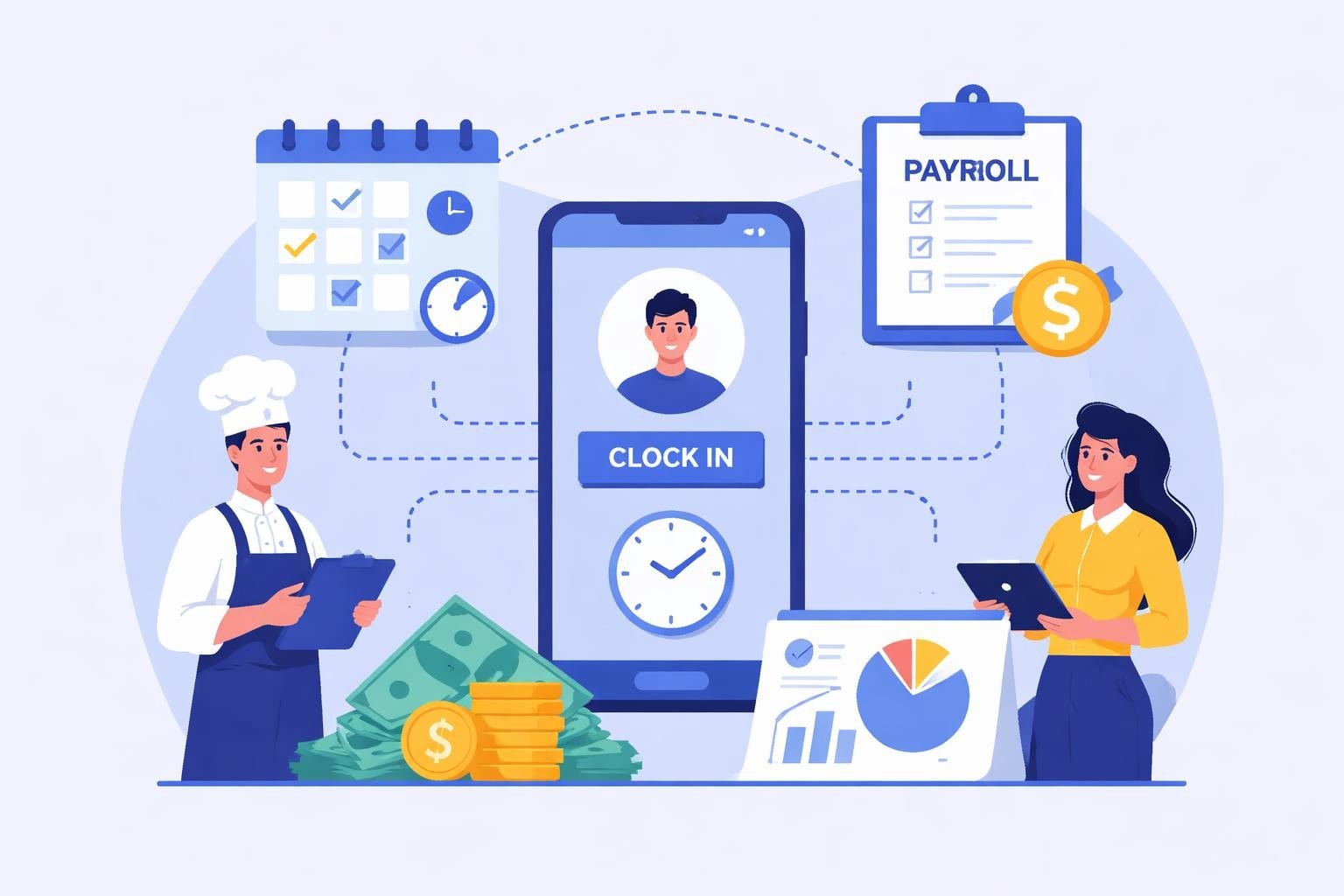
Mobile Employee Scheduling: A Complete Guide for 2026
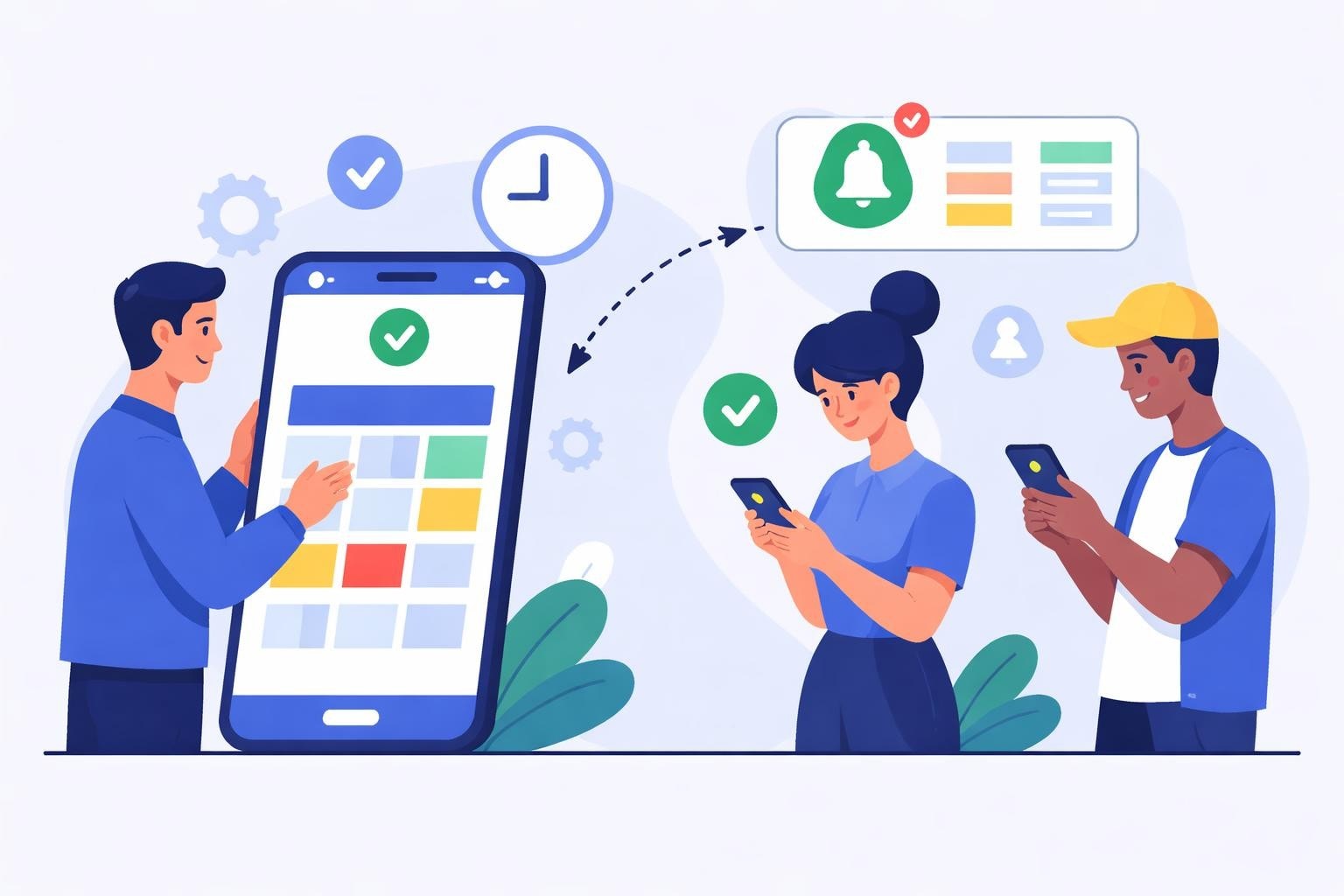
Discover how mobile employee scheduling transforms workforce management in restaurants and service industries. Expert tips for efficiency in 2026.
Managing employee schedules from a smartphone has transformed from a luxury into a necessity for service industry businesses. Mobile employee scheduling empowers restaurant managers, café owners, and hospitality leaders to build, modify, and distribute work schedules from anywhere at any time. This capability addresses the reality that modern workforce management demands flexibility, instant communication, and real-time adjustments to meet fluctuating customer demand and staffing needs.
Why Mobile Access Transforms Scheduling Operations
Traditional desktop-bound scheduling creates bottlenecks that slow down operations and frustrate both managers and staff. When schedules exist only on office computers, managers must physically return to their desks for every adjustment, swap request, or emergency coverage need.
Mobile employee scheduling eliminates these constraints by putting complete scheduling power in managers' pockets. Research on mobile workforce management demonstrates that clear communication channels and flexible scheduling capabilities significantly improve operational efficiency.
Immediate Response to Business Demands
Restaurants and cafés experience unpredictable rushes, weather-related slowdowns, and last-minute reservations that require instant staffing adjustments. Mobile scheduling enables managers to:
Address call-outs while commuting or at home
Add extra servers when unexpected party bookings arrive
Send shift offers to available staff within minutes
Approve time-off requests without desktop access
Monitor labor costs against sales in real-time
The speed advantage matters. A manager who receives a call-out notification at 5:30 AM can immediately reach out to available employees instead of waiting until arriving at the office at 9 AM to start making phone calls.
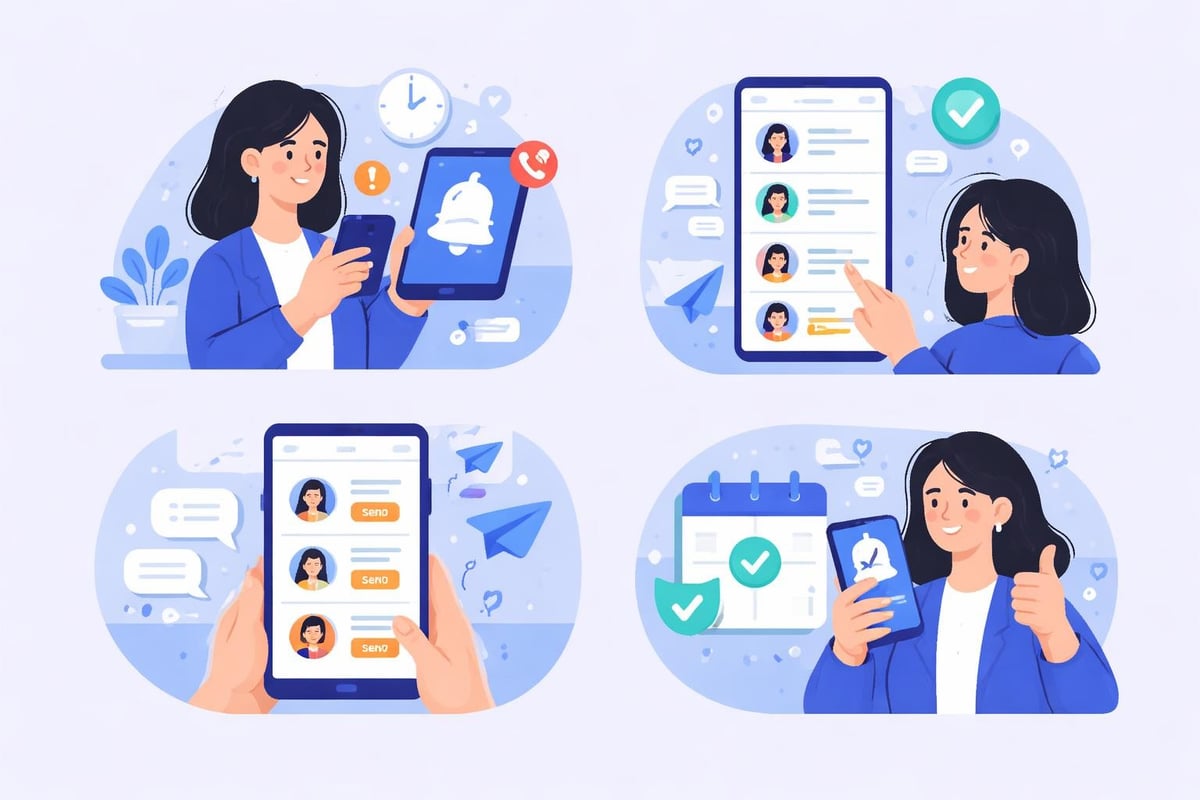
Essential Features for Effective Mobile Scheduling
Not all mobile scheduling solutions deliver equal value. Service industry businesses require specific capabilities that address their unique operational challenges.
Feature Category | Key Capabilities | Business Impact |
|---|---|---|
Schedule Creation | Drag-and-drop shift building, template reuse, multi-location support | Reduces scheduling time by 60-70% |
Communication | Push notifications, in-app messaging, shift reminders | Eliminates phone tag and missed shifts |
Employee Self-Service | Availability updates, shift swaps, time-off requests | Decreases manager interruptions by 40% |
Real-Time Tracking | GPS clock-in, live labor cost monitoring, overtime alerts | Prevents budget overruns and compliance issues |
Cloud-Based Synchronization
Mobile employee scheduling systems must synchronize data instantly across all devices. When a server picks up an extra shift on their phone, that update needs to appear immediately on the manager's tablet and in the main office system. Cloud infrastructure ensures everyone works from the same current schedule, preventing double-booking and communication breakdowns.
Studies on online scheduling quality of life impacts reveal that digital scheduling systems enhance employee well-being through increased schedule flexibility and job autonomy. This translates directly to improved retention in high-turnover industries like food service.
Intelligent Automation Components
Modern mobile scheduling platforms incorporate automation that saves managers hours each week:
Auto-scheduling algorithms that match employee skills, availability, and preferences to shift requirements
Labor cost calculators that display projected expenses as schedules are built
Conflict detection that flags scheduling errors before publication
Compliance monitoring that prevents overtime violations and break requirement issues
The Heybegin platform exemplifies these automation principles by combining smart scheduling with real-time time tracking specifically designed for restaurant and café operations.
Building Schedules That Balance Business Needs and Employee Preferences
Effective mobile employee scheduling requires more than just filling shifts. The best schedules optimize labor costs while respecting employee needs and maintaining fairness.
Demand-Based Scheduling Methodology
Service businesses face fluctuating customer volumes throughout each day and across the week. Employee scheduling best practices emphasize demand forecasting as the foundation for smart scheduling decisions.
Mobile scheduling apps should integrate sales data to help managers visualize when they need maximum coverage versus when they can operate with skeleton crews. A Tuesday lunch shift might require three servers while Saturday dinner demands eight, plus additional kitchen and bar staff.
This data-driven approach prevents both understaffing (which damages customer service and employee morale) and overstaffing (which unnecessarily inflates labor costs for restaurants).
Fair Distribution Principles
Mobile accessibility doesn't eliminate the need for fair scheduling practices. In fact, the transparency that mobile systems provide makes fairness even more important since employees can easily compare their schedules to coworkers'.
Rotate desirable and less desirable shifts equitably
Distribute weekend and holiday work fairly across the team
Honor seniority while giving newer employees growth opportunities
Track total hours to ensure balanced earning opportunities
Document scheduling criteria to demonstrate objectivity
Research on fair nurse scheduling applications highlights how considering employee skills, experiences, and preferences leads to more objective and satisfactory scheduling outcomes.
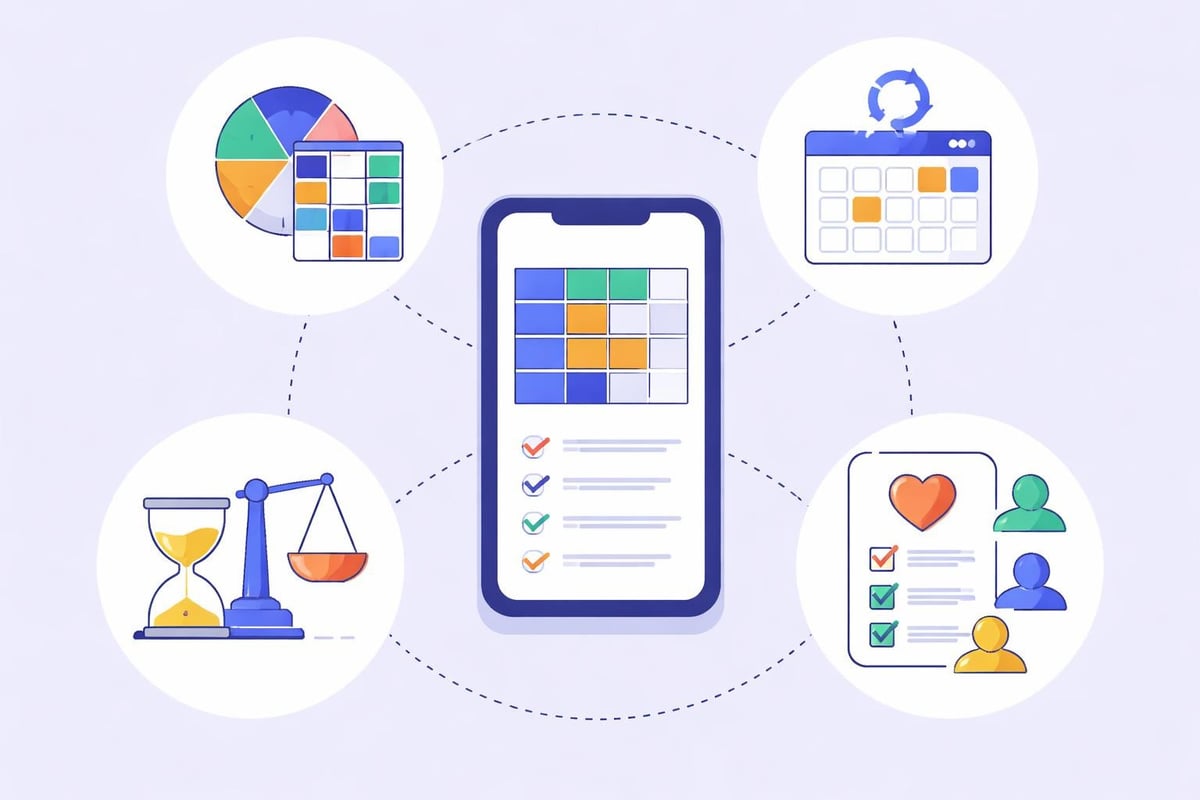
Managing Multiple Locations Through Mobile Platforms
Restaurant groups, café chains, and hospitality businesses operating across multiple sites face exponentially more complex scheduling challenges. Mobile employee scheduling becomes even more critical when coordinating teams across different locations.
Centralized Visibility with Local Control
Effective multi-location employee scheduling requires balancing corporate oversight with site-specific flexibility. Mobile platforms should provide:
Enterprise dashboards showing labor metrics across all locations
Location-specific schedule views for individual managers
Cross-location coverage options when employees work at multiple sites
Standardized role definitions that maintain consistency
Location-based permissions that prevent unauthorized access
General managers can monitor overall labor costs and staffing patterns from their mobile devices while giving each location manager autonomy to handle day-to-day scheduling decisions.
Employee Mobility Between Locations
Many service industry workers appreciate opportunities to pick up shifts at different locations for variety or convenience. Mobile employee scheduling facilitates this flexibility by:
Displaying available shifts across all company locations
Allowing employees to set location preferences
Calculating travel time between sites
Tracking hours and certifications across locations
Managing different pay rates for various sites
This capability helps businesses maintain adequate coverage during seasonal fluctuations or unexpected absences while giving employees more earning opportunities.
Real-Time Schedule Modifications and Emergency Coverage
The service industry never stops, and neither do scheduling challenges. Equipment failures, supply shortages, weather events, and personal emergencies create constant needs for schedule adjustments.
Mobile-First Emergency Response
When a kitchen manager calls in sick two hours before a dinner rush, every minute counts. Mobile employee scheduling enables rapid response:
Immediate notification to managers through push alerts
Quick access to employee availability and contact information
Bulk messaging to reach multiple potential replacements simultaneously
Instant updates that notify all affected staff of changes
Documentation that records who was contacted and when
The research on mobile workforce scheduling emphasizes how optimal scheduling strategies must address qualification and location constraints, particularly when responding to urgent events.
Shift Swap Management
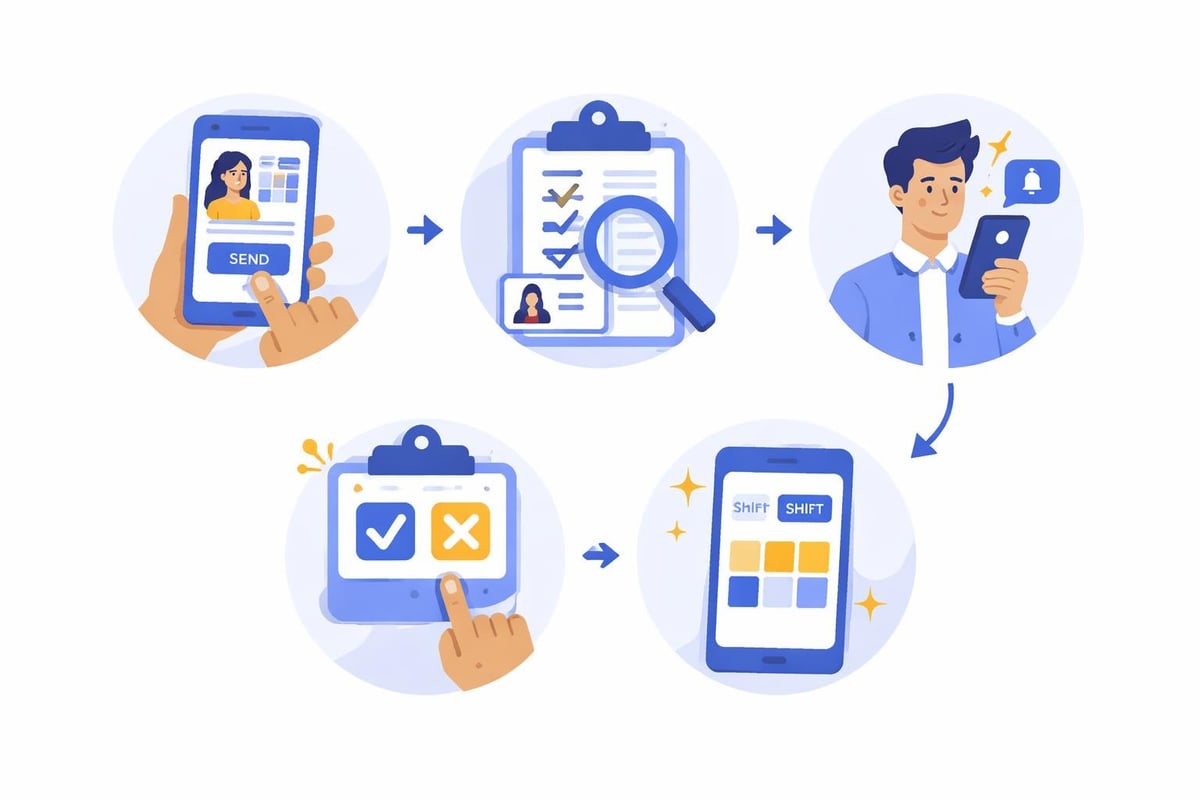
Employee-initiated shift swaps represent one of the most common scheduling adjustments. Mobile platforms streamline this process while maintaining manager control:
Traditional Process | Mobile Process |
|---|---|
Employee A calls Employee B | Employee A selects shift in app |
Employee B agrees verbally | System shows qualified available employees |
One employee calls manager | Employee B accepts swap request |
Manager checks qualification | Manager receives approval notification |
Manager updates written schedule | Manager approves with one tap |
Manager calls both employees to confirm | System updates schedule automatically |
This transformation reduces manager time investment while improving accuracy and documentation. Solutions like employee rota software handle these workflows seamlessly across mobile and desktop platforms.
Integration with Time Tracking and Payroll Systems
Mobile employee scheduling delivers maximum value when it connects seamlessly with time tracking and payroll processing. Isolated scheduling systems create double-entry work and increase error opportunities.
Unified Schedule and Time Data
The most efficient approach combines scheduling and time tracking in a single platform. When employees clock in and out through the same mobile app they use to view schedules, several advantages emerge:
Automatic timesheet population from actual clock-in records
Schedule adherence tracking showing who arrived late or left early
No-show documentation for accountability purposes
Overtime prevention through real-time hour monitoring
Break compliance verification to meet labor regulations
Dedicated scheduling for restaurants platforms understand these integration requirements and build them into their core functionality.
Mobile Clock-In Capabilities
Allowing employees to clock in and out from mobile devices adds convenience but requires proper controls to prevent time theft:
GPS verification confirming employees are at the work location
Geofencing that enables clock-in only within designated areas
Photo verification requiring selfies at clock-in
Manager approval workflows for unusual clock-in patterns
Audit trails documenting all time entries and modifications
Studies examining AI-driven shift scheduling applications demonstrate that participatory design in scheduling systems, where employees have appropriate self-service capabilities, improves outcomes and satisfaction.
Employee Engagement and Communication Features
Mobile employee scheduling systems function as communication hubs that connect managers and staff beyond just shift assignments. This expanded role significantly impacts team cohesion and operational efficiency.
Push Notifications and Alerts
Strategic use of mobile notifications keeps everyone informed without overwhelming them:
Schedule publication alerts when new schedules become available
Shift reminders 24 hours and 2 hours before start times
Swap request notifications when coworkers need coverage
Policy updates distributed to all team members instantly
Recognition messages celebrating achievements and milestones
Notification preferences matter. Employees should control timing and frequency to prevent notification fatigue while ensuring they receive critical information.
In-App Messaging and Announcements
Broadcast messaging capabilities help managers communicate with their entire team or specific groups:
Daily specials and menu changes for servers
Uniform or grooming requirement reminders
Safety protocol updates
Schedule change explanations
Shift availability requests for upcoming busy periods
This centralized communication reduces reliance on scattered text messages, phone calls, and posted notes that employees might miss.
Analytics and Reporting Through Mobile Interfaces
Data-driven scheduling decisions require access to meaningful analytics. Mobile employee scheduling platforms should provide key metrics in formats optimized for smartphone viewing.
Labor Cost Dashboards
Managers need instant visibility into how scheduling decisions impact the bottom line:
Metric | Mobile Display | Action Trigger |
|---|---|---|
Actual vs. Budgeted Hours | Simple percentage comparison | Alert when exceeding 105% of budget |
Labor Cost Percentage | Graph showing daily trend | Warning when above target threshold |
Overtime Hours | List of employees approaching 40 hours | Prevent unnecessary overtime |
Schedule Fill Rate | Percentage of required shifts covered | Highlight unfilled shifts requiring attention |
These dashboards transform raw data into actionable insights that managers can review during brief moments throughout their day rather than requiring dedicated analysis sessions at a desktop computer.
Schedule Optimization Recommendations
Advanced mobile scheduling systems analyze patterns and provide optimization suggestions:
Overstaffing alerts when scheduled labor exceeds forecasted demand
Skill mix recommendations ensuring proper balance of experience levels
Cost reduction opportunities highlighting potential savings
Compliance warnings flagging potential labor law violations
Employee preference matches showing how schedules align with stated preferences
The fast-flexible strategy approach to employee scheduling demonstrates how considering soft work time constraints reduces both overstaffing and understaffing issues.
Security and Privacy Considerations
Mobile employee scheduling involves sensitive personal and business data that requires robust protection. Service industry businesses must balance accessibility with security.
Data Protection Standards
Employee schedules contain personal information including work hours, contact details, and potentially compensation data. Mobile platforms must implement:
End-to-end encryption for all data transmission
Secure authentication using multi-factor options
Role-based access controls limiting who sees what information
Regular security audits identifying vulnerabilities
Compliance certifications meeting industry standards
Guidance on mobile workforce management security emphasizes that data security must be a primary consideration when implementing mobile solutions.
Employee Privacy Rights
Transparency about data collection and usage builds trust with employees:
Clearly communicate what information the system collects
Explain how location tracking functions and when it activates
Provide opt-in choices for optional features
Allow employees to review their own data
Establish data retention and deletion policies
Mobile employee scheduling platforms should enhance operations while respecting employee privacy and maintaining ethical data practices.
Choosing the Right Mobile Scheduling Solution
Service industry businesses evaluating mobile employee scheduling options face numerous choices with varying capabilities and price points. Strategic selection criteria help identify the best fit.
Critical Selection Factors
Beyond basic scheduling features, consider these differentiators:
Industry specialization: Platforms designed for restaurants understand service industry needs better than generic solutions
Implementation timeline: How quickly can your team start using the system productively?
Training requirements: Does the platform require extensive training or offer intuitive design?
Scalability: Will the system grow with your business as you add locations or employees?
Support quality: What assistance is available when you encounter issues?
For businesses exploring open source employee scheduling alternatives, weigh the customization benefits against the technical expertise required for implementation and maintenance.
Mobile App Quality Assessment
Not all mobile apps deliver equivalent user experiences. Test potential solutions by evaluating:
Interface responsiveness on various phone models and screen sizes
Offline functionality when internet connectivity is limited
Loading speed for schedule views and data entry
Battery consumption impact on employee devices
App store ratings and user reviews from actual customers
A poorly designed mobile app undermines the entire value proposition of mobile employee scheduling, frustrating both managers and staff.
Implementation Best Practices for Service Industries
Successfully deploying mobile employee scheduling requires more than selecting software. Thoughtful implementation determines whether the system becomes an invaluable tool or an abandoned experiment.
Phased Rollout Approach
Implementing mobile scheduling across an entire operation simultaneously increases risk and complexity. A staged approach works better:
Phase 1: Deploy to management team only for schedule creation
Phase 2: Add employee view-only access to new schedules
Phase 3: Enable employee self-service features like availability updates
Phase 4: Activate shift swap and time-off request capabilities
Phase 5: Integrate time tracking and additional advanced features
This progression allows teams to build competence gradually while identifying and resolving issues before they affect the entire workforce.
Staff Training and Change Management
Technology adoption succeeds when people understand both how to use new tools and why changes benefit them. Effective training includes:
Role-specific sessions showing managers and employees their relevant features
Hands-on practice with test accounts before going live
Quick reference guides accessible from mobile devices
Super-user identification creating peer support resources
Feedback mechanisms capturing user suggestions and concerns
Resources on how to create effective employee schedules emphasize that moving away from manual processes requires both the right technology and the right implementation approach.
Future Developments in Mobile Scheduling Technology
Mobile employee scheduling continues evolving as new technologies emerge and workforce expectations shift. Understanding upcoming trends helps businesses make forward-looking decisions.
Artificial Intelligence Integration
AI-powered scheduling moves beyond basic automation to deliver predictive capabilities:
Demand forecasting using historical sales data and external factors
Optimal shift recommendations based on employee performance patterns
Proactive coverage suggestions anticipating potential call-outs
Personalized schedule generation considering individual preferences and constraints
Continuous learning that improves recommendations over time
Advanced platforms apply mobile workforce scheduling best practices enhanced by machine learning algorithms that identify patterns humans might miss.
Enhanced Employee Experience Features
Future mobile employee scheduling will prioritize worker satisfaction and well-being:
Work-life balance scoring showing schedule impact on personal time
Preference learning that adapts to changing employee needs
Earnings projections helping employees plan financially
Schedule stability metrics promoting predictable hours
Integrated benefits access connecting scheduling with other HR functions
These employee-centric features recognize that attracting and retaining quality staff requires more than competitive wages-it demands respect for their time and personal needs.
Mobile employee scheduling has evolved from a convenience feature to an operational necessity for service industry businesses managing dynamic workforces. The ability to create, modify, and distribute schedules from anywhere while maintaining real-time communication with staff fundamentally improves efficiency, reduces labor costs, and enhances employee satisfaction. When paired with integrated time tracking and automated compliance monitoring, mobile scheduling platforms deliver measurable returns on investment through time savings and error reduction. Heybegin delivers these capabilities through a platform purpose-built for restaurants, cafés, and service industry operations, combining smart scheduling with real-time tracking and automated timesheets. Explore how the right mobile scheduling solution can transform your workforce management today.