Rota Planner Free: Best Tools for Service Industry
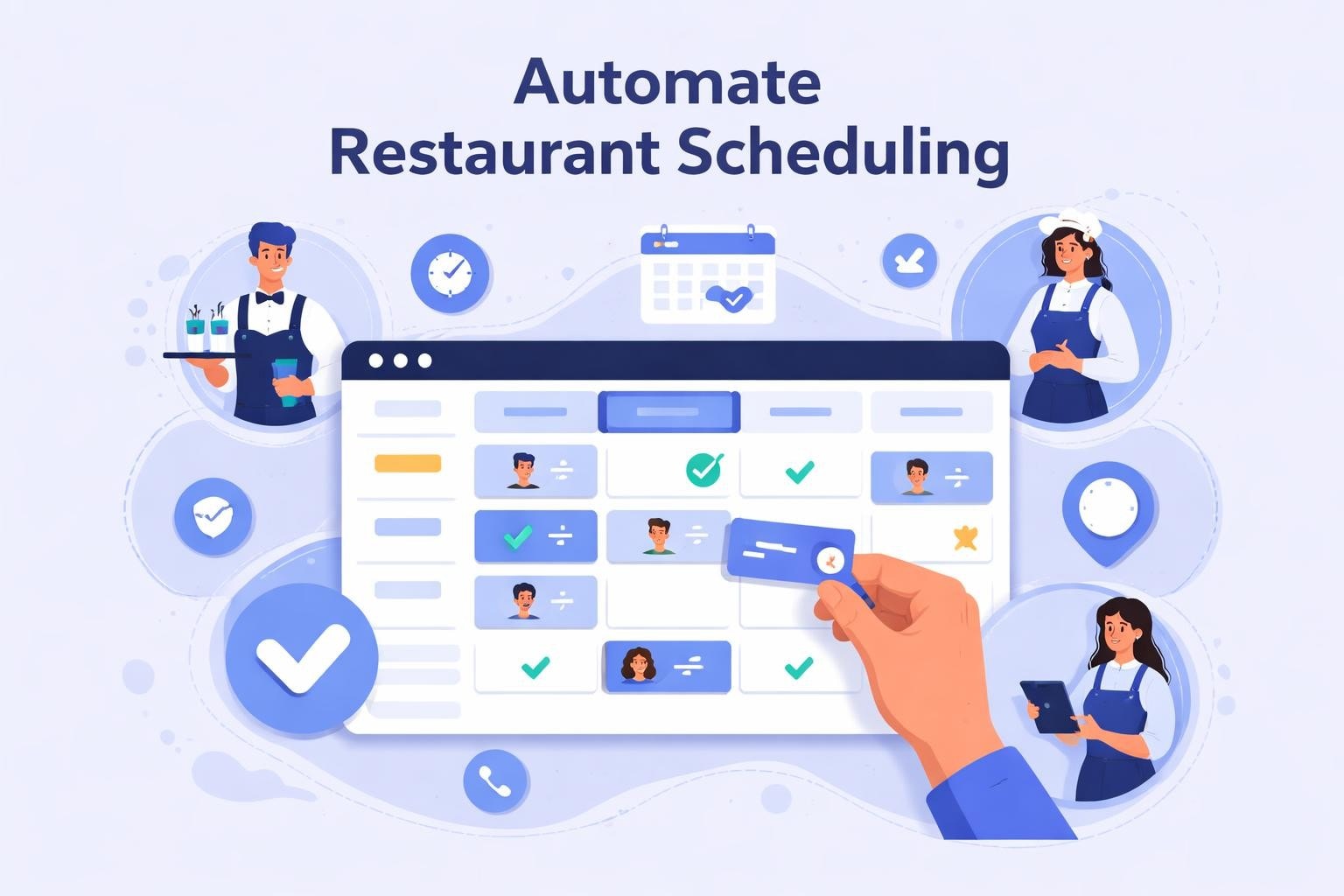
Discover the best rota planner free options for restaurants and cafes. Compare features, learn selection tips, and streamline scheduling today.
Managing staff schedules in restaurants, cafes, and pubs demands precision, flexibility, and efficiency. A rota planner free solution can transform chaotic scheduling into a streamlined process without straining your budget. Whether you're running a bustling restaurant or a cozy cafe, finding the right scheduling tool helps you balance labor costs, employee satisfaction, and operational excellence. This comprehensive guide explores free rota planning options, essential features to prioritize, and how to choose the best solution for your service industry business.
Understanding Free Rota Planning Software
Free rota planning tools have evolved significantly over the past few years, offering sophisticated features that rival paid alternatives. These platforms enable managers to create, distribute, and modify staff schedules without upfront investment, making them particularly attractive for small to medium-sized hospitality businesses.
The fundamental value of a rota planner free option lies in accessibility and cost reduction. Many businesses in the service industry operate on tight margins, and reducing labor costs remains a top priority. By eliminating monthly subscription fees for basic scheduling needs, managers can allocate resources to other critical areas while still maintaining professional workforce management.
Key advantages include:
Zero initial investment for core scheduling functionality
Cloud-based access from anywhere with internet connection
Automated shift distribution and notifications
Real-time schedule visibility for staff members
Reduction in scheduling errors and conflicts

What Constitutes a Quality Free Solution
Not all free scheduling tools deliver equal value. The best employee scheduling software provides essential features without artificial limitations that make the platform unusable. Quality free options typically support a reasonable number of employees and locations while offering mobile accessibility.
Premium features like advanced analytics, payroll integration, and unlimited locations often remain behind paywalls. However, robust free versions should still handle shift creation, availability tracking, time-off requests, and basic communication tools. Understanding these boundaries helps set realistic expectations when evaluating options.
Feature Category | Free Version Standard | Premium Upgrade |
|---|---|---|
User Limit | 10-75 employees | Unlimited |
Schedule Creation | Manual and templates | AI-powered automation |
Mobile Access | Basic app | Full-featured app |
Reporting | Simple summaries | Advanced analytics |
Support | Community/email | Priority phone support |
Essential Features for Service Industry Scheduling
Restaurant and cafe environments present unique scheduling challenges that generic workforce management tools may not address adequately. Peak hours fluctuate, employee availability changes frequently, and last-minute adjustments become the norm rather than the exception.
A rota planner free option designed for hospitality should accommodate split shifts, varying shift lengths, and position-specific scheduling. Servers, bartenders, kitchen staff, and hosts each have different requirements, certifications, and capabilities. The scheduling system must reflect these distinctions while maintaining fairness and compliance.
Real-Time Communication and Updates
When schedules change-and they inevitably will-staff members need immediate notification. Top-tier free scheduling platforms include push notifications, SMS alerts, or email updates that reach employees instantly. This communication capability prevents confusion, reduces no-shows, and maintains operational continuity.
Employee scheduling apps have revolutionized how managers distribute information. Rather than posting paper schedules or sending group texts, centralized platforms create a single source of truth accessible to everyone simultaneously.
Instant schedule publication to all team members
Automatic reminders before upcoming shifts
Direct messaging for schedule questions
Shift swap requests and approvals
Availability updates from employees
Availability and Time-Off Management
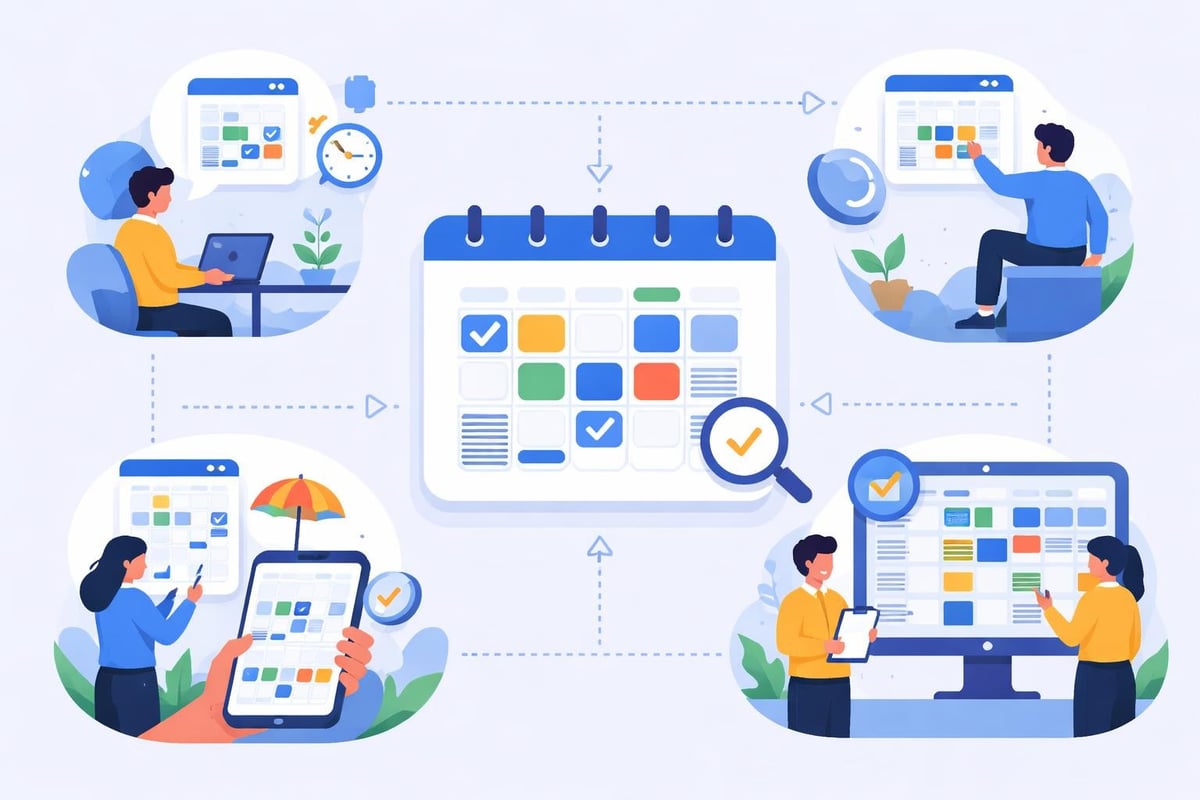
Collecting and tracking employee availability represents one of the most time-consuming aspects of schedule creation. Manual methods involving paper forms or spreadsheets create bottlenecks and increase error likelihood. Modern rota planner free solutions automate availability collection through employee self-service portals.
Staff members input their available hours, preferred shifts, and time-off requests directly into the system. Managers then view this information while building schedules, reducing conflicts before they occur. This proactive approach improves employee satisfaction and minimizes last-minute scrambling to fill shifts.
Evaluating the Best Free Rota Planners for 2026
The marketplace offers numerous options, each with distinct strengths and limitations. Free employee scheduling software varies in user interface design, feature sets, and target audiences. Understanding these differences helps identify the optimal match for your specific operation.
Several platforms have earned recognition for delivering exceptional value without charges. These solutions balance functionality with usability, ensuring even technologically hesitant managers can create effective schedules. When reviewing options, consider both immediate needs and potential growth trajectory.
Comparison of Leading Free Options
Different platforms excel in different areas. Some prioritize simplicity and ease of use, while others offer more comprehensive feature sets with steeper learning curves. The ideal choice depends on your team size, technical comfort level, and specific operational requirements.
Platform Type | Best For | Employee Limit | Mobile App | Standout Feature |
|---|---|---|---|---|
Basic Schedulers | Single location cafes | 10-20 | Limited | Simple interface |
Mid-Tier Options | Multi-position restaurants | 30-50 | Full-featured | Shift swapping |
Comprehensive Tools | Growing hospitality groups | 75+ | Advanced | Integration capabilities |
Industry-Specific | Service-focused businesses | Variable | Optimized | Hospitality features |
The best free scheduling tools typically offer generous free tiers that accommodate most small to medium establishments. However, rapidly growing businesses may eventually require upgraded plans to access advanced functionality like labor forecasting or detailed reporting.
Industry-Specific Considerations
Generic scheduling software often lacks features critical for restaurants and hospitality venues. Position-based scheduling, multiple location support, and integration with point-of-sale systems represent important considerations. A rota planner free solution tailored for service industries understands these unique requirements.
Look for platforms that support:
Multiple job roles and skill-based scheduling
Variable shift lengths and split shifts
Break time compliance and labor law adherence
Section or station assignments for service staff
Integration with timekeeping and payroll systems
Many scheduling apps reviewed by industry experts highlight the importance of mobile-first design. Restaurant managers rarely sit at desks all day, requiring access to scheduling tools from their smartphones while on the floor or between locations.
Implementing Your Free Rota Planning System
Successful implementation extends beyond simply signing up for a platform. Transitioning from paper schedules or spreadsheets to digital tools requires planning, training, and change management. The effort invested during initial setup pays dividends through long-term efficiency gains.
Begin by thoroughly exploring the chosen platform's capabilities before involving your entire team. Create test schedules, experiment with features, and identify any limitations or workarounds needed for your specific situation. This preparation prevents confusion and builds confidence when rolling out the system.
Onboarding Your Team Effectively
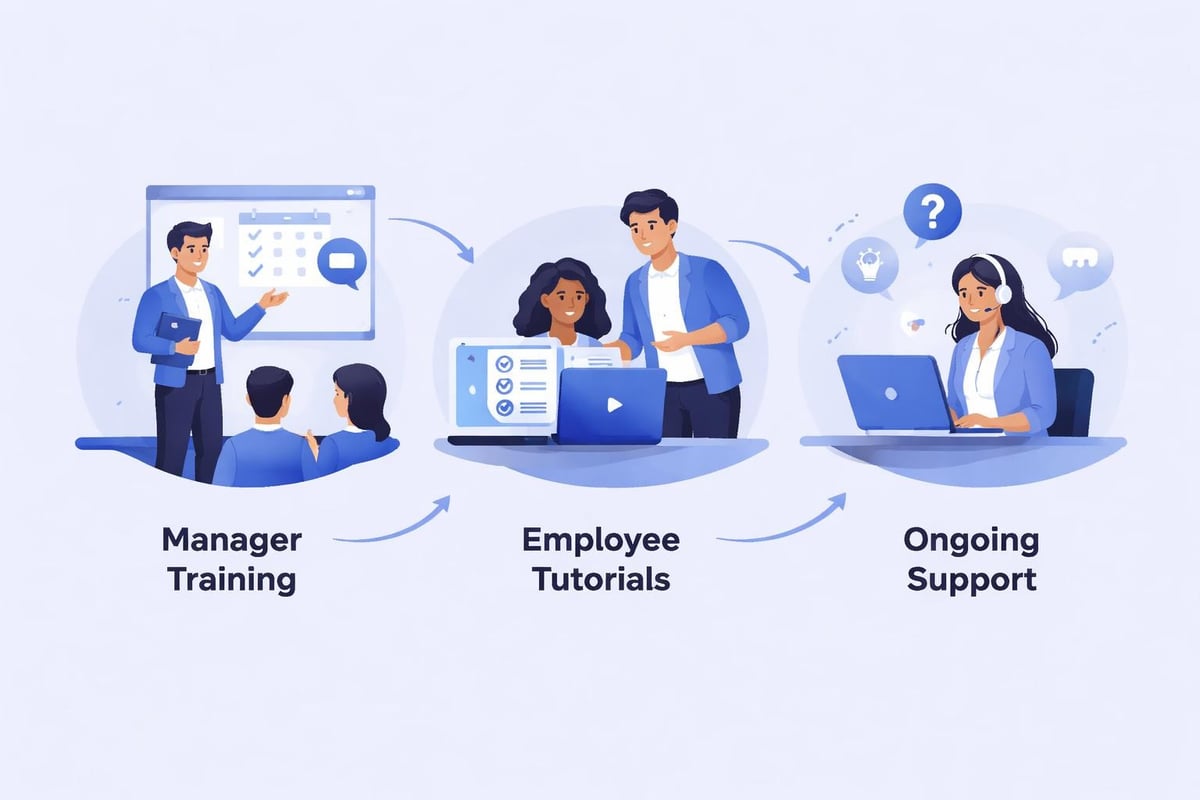
Employee buy-in determines implementation success. Staff members accustomed to checking paper schedules posted in the back office may resist transitioning to digital platforms. Addressing concerns, demonstrating benefits, and providing adequate training smooths this transition.
Schedule brief training sessions demonstrating how employees access schedules, request time off, and initiate shift swaps. Emphasize convenience factors like mobile access and automatic notifications. Make support resources readily available for questions during the adjustment period.
Host hands-on training sessions for all staff
Create simple reference guides with screenshots
Designate tech-savvy team members as peer helpers
Remain patient during the learning curve
Celebrate early wins and improvements
Optimizing Schedule Creation Workflows
Even with powerful tools, inefficient processes undermine potential benefits. Develop standardized workflows for schedule creation, modification, and distribution. Consistency reduces errors and establishes clear expectations throughout your team.
Establish regular scheduling timelines, such as publishing schedules two weeks in advance. This predictability helps employees plan personal commitments while giving management adequate time to address coverage gaps. The best practices from scheduling experts emphasize the importance of routine and reliability.
Recommended workflow stages:
Collect availability and time-off requests (three weeks ahead)
Draft initial schedule based on forecasted demand (two weeks ahead)
Review for conflicts, compliance, and coverage (12 days ahead)
Publish final schedule (10 days ahead)
Manage change requests and adjustments (ongoing)
Lock schedule for payroll processing (shift completion)
Maximizing Value from Free Platforms
While rota planner free solutions eliminate direct costs, maximizing their value requires strategic utilization. Many managers underuse available features, limiting the return on time invested in implementation. Exploring all capabilities ensures you extract full benefit from your chosen platform.
Advanced features like schedule templates accelerate creation for recurring patterns. Most restaurants maintain relatively consistent weekly structures with minor variations. Creating templates for typical slow, moderate, and busy weeks enables quick schedule generation with minimal manual adjustment.
Integration and Expansion Possibilities
As your operation grows, scheduling needs evolve. The scalability of your rota planner free solution becomes increasingly important. Evaluate whether the platform offers paid upgrades that provide additional capabilities without requiring complete system changes.
Integration capabilities deserve particular attention. Even free platforms should export data in standard formats compatible with payroll processors, accounting software, and time tracking systems. This interoperability prevents data silos and reduces duplicate entry across multiple systems.
Some businesses combine free scheduling tools with complementary open-source solutions to create customized workforce management ecosystems. This approach requires technical expertise but offers maximum flexibility and control.
Measuring Success and ROI
Quantifying benefits justifies the time invested in adopting new systems and builds organizational support for process improvements. Track metrics before and after implementation to demonstrate value objectively.
Metric | Before Implementation | After Implementation | Improvement |
|---|---|---|---|
Schedule creation time | 3-4 hours weekly | 45-60 minutes weekly | 60-75% reduction |
Scheduling conflicts | 5-8 per week | 1-2 per week | 70-85% reduction |
Employee complaints | 10-15 per month | 2-4 per month | 75-85% reduction |
Last-minute coverage gaps | 3-5 per week | 0-1 per week | 80-90% reduction |
Even without direct software costs, improved efficiency translates to tangible labor savings. Managers spend less time on administrative tasks and more time on revenue-generating activities like customer service, training, and operational improvements.
Common Challenges and Solutions
Despite their advantages, rota planner free platforms present certain limitations and challenges. Understanding these obstacles and developing mitigation strategies ensures smoother operations and prevents frustration.
Employee adoption varies based on technological comfort levels. Older workers or those with limited smartphone access may struggle initially. Providing alternative access methods, such as web browsers on shared devices, ensures universal accessibility.
Handling Technical Limitations
Free versions typically impose constraints on user counts, locations, or feature availability. As businesses grow, these limitations may become restrictive. Planning for this eventuality prevents disruptive transitions when operations outgrow free tiers.
Monitor your usage against platform limits regularly. When approaching thresholds, evaluate whether upgrading to paid plans delivers sufficient value or if migrating to alternative solutions makes more sense. Comprehensive scheduling software reviews help compare options objectively.
Common limitation workarounds:
Stagger employee accounts if user limits become restrictive
Maintain simple backup systems during platform evaluations
Utilize export features to preserve historical data
Negotiate with providers for nonprofit or small business discounts
Combine multiple free tools to cover comprehensive needs
Data Security and Privacy Considerations
Free platforms must still comply with data protection regulations and maintain appropriate security standards. Employee information including contact details, availability, and work history requires protection from unauthorized access or breaches.
Verify that your chosen rota planner free solution implements industry-standard security measures such as encrypted data transmission, secure authentication, and regular security audits. Review privacy policies to understand data usage, storage locations, and retention practices.
Future Trends in Free Scheduling Technology
The scheduling software landscape continues evolving rapidly, with artificial intelligence and machine learning increasingly influencing platform capabilities. While advanced AI features typically remain in premium tiers, some functionality trickles down to free versions over time.
Predictive scheduling uses historical data and forecasting algorithms to suggest optimal staffing levels based on anticipated demand. This capability helps service industry businesses balance labor costs with service quality, reducing both understaffing and overstaffing scenarios.
Mobile-first design increasingly dominates new platform development. Modern workers expect smartphone accessibility for all work-related tasks, from viewing schedules to communicating with managers. The most effective scheduling platforms prioritize mobile experiences equally with desktop interfaces.
Emerging Features Worth Watching
Innovation continues expanding what free platforms can accomplish. Features once exclusive to enterprise solutions now appear in accessible tools designed for small businesses. Staying informed about these developments helps you leverage new capabilities as they become available.
AI-powered schedule optimization suggesting ideal shift assignments
Advanced labor forecasting integrating weather, events, and historical patterns
Enhanced communication tools including video messaging and group channels
Automated compliance checking for break times and overtime regulations
Real-time labor cost tracking against budgets and forecasts
The boundary between free and paid offerings continues shifting as competition intensifies and technology costs decrease. Solutions that required subscriptions five years ago now offer robust free tiers, democratizing access to professional workforce management tools.
Finding the right rota planner free solution transforms scheduling from a dreaded weekly chore into a streamlined process that saves time and reduces conflicts. By carefully evaluating options, implementing thoughtfully, and maximizing available features, service industry businesses can achieve professional-grade scheduling without budget constraints. Heybegin takes this concept further by providing smart scheduling and time tracking specifically designed for restaurants, cafes, pubs, and other hospitality businesses, offering intuitive tools that simplify scheduling, automate timesheets, and help you control labor costs while maintaining the efficiency your operation demands.