Scheduling Software for Employees: A Complete Guide
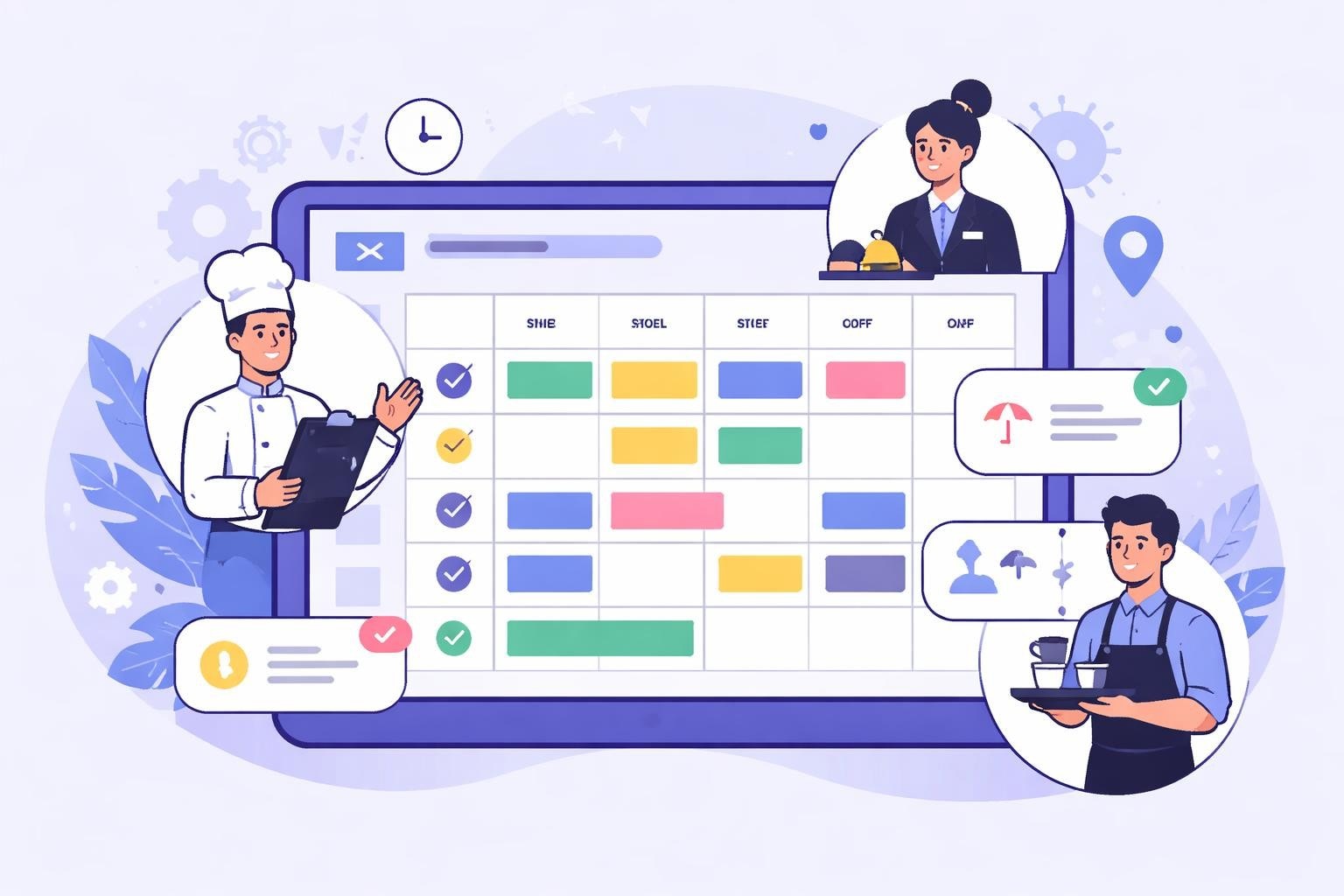
Discover how scheduling software for employees transforms workforce management in restaurants and service industries. Boost efficiency today.
Managing employee schedules in the service industry presents unique challenges that traditional methods simply cannot address. From fluctuating customer demand to last-minute shift changes, restaurant managers and hospitality business owners face daily scheduling complexities that impact both operational efficiency and employee satisfaction. Modern scheduling software for employees offers powerful solutions designed specifically for these dynamic environments, transforming chaotic spreadsheets and paper rosters into streamlined, automated systems that save time, reduce labor costs, and improve workplace morale.
Understanding Scheduling Software for Employees
Scheduling software for employees represents a fundamental shift in how service businesses manage their workforce. These digital platforms replace manual scheduling methods with intelligent automation, real-time updates, and mobile accessibility that meets the demands of today's fast-paced restaurant and hospitality environments.
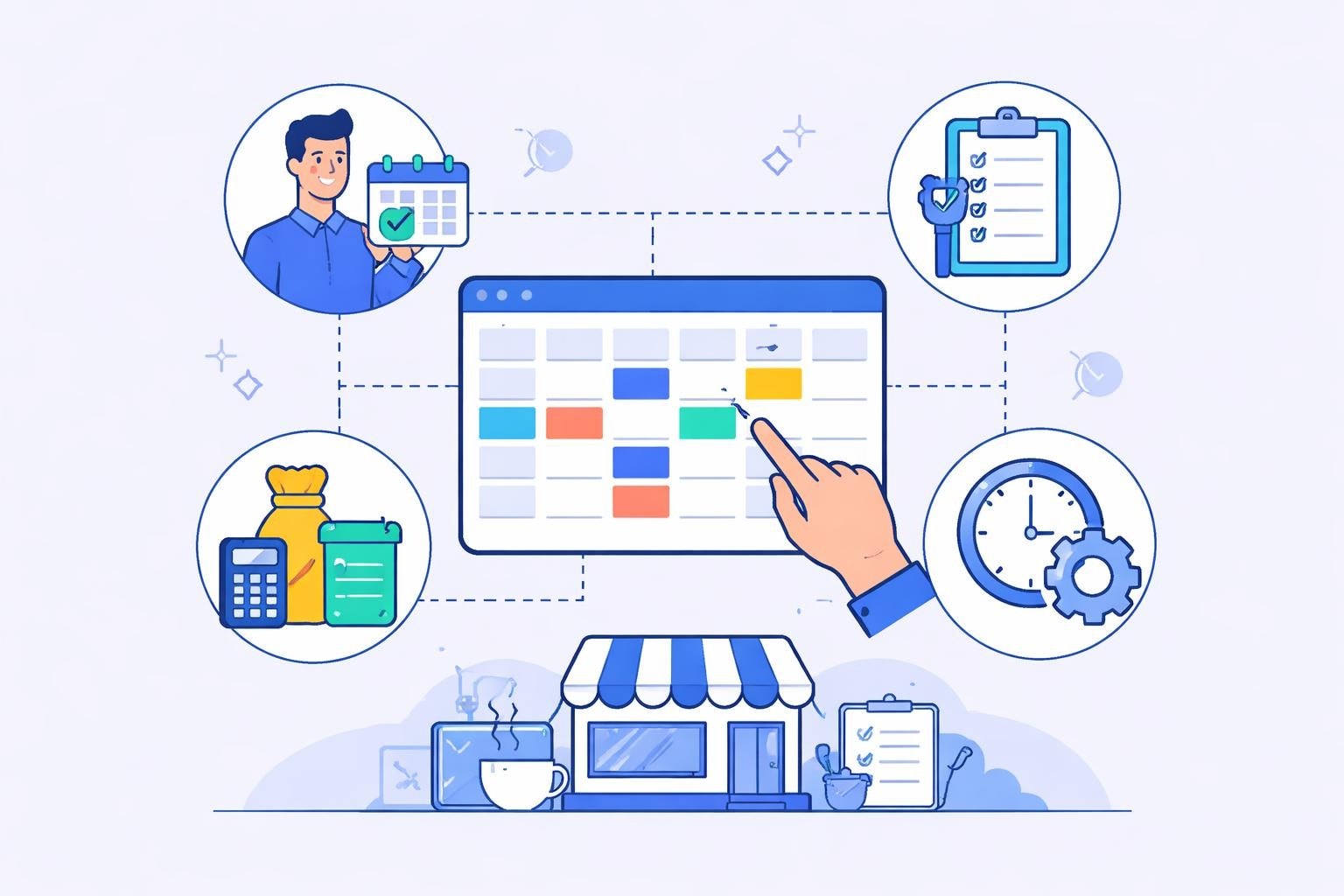
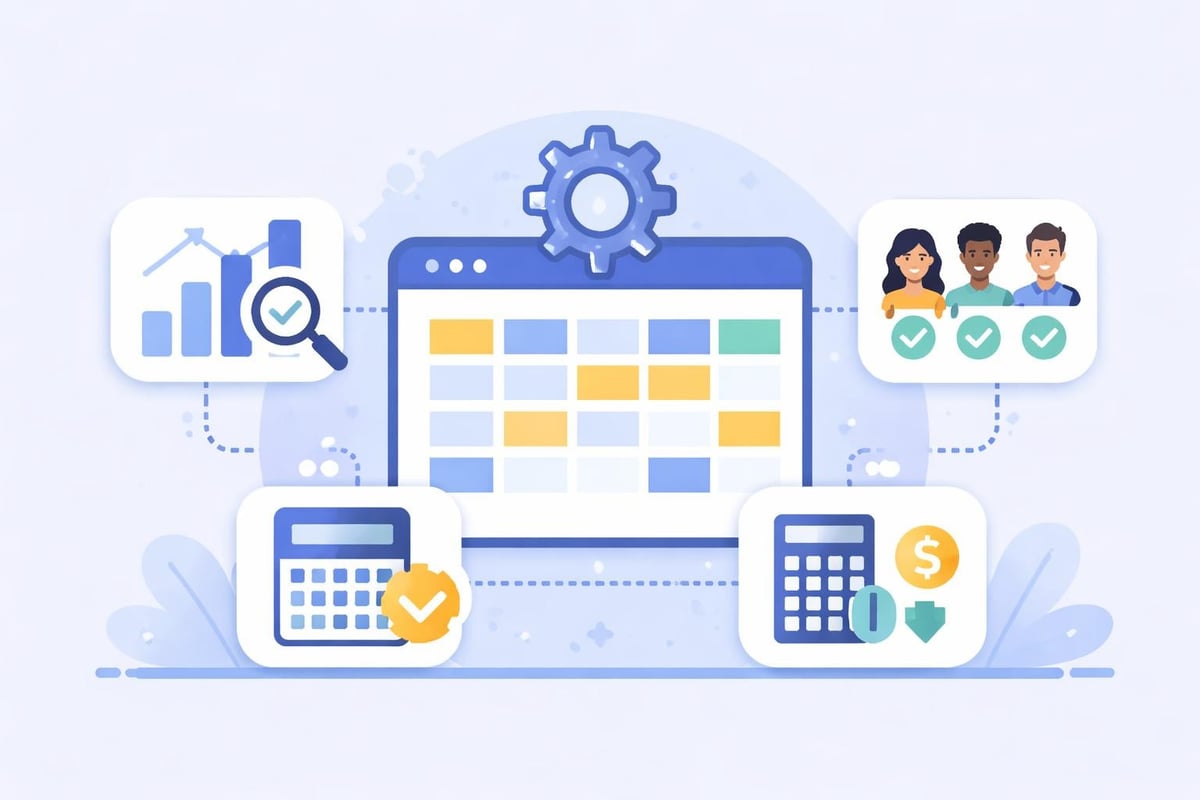
The core functionality extends far beyond simply creating a weekly roster. Modern systems integrate time tracking, labor cost forecasting, shift swapping, and compliance management into a single platform. This comprehensive approach addresses the multifaceted challenges managers face when coordinating staff across multiple shifts, locations, and varying skill requirements.
Key capabilities include:
Automated schedule creation based on demand forecasting
Real-time shift availability and time-off management
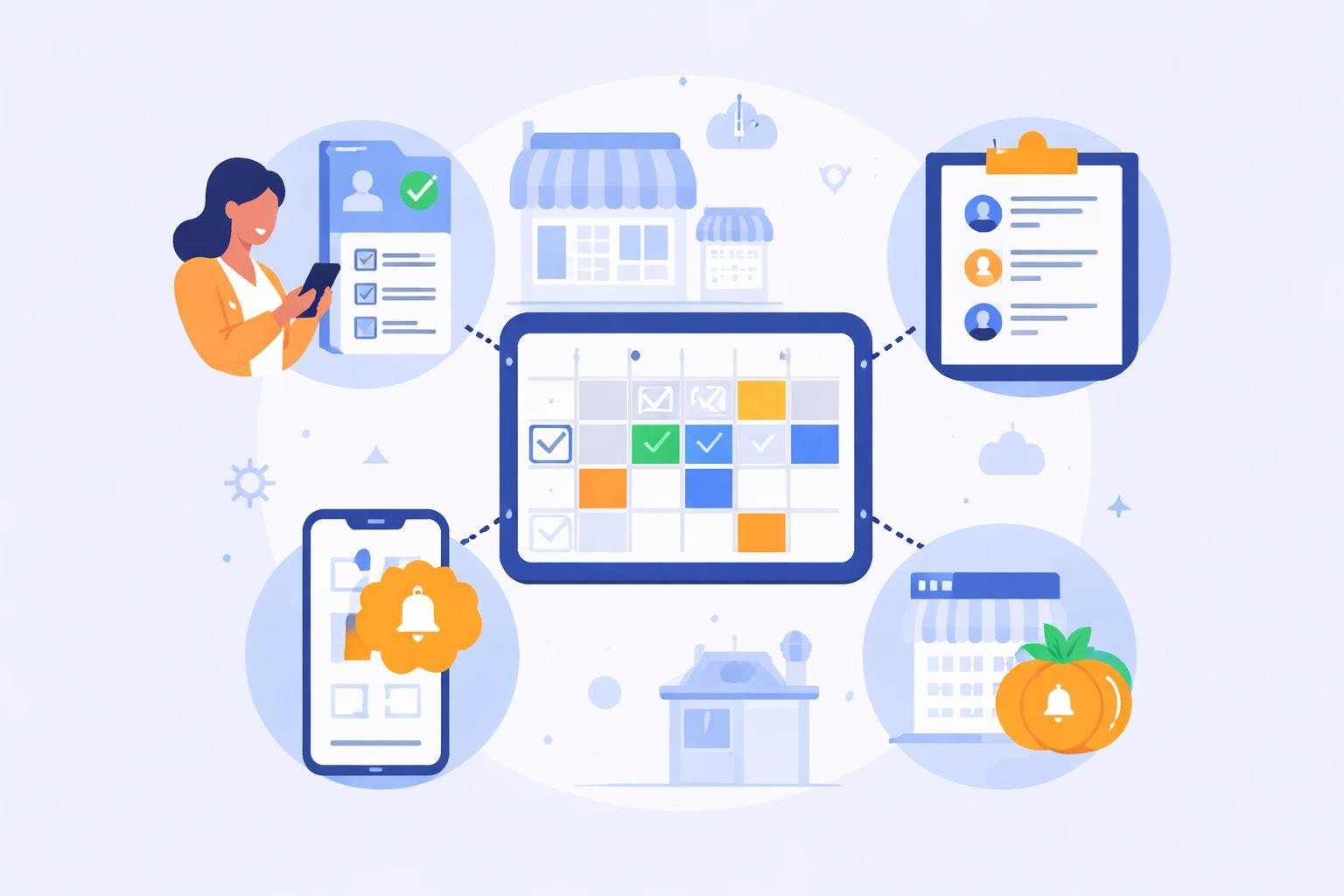
Mobile access for employees to view schedules and request changes
Integration with payroll and accounting systems
Labor cost tracking against budgeted amounts
Compliance monitoring for overtime and labor regulations
The best employee scheduling software tools deliver these features through intuitive interfaces that require minimal training, ensuring rapid adoption across your team.
Critical Features for Service Industry Scheduling
Real-Time Updates and Mobile Access
Service businesses operate in dynamic environments where change is constant. An employee calls in sick, customer traffic exceeds projections, or an unexpected private event requires additional staff. Scheduling software for employees addresses these scenarios through instant notifications and mobile accessibility.
Employees receive schedule updates immediately on their smartphones, eliminating confusion and reducing no-shows. Managers can modify schedules on the fly from any location, whether they're on the restaurant floor or managing from home. This flexibility proves invaluable during peak service periods when every minute counts.
The mobile component also empowers employees with greater control over their work-life balance. They can request time off, swap shifts with colleagues, and update their availability without navigating complicated approval processes. This self-service functionality reduces administrative burden while increasing employee satisfaction.
Labor Cost Management and Forecasting
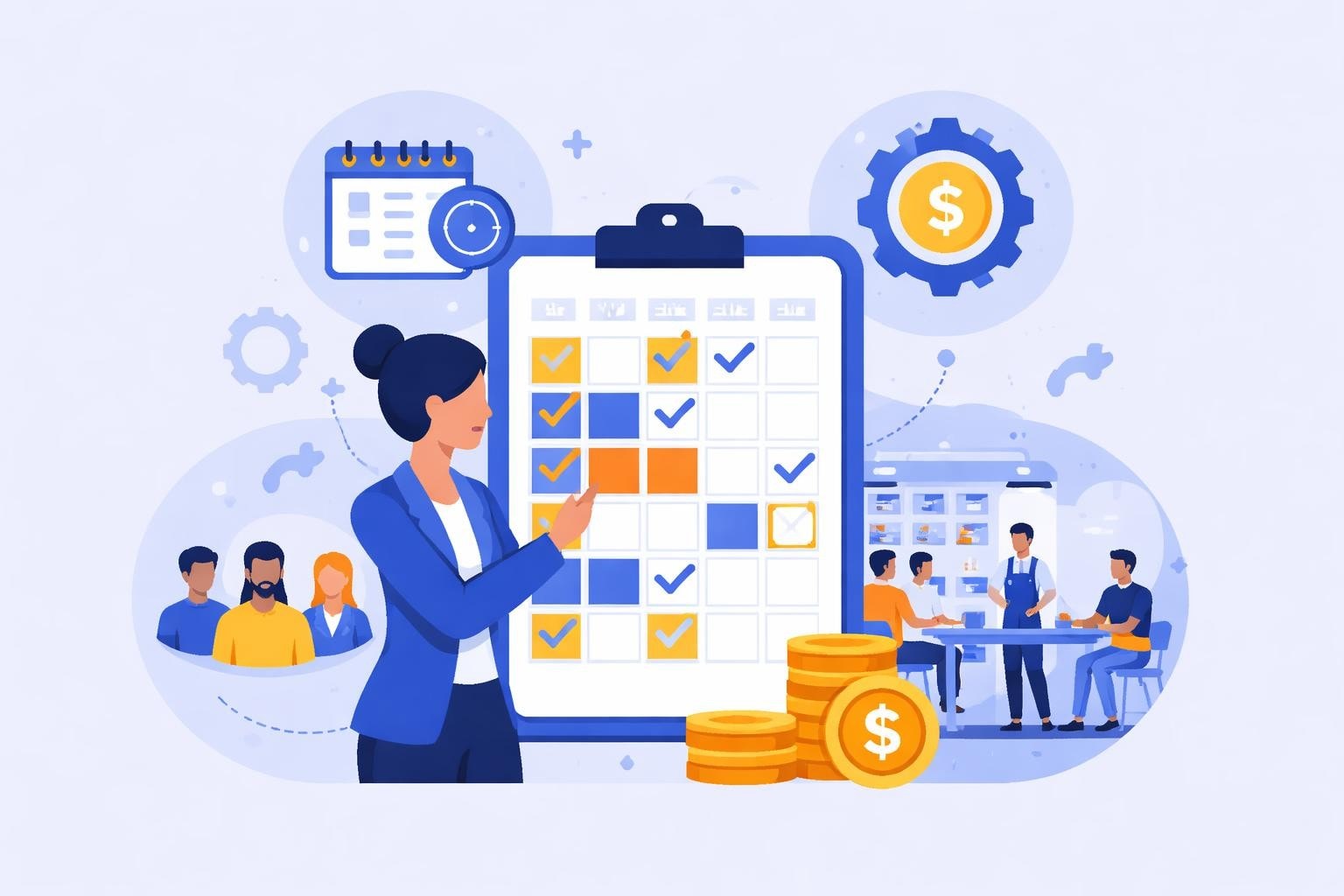
Understanding and controlling labor costs represents one of the most significant challenges in restaurant management. Scheduling software for employees provides sophisticated tools for tracking actual hours against budgeted amounts, preventing costly overages before they occur.
Labor Management Feature | Business Impact | Time Saved |
|---|---|---|
Automated cost tracking | Reduces labor overages by 15-20% | 5-8 hours/week |
Demand forecasting | Optimizes staffing levels | 3-5 hours/week |
Overtime alerts | Prevents unplanned overtime costs | 2-4 hours/week |
Budget vs. actual reporting | Improves financial planning accuracy | 2-3 hours/week |
Advanced systems analyze historical sales data and predict staffing needs based on expected customer volume. This forecasting capability ensures you schedule the right number of employees for each shift, maximizing productivity while minimizing unnecessary labor expenses. Managing labor costs for restaurants requires this level of precision to maintain profitability margins.
Shift Swapping and Employee Preferences
Modern employees expect flexibility in their work schedules. Implementing employee scheduling techniques that account for worker preferences leads to higher retention rates and improved morale.
Scheduling software for employees facilitates seamless shift swapping through built-in approval workflows. Employees can offer their shifts to qualified colleagues, and managers maintain final approval authority to ensure skill requirements and certification needs are met. This automated process eliminates the endless text message chains and phone tag that previously consumed manager time.
Employee identifies a shift they cannot work
System notifies qualified colleagues about available shift
Interested employee claims the shift through the app
Manager receives notification and approves or denies the swap
Schedule updates automatically across all devices
Both employees receive confirmation notifications
Implementation Strategies for Maximum ROI
Selecting the Right Platform
Choosing scheduling software for employees requires careful evaluation of your specific business needs. Service businesses differ significantly in their requirements compared to office-based operations. Consider platforms specifically designed for restaurant and hospitality environments that understand the nuances of shift work, tip pooling, and fluctuating demand patterns.
Evaluate vendors based on their integration capabilities with your existing point-of-sale systems, payroll providers, and accounting software. Seamless data flow between systems eliminates duplicate data entry and reduces errors. Scheduling for restaurants demands specialized features that generic workforce management tools may lack.
Essential evaluation criteria:
Industry-specific features for service businesses
Mobile app quality and employee adoption rates
Integration ecosystem and API availability
Pricing structure aligned with your business size
Customer support responsiveness and training resources
Scalability for future growth and additional locations
Many businesses overlook the importance of employee-facing features during the selection process. Remember that the staff using the mobile app daily significantly outnumber the managers creating schedules. Poor employee experience leads to low adoption rates and continued reliance on inefficient manual processes.
Training and Change Management
Successful implementation of scheduling software for employees depends on thorough training and effective change management. Resistance to new technology typically stems from unfamiliarity rather than actual deficiencies in the system.
Start with comprehensive manager training that covers all administrative functions. These power users become internal champions who can support employees during the transition period. Schedule hands-on sessions where managers practice building schedules, processing time-off requests, and running labor cost reports.
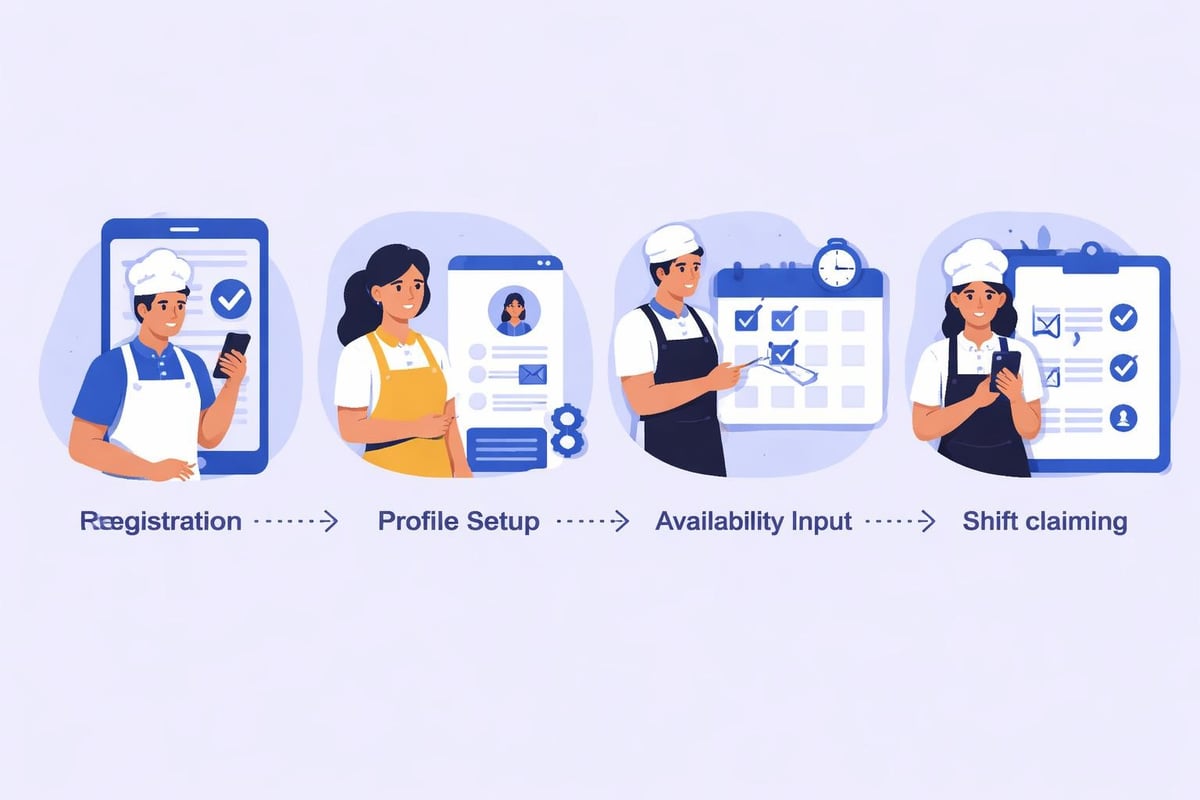
Employee training should emphasize the benefits they will experience: easier schedule access, simplified time-off requests, and greater control over shift preferences. Consider hosting brief group training sessions during staff meetings or creating short video tutorials that demonstrate key functions. Making employee scheduling easy requires thoughtful communication that addresses concerns and highlights improvements.
Optimizing Schedules for Operational Excellence
Balancing Coverage and Employee Satisfaction
The most effective schedules achieve equilibrium between operational needs and employee preferences. Under-staffing leads to service quality issues and employee burnout, while over-staffing erodes profit margins. Scheduling software for employees provides data-driven insights that help managers find this balance.
Analyze historical sales patterns to identify peak hours, slow periods, and seasonal fluctuations. Build scheduling templates that reflect these patterns, then allow the software to populate shifts with employees based on availability and skill requirements. This approach ensures consistent coverage while respecting individual preferences whenever possible.
Employee satisfaction increases significantly when schedules remain consistent and predictable. Where possible, establish recurring shifts for employees who prefer routine. Use the software's scheduling rules to enforce minimum rest periods between shifts, prevent excessive consecutive work days, and distribute less desirable shifts fairly across the team.
Advanced Scheduling Techniques
Beyond basic roster creation, scheduling software for employees enables sophisticated optimization strategies that drive measurable business improvements. Implementing shift scheduling software best practices transforms scheduling from an administrative task into a strategic advantage.
Multi-location coordination becomes manageable when your system provides visibility across all business sites. Identify opportunities to share staff between locations during high-demand periods, creating a flexible labor pool that adapts to varying business conditions. This strategy proves particularly valuable for restaurant groups operating multiple concepts or locations in close proximity.
Skill-based scheduling ensures you place employees in positions where they excel. Tag employees with their certifications, cross-training achievements, and performance strengths. The system can then suggest optimal placement that maximizes service quality while developing employee capabilities through diverse experiences.
Demand-responsive scheduling leverages predictive analytics to adjust staffing levels based on expected customer volume. Integrate weather forecasts, local events, and historical trends to anticipate busy periods and schedule accordingly. This proactive approach prevents both under-staffing crises and unnecessary labor expenses.
Compliance and Risk Management
Labor Law Adherence
Navigating complex labor regulations represents a significant challenge for multi-location service businesses. Scheduling software for employees reduces compliance risks through automated monitoring of overtime thresholds, break requirements, and minor work restrictions.
Configure your system with jurisdiction-specific rules that reflect federal, state, and local requirements. The software alerts managers when scheduling decisions would violate these regulations, preventing costly penalties and legal disputes. This automated compliance monitoring proves especially valuable as labor laws continue evolving in 2026.
Compliance Feature | Risk Mitigated | Potential Savings |
|---|---|---|
Overtime alerts | Unplanned overtime costs | $500-2000/month |
Minor work restrictions | Child labor violations | $10,000+ in fines |
Break requirement tracking | Meal and rest break penalties | $5,000-15,000/violation |
Predictive scheduling compliance | Fair workweek violations | $500-2000/occurrence |
Predictive scheduling laws in various jurisdictions require advance notice of schedules and compensation for last-minute changes. Modern scheduling platforms help businesses comply with these regulations by enforcing schedule posting deadlines and tracking change-related pay adjustments.
Documentation and Record Keeping
Accurate record keeping protects businesses during audits and disputes. Scheduling software for employees creates comprehensive documentation of all scheduling decisions, time-off requests, shift changes, and manager approvals.
This digital paper trail proves invaluable when addressing unemployment claims, discrimination allegations, or wage disputes. The system timestamps every action and maintains historical records that satisfy audit requirements. Unlike paper schedules or spreadsheets that can be lost or modified, cloud-based platforms provide tamper-proof records with complete audit trails.
Integration with time tracking systems ensures scheduled hours align with actual hours worked. Discrepancies trigger alerts that prompt managers to investigate potential time theft, buddy punching, or simply forgotten clock-ins. This oversight protects your business while ensuring employees receive accurate compensation.
Measuring Success and Continuous Improvement
Key Performance Indicators
Implementing scheduling software for employees should deliver measurable improvements across multiple business metrics. Establish baseline measurements before implementation and track progress monthly to quantify your return on investment.
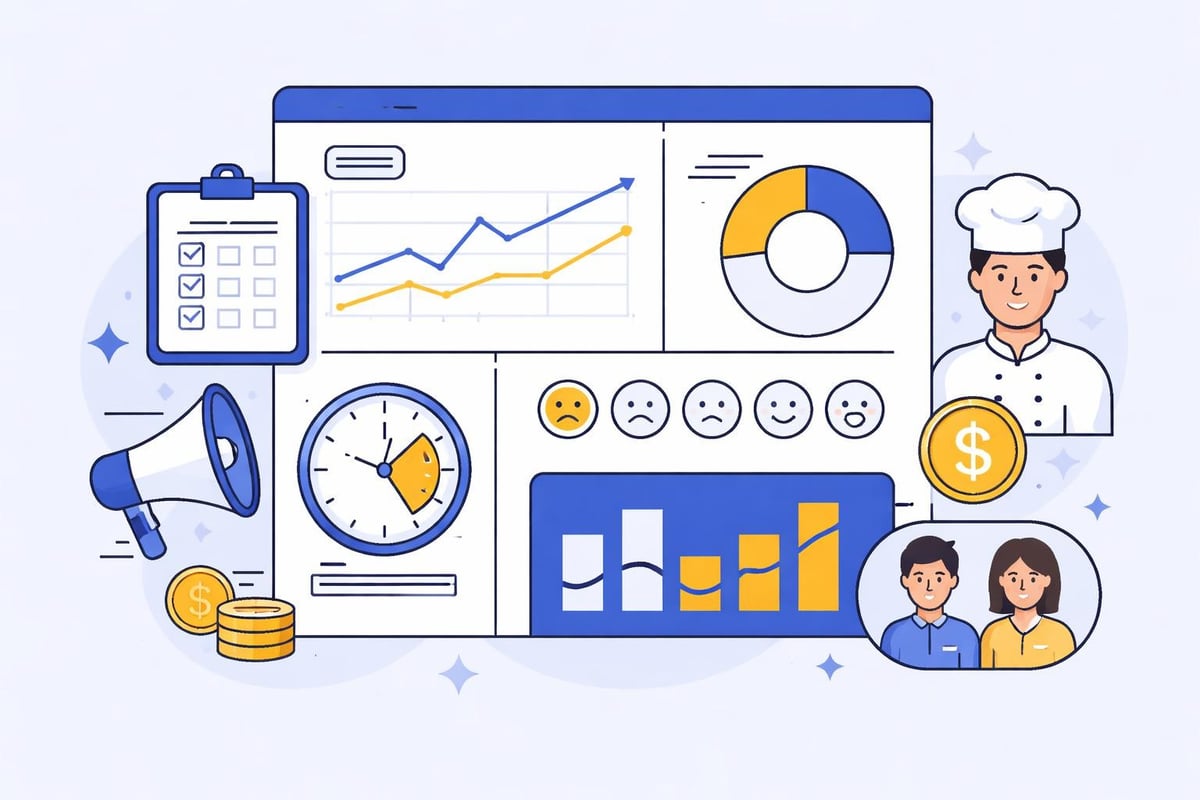
Labor cost percentage represents the most critical metric for service businesses. Track actual labor costs as a percentage of sales and compare against your budgeted targets. Effective scheduling software typically reduces labor cost percentage by two to four percentage points through improved efficiency and reduced overtime.
Schedule adherence rates measure how closely actual staffing matches planned schedules. High adherence indicates reliable employees and accurate forecasting. Low adherence suggests problems with employee engagement, unrealistic scheduling, or inadequate shift coverage incentives.
Time-to-schedule completion quantifies the administrative burden of creating schedules. Manual scheduling for a 30-person team might consume eight to twelve hours weekly. Quality scheduling software reduces this time to two to three hours, freeing managers to focus on revenue-generating activities and employee development.
Additional metrics worth monitoring include employee turnover rates, schedule-related grievances, and employee satisfaction scores specifically related to scheduling fairness and flexibility.
Gathering Employee Feedback
The individuals most affected by scheduling decisions are your employees. Regular feedback collection identifies pain points and opportunities for improvement that managers might overlook. Many scheduling platforms include built-in feedback mechanisms that make this process effortless.
Simple pulse surveys asking about schedule satisfaction, advance notice adequacy, and shift preference accommodation provide actionable insights. Building better staff schedules requires understanding employee perspectives and continuously refining your approach based on their input.
Consider forming a scheduling committee with employee representatives from different positions and shifts. This group can review scheduling policies, suggest improvements, and communicate changes to their colleagues. Employee involvement in the process increases buy-in and reduces resistance to scheduling decisions.
Integration with Broader Workforce Management
Time Tracking and Payroll Synchronization
Scheduling software for employees delivers maximum value when integrated with complementary systems. Time tracking integration eliminates duplicate data entry and ensures payroll calculations reflect actual hours worked rather than scheduled hours.
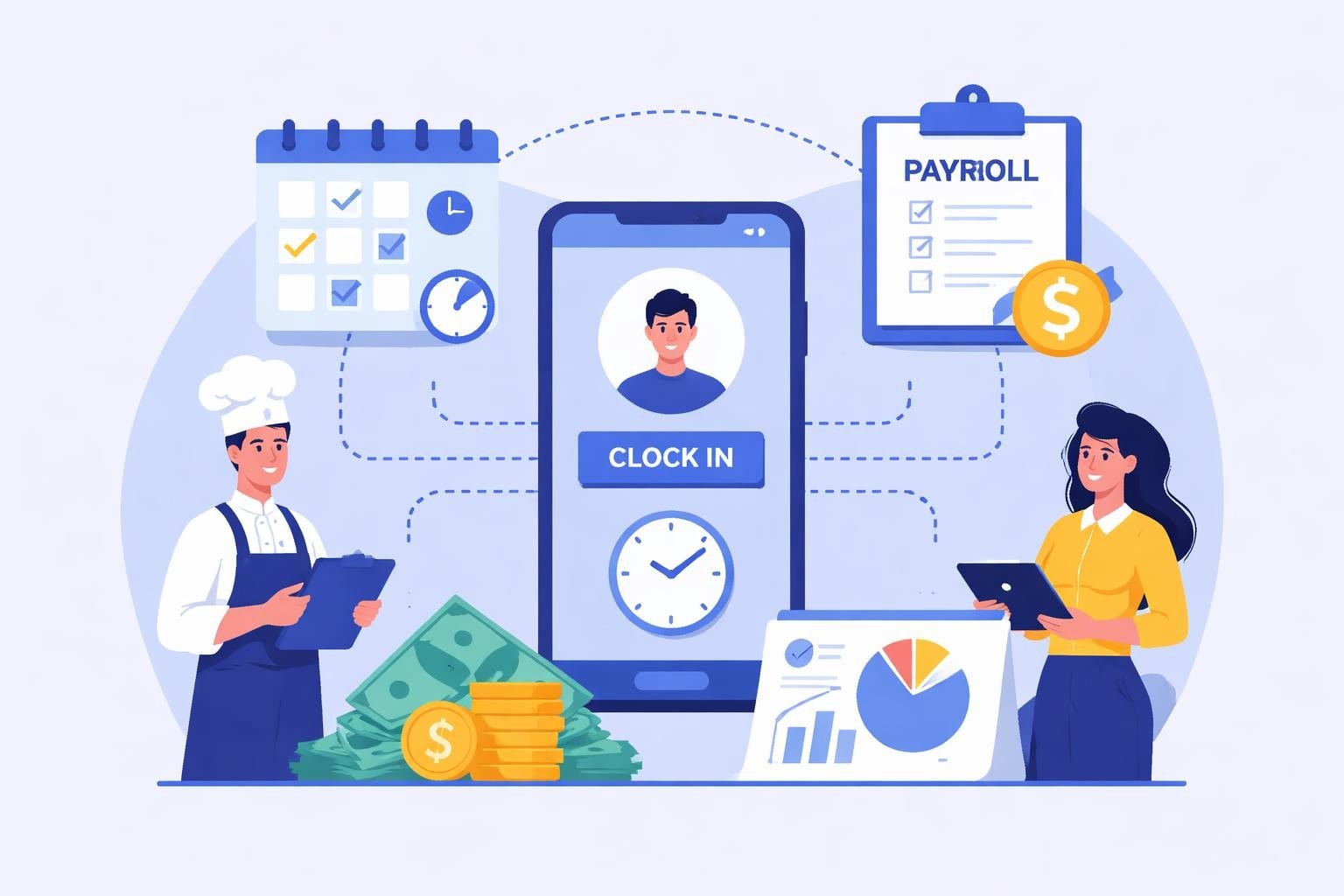
Modern solutions like employee rota software combine scheduling, time tracking, and payroll preparation in unified platforms. Employees clock in through mobile apps or on-site kiosks, and the system automatically compares actual hours against scheduled hours. Managers receive alerts about variances that require attention.
This integration extends to handling complex pay scenarios common in service industries. Tips, shift differentials, overtime calculations, and split shifts all flow seamlessly into payroll systems without manual intervention. Accuracy improves while administrative time decreases significantly.
Leave Management and Compliance
Managing time-off requests through scheduling software for employees ensures adequate coverage while respecting employee rights. Systems track accrual rates, enforce company policies, and maintain compliance with paid sick leave mandates and vacation requirements.
For businesses operating internationally or across multiple jurisdictions, vacation management platforms help navigate varying regional requirements and cultural expectations around time off. Integration between scheduling and leave management prevents situations where approved time-off requests are overlooked during schedule creation.
The software can enforce blackout periods during known busy times while ensuring employees can use their accrued time off before it expires. Automated tracking prevents disputes about available balances and creates transparency that employees appreciate.
Communication and Collaboration Tools
Effective scheduling requires constant communication between managers and employees. Built-in messaging features allow schedule-related conversations to happen within the platform, creating documentation and reducing reliance on personal phones and scattered text message threads.
Broadcast messaging enables managers to reach entire teams or specific groups instantly. Need to fill an unclaimed shift? Send a notification to all qualified employees and receive responses within minutes. This real-time communication proves invaluable for handling the unexpected situations that arise daily in service businesses.
Some platforms support shift notes and task checklists that help employees understand expectations for specific shifts. Opening shifts might include detailed setup tasks, while closing shifts incorporate comprehensive cleaning and security procedures. These built-in instructions reduce training time and ensure consistency across different employee skill levels.
Implementing robust scheduling software for employees transforms workforce management from a time-consuming administrative burden into a strategic advantage that drives profitability and employee satisfaction. The right platform reduces labor costs, improves schedule accuracy, and empowers your team with the flexibility they expect in 2026. Heybegin delivers these capabilities through smart scheduling and time tracking solutions specifically designed for restaurants, cafes, pubs, and service industries, helping you automate timesheets, track hours in real-time, and reduce labor costs while creating schedules your employees will appreciate.