Time Tracker Employee Scheduling Software Guide 2026
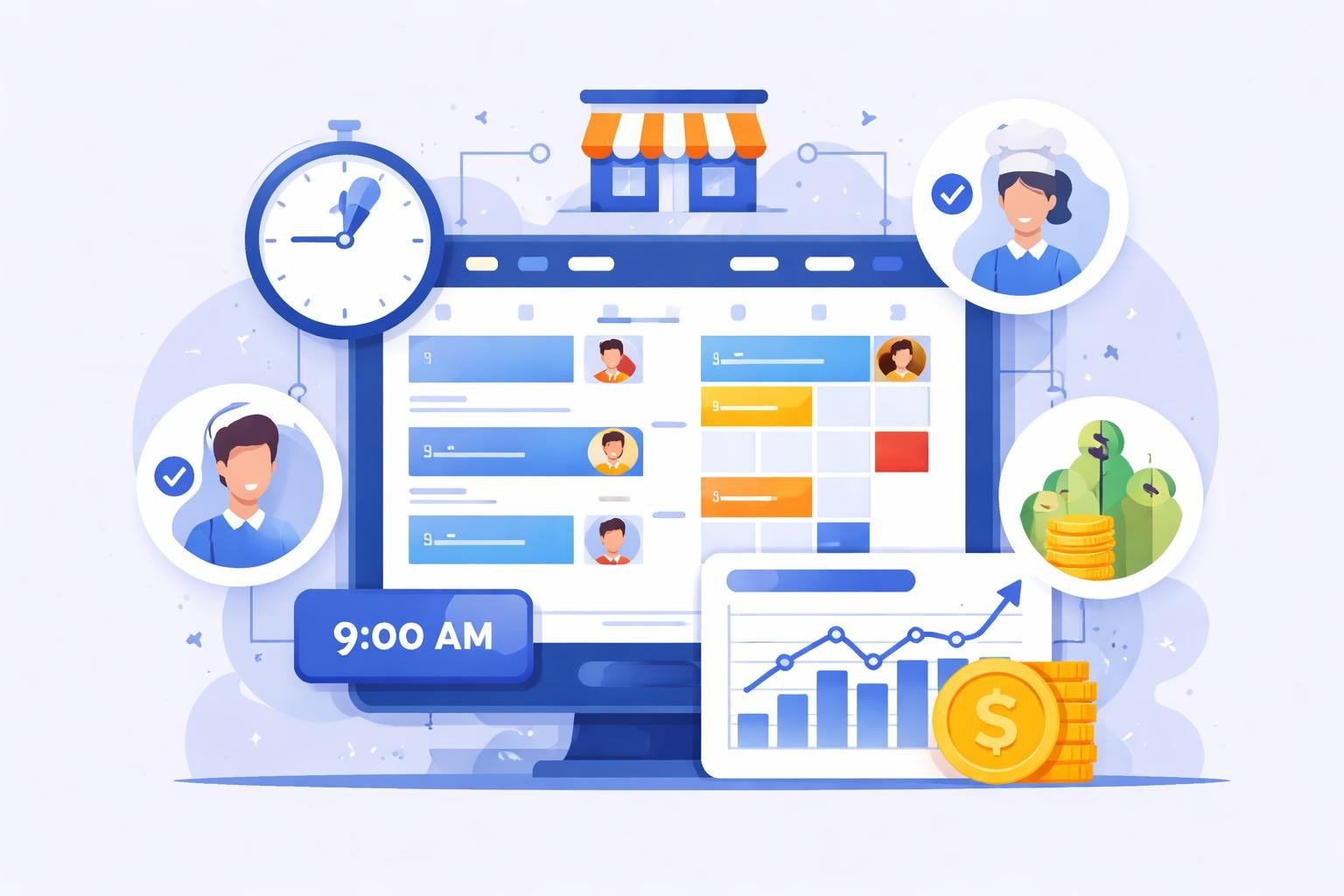
Discover how time tracker employee scheduling software transforms service industry operations with automated scheduling, real-time tracking, and cost control.
Managing staff schedules while tracking work hours accurately presents one of the most persistent challenges for service industry businesses. Time tracker employee scheduling software solves this dual challenge by combining shift planning with precise time monitoring in a single platform. For restaurants, cafes, and hospitality venues operating with tight margins and variable staffing needs, these integrated solutions eliminate the inefficiencies of juggling separate systems while providing the real-time visibility needed to control labor costs and maintain optimal coverage.
Understanding Integrated Time Tracking and Scheduling Solutions
Time tracker employee scheduling software represents a fundamental shift from traditional workforce management approaches. Rather than treating scheduling and time tracking as separate functions requiring different tools, these platforms recognize that these processes are intrinsically connected and perform better when unified.
The Core Components of Modern Systems
Effective time tracker employee scheduling software combines several essential capabilities into one cohesive system. Employee scheduling features allow managers to create shifts, assign staff members, and handle coverage requirements based on forecasted demand. Time tracking functionality captures when employees clock in and out, monitors break compliance, and calculates total hours worked with precision.
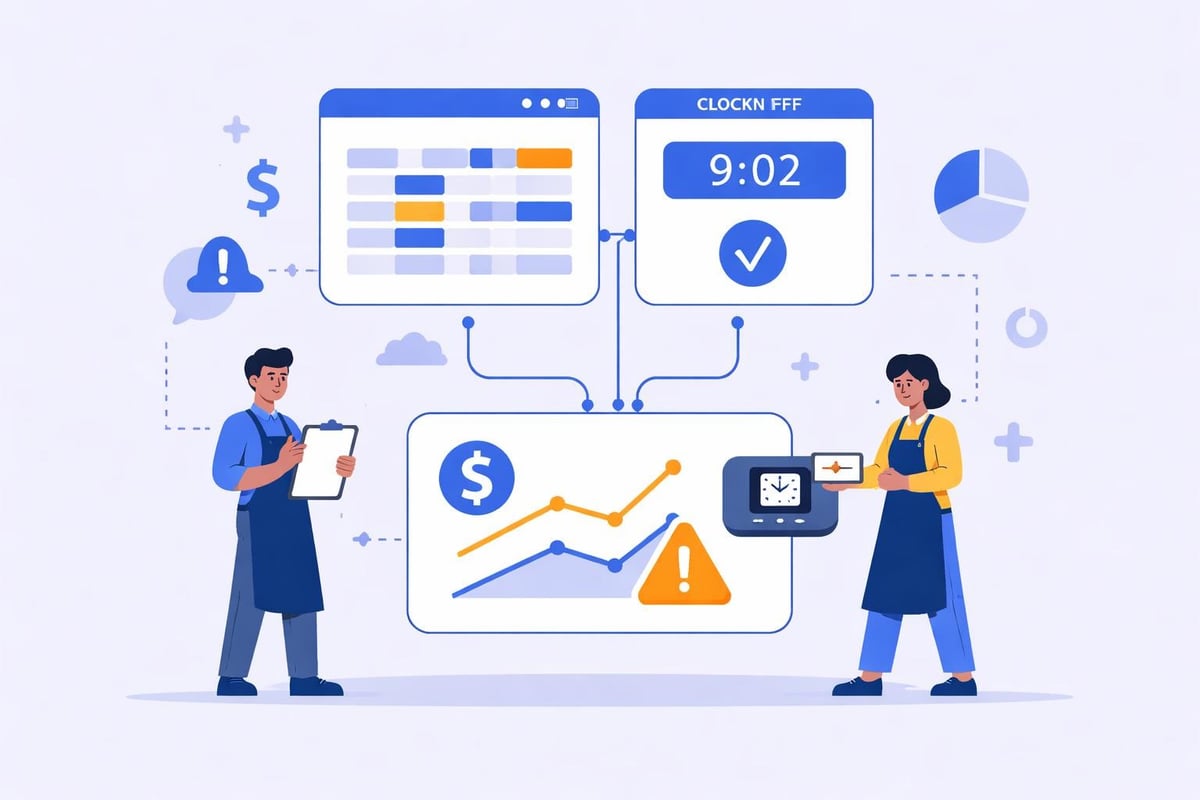
The integration between these components creates powerful advantages:
Scheduled shifts automatically populate timekeeping expectations
Actual hours worked compare directly against planned schedules
Discrepancies trigger immediate alerts for manager review
Payroll calculations draw from both scheduled and actual data
Labor cost projections update in real-time based on who's working
Why Service Industries Need Specialized Solutions
Restaurants and hospitality businesses face unique workforce challenges that generic time tracker employee scheduling software often fails to address. Variable demand patterns require different staffing levels throughout the day, with distinct breakfast, lunch, dinner, and late-night requirements. Multiple roles and stations mean employees might work as hosts, servers, or bartenders within the same shift.
Traditional solutions designed for office environments struggle with these complexities. Service-specific platforms account for tipped positions, split shifts, varying wage rates, and the rapid schedule changes common in restaurants and cafes.
Essential Features That Drive Operational Excellence
Selecting the right time tracker employee scheduling software requires understanding which capabilities deliver tangible business value versus those that simply add complexity. The best employee scheduling software balances comprehensive functionality with intuitive usability that doesn't require extensive training.
Real-Time Clock Management
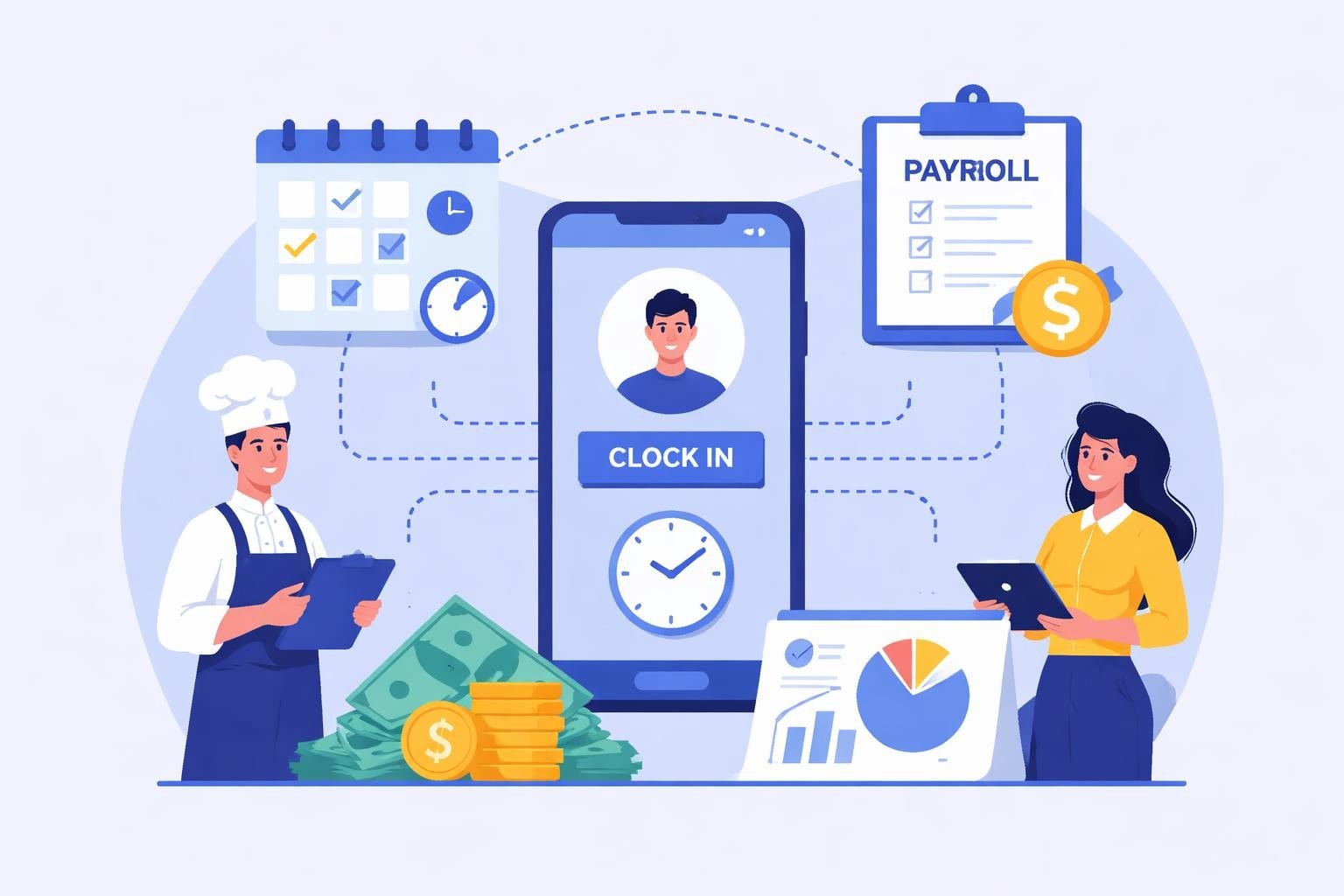
Modern platforms provide multiple options for employees to record their hours. Mobile clock-in apps allow staff to punch in from their smartphones, while dedicated kiosk systems offer shared devices for team-based clocking. Geofencing capabilities ensure employees can only clock in when physically present at the work location, preventing time theft and buddy punching.
GPS verification adds another layer of accuracy for businesses with multiple locations. When a server clocks in at the downtown restaurant location, the system automatically applies the correct pay rates, shift differentials, and labor allocations for that specific venue.
Clock-In Method | Best Use Case | Key Advantage | Primary Limitation |
|---|---|---|---|
Mobile App | Distributed teams | Convenience and accessibility | Requires employee smartphones |
Kiosk System | High-volume locations | Shared device reduces costs | Potential bottlenecks during rush |
Biometric Scanner | Security-focused venues | Eliminates buddy punching | Higher upfront investment |
Web Portal | Remote/administrative staff | No hardware required | Less suitable for floor staff |
Intelligent Schedule Creation
The scheduling component of time tracker employee scheduling software has evolved far beyond simple shift assignment. AI-powered recommendations analyze historical data to suggest optimal staffing levels based on day of week, season, special events, and weather patterns. Availability management allows employees to set their preferred hours and blackout dates, reducing the back-and-forth of schedule negotiations.
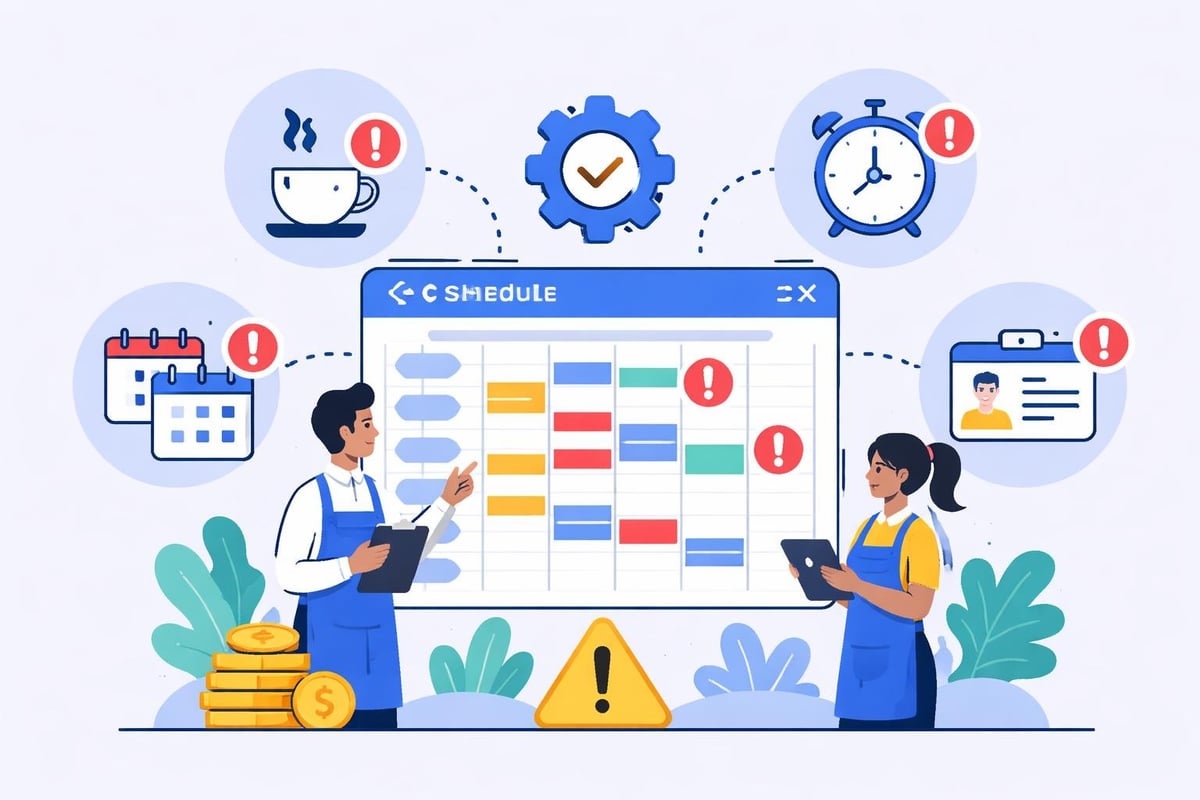
Conflict detection prevents common scheduling mistakes:
Double-booking the same employee
Assigning shifts during requested time off
Scheduling without adequate rest between shifts
Violating maximum weekly hours or overtime thresholds
Creating understaffed periods based on coverage requirements
Understanding shift swapping functionality enables employees to manage their own schedule changes while maintaining manager oversight and approval workflows.
Labor Cost Control and Forecasting
Perhaps the most valuable aspect of integrated time tracker employee scheduling software is its ability to monitor and control labor expenses in real-time. As employees clock in, the system calculates actual labor costs against budgeted amounts, providing immediate visibility into variances.
Predictive analytics forecast labor costs for upcoming periods based on scheduled shifts, historical overtime patterns, and projected sales volume. This forward-looking visibility allows managers to make proactive adjustments before cost overruns occur. For restaurants specifically, understanding labor costs for restaurants provides critical context for setting appropriate budgets and targets.
Implementation Best Practices for Maximum ROI
Deploying time tracker employee scheduling software successfully requires more than selecting the right platform. Strategic implementation ensures rapid adoption, minimal disruption, and sustainable long-term benefits.
Preparing Your Team for Transition
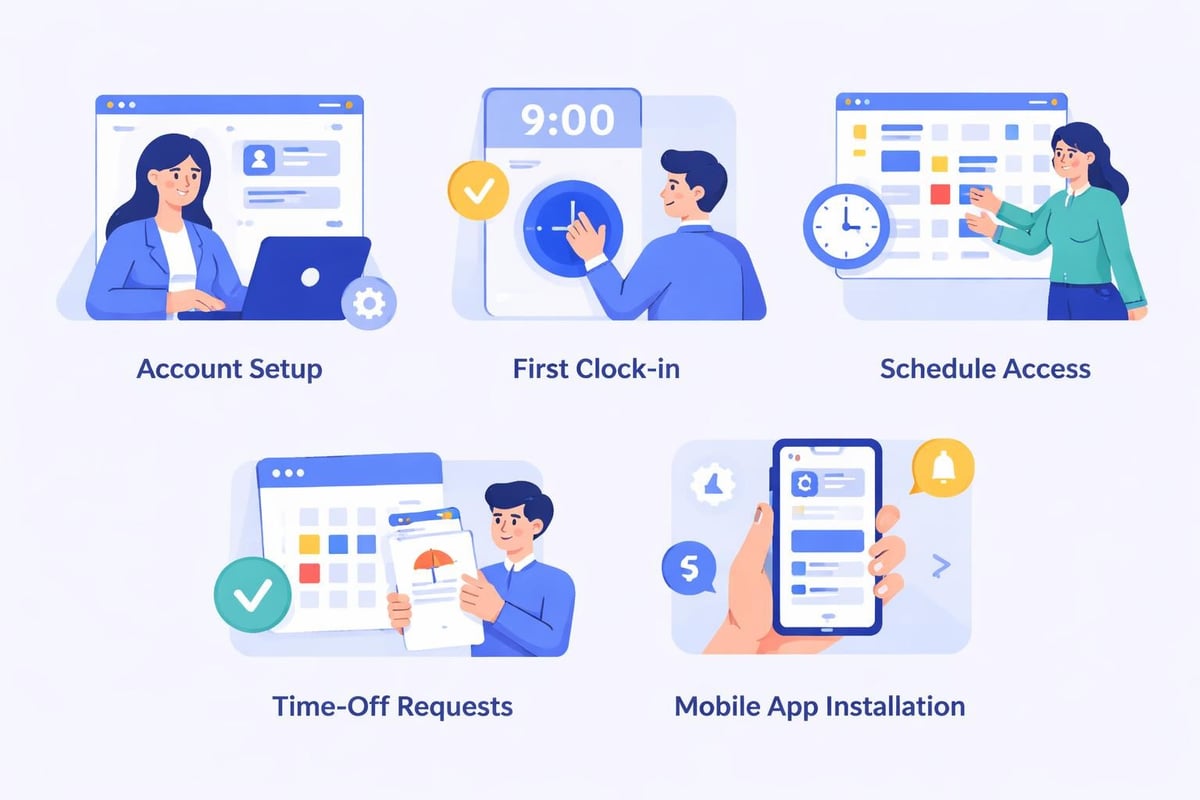
Change management begins weeks before system launch. Communicate the benefits that matter to your staff, not just management objectives. Employees care about easy shift access, transparent time records, and simplified time-off requests rather than administrative efficiency.
Creating champions among your team accelerates adoption. Identify tech-savvy, respected staff members who can serve as peer resources during the transition. These champions should receive advanced training and become the first line of support for their colleagues.
Data Migration and System Configuration
Transferring existing employee records, schedules, and historical time data into your new time tracker employee scheduling software requires careful planning. Clean your data first by removing inactive employees, correcting outdated information, and standardizing naming conventions and job titles.
The best time and attendance systems offer import tools and migration support, but verification remains essential:
Import employee master data including names, contact information, hire dates, and pay rates
Configure positions and departments that match your organizational structure
Set up location-specific rules for multi-site operations
Define overtime policies and break requirements per labor regulations
Test workflows thoroughly before going live with actual schedules
Run parallel systems for at least one pay period to validate accuracy
Establishing Clear Policies and Procedures
Technology alone doesn't guarantee compliance or accuracy. Written policies provide the framework that makes time tracker employee scheduling software effective. Document expectations around clock-in procedures, meal break requirements, early arrivals, late departures, and overtime approval processes.
Address common scenarios explicitly:
What happens when an employee forgets to clock out?
Who approves schedule change requests and within what timeframe?
How should managers handle time discrepancies or disputes?
What's the procedure for emergency shift coverage?
When and how can employees access their time records?
Following time tracking best practices establishes consistency across your organization and reduces confusion that undermines system adoption.
Advanced Capabilities That Differentiate Leading Platforms
As time tracker employee scheduling software matures, leading providers add sophisticated features that deliver competitive advantages beyond basic scheduling and timekeeping.
Predictive Analytics and Business Intelligence
Data-driven insights transform raw scheduling and time information into strategic intelligence. Labor efficiency metrics compare actual productivity against benchmarks, identifying high-performing shifts and periods requiring optimization. Trend analysis reveals patterns in overtime, tardiness, absenteeism, and turnover that signal underlying issues.
Custom reporting allows managers to answer specific questions relevant to their operations. Which employees consistently arrive late? What shifts generate the most overtime? How do labor costs correlate with revenue across different dayparts? When properly configured, time tracker employee scheduling software becomes a business intelligence tool that informs broader strategic decisions.
Integration with Payroll and Accounting Systems
Manual data transfer between timekeeping, scheduling, and payroll systems creates opportunities for errors and consumes valuable administrative time. Direct integrations automatically export verified hours to payroll processors, ensuring employees receive accurate compensation without manual intervention.
The financial benefits extend beyond time savings. Automated payroll processing based on verified time data reduces overpayments, eliminates time theft, and ensures compliance with wage and hour regulations. For businesses operating in multiple jurisdictions, integration helps navigate varying overtime rules, break requirements, and wage laws.
Integration Type | Primary Benefit | Typical Time Savings | Error Reduction |
|---|---|---|---|
Payroll Systems | Automated wage calculation | 4-6 hours per pay period | 85-95% |
POS Platforms | Sales-based scheduling | 2-3 hours per week | N/A |
Accounting Software | Financial reconciliation | 3-5 hours per month | 70-80% |
HR Management | Unified employee records | 1-2 hours per week | 60-75% |
Mobile-First Employee Experience
Employees increasingly expect the same mobile convenience in workplace tools that they experience with consumer apps. Leading time tracker employee scheduling software prioritizes mobile functionality, providing full-featured apps that match or exceed web portal capabilities.
Push notifications keep employees informed about schedule changes, shift reminders, time-off request approvals, and important announcements. Self-service features allow staff to view schedules, request time off, pick up available shifts, and review their time records without manager involvement. This autonomy reduces administrative burden while improving employee satisfaction and engagement.
For tips on how to track employee hours effectively through mobile platforms, consider features like offline clock-in capability, photo verification, and automatic sync when connectivity returns.
Compliance and Risk Management Advantages
Beyond operational efficiency, time tracker employee scheduling software provides critical protection against wage and hour violations that expose businesses to significant legal and financial risks.
Automated Compliance Monitoring
Labor regulations vary by jurisdiction, industry, and employee classification. Manual compliance tracking becomes nearly impossible as rules multiply and evolve. Automated rule enforcement within time tracker employee scheduling software prevents violations before they occur rather than detecting them after the fact.
The system monitors and enforces:
Minimum rest periods between shifts
Maximum consecutive days worked
Meal and rest break requirements
Overtime thresholds and premium pay triggers
Minor work hour restrictions
Predictive scheduling compliance where applicable
When regulations change, software updates implement new rules across your entire organization instantly, eliminating the lag time and inconsistency inherent in manual processes.
Audit-Ready Documentation
Complete, accurate records provide essential protection during wage and hour audits, unemployment claims, and litigation. Time tracker employee scheduling software creates detailed audit trails documenting every schedule change, time edit, approval, and override.
Tamper-proof records with timestamp and user attribution demonstrate exactly who made changes and when. This transparency protects businesses from fraudulent claims while ensuring accountability. Historical reporting allows you to reconstruct staffing and time records from months or years past, meeting regulatory retention requirements without maintaining paper archives.
Measuring ROI and Business Impact
Investing in time tracker employee scheduling software requires financial justification. Understanding how to measure return helps build the business case and track progress after implementation.
Quantifiable Cost Reductions
Direct labor savings often provide the most substantial returns. Eliminating time theft through accurate clock-in verification, reducing overtime through better schedule optimization, and preventing overstaffing based on forecasted demand typically save 2-4% of total labor costs. For a restaurant spending $50,000 monthly on labor, this translates to $12,000-$24,000 in annual savings.
Administrative efficiency gains reduce the hours managers spend on schedule creation, time card review, and payroll processing. Reclaiming even five hours per week at a manager hourly rate of $25 yields $6,500 in annual value that can be redirected toward customer service and business development.
Time tracker employee scheduling software also reduces costs that are harder to quantify but equally real:
Fewer payroll errors requiring manual corrections
Reduced compliance violations and associated penalties
Lower employee turnover from improved scheduling transparency
Decreased time-off conflicts and coverage gaps
Minimized labor disputes and grievances
Performance Metrics That Matter
Beyond cost savings, operational improvements deliver strategic value. Schedule efficiency measures how closely actual staffing matches forecasted demand, indicating optimization success. Time-to-schedule tracks how quickly managers create and publish schedules, with leading organizations completing this task 70-80% faster using automated tools.
Employee satisfaction scores often improve after implementing modern time tracker employee scheduling software. Transparent schedules, easy shift swaps, and mobile access contribute to better work-life balance. Reduced turnover delivers massive financial benefits, as replacing a restaurant employee typically costs $3,500-$5,000 when accounting for recruiting, training, and productivity losses.
Selecting the Right Solution for Your Business
The time tracker employee scheduling software market offers dozens of options ranging from basic tools to enterprise platforms. Matching capabilities to your specific needs prevents overpaying for unused features or selecting insufficient solutions that require costly replacements.
Evaluation Criteria and Selection Framework
Start by defining your must-have requirements versus nice-to-have features. For service industry businesses, essential capabilities typically include mobile access, overtime tracking, tip reporting, and multi-location support. Advanced features like AI-powered forecasting and labor optimization might justify premium pricing for larger operations but provide limited value for single-location establishments.
Vendor stability and support matter as much as current features. The best time tracking apps of year combine robust functionality with responsive customer service, regular updates, and clear product roadmaps indicating continued development.
Consider these evaluation factors:
Pricing structure: Per-employee, per-location, or flat-rate monthly fees
Contract terms: Month-to-month flexibility versus annual commitments
Implementation support: Self-service setup versus dedicated onboarding
Training resources: Documentation, videos, webinars, and live training
Integration ecosystem: Pre-built connectors versus custom API development
Data security: Encryption, backup, compliance certifications
Scalability: Ability to grow with your business without platform changes
Industry-Specific Considerations for Service Businesses
Generic time tracker employee scheduling software built for office environments often lacks features critical for restaurants, cafes, and hospitality venues. Prioritize platforms designed specifically for service industries or those offering deep customization to accommodate your operational model.
Tip tracking and reporting integrates with time records to provide complete compensation pictures. Variable wage rates accommodate different pay scales for various positions or shift differentials. Station-based scheduling allows you to schedule not just who works but where they work within your venue.
For businesses exploring open source employee scheduling options, weigh the customization flexibility against the technical expertise required for implementation and ongoing maintenance.
Future Trends Reshaping Workforce Management
Time tracker employee scheduling software continues evolving rapidly as technology advances and workplace expectations shift. Understanding emerging trends helps businesses select solutions positioned for long-term relevance.
Artificial Intelligence and Machine Learning Integration
AI capabilities are moving beyond basic forecasting into sophisticated decision support. Intelligent scheduling assistants recommend optimal shift assignments based on employee skills, historical performance, customer traffic patterns, and even external factors like weather forecasts and local events.
Anomaly detection identifies unusual patterns that might indicate time theft, burnout risk, or operational inefficiencies. When an employee consistently clocks in significantly early or stays late beyond scheduled shifts, the system flags these patterns for manager review rather than waiting for problems to escalate.
Employee Wellbeing and Work-Life Balance Features
Modern workers increasingly prioritize schedule predictability and work-life balance. Time tracker employee scheduling software now includes features specifically designed to support employee wellbeing while maintaining operational efficiency.
Predictive scheduling publishes schedules weeks in advance, allowing employees to plan their personal lives around work commitments. Preference learning observes employee behavior over time, identifying preferred shifts, partners, and stations to increase satisfaction through subtle optimization.
Implementing 9 practices for efficient time tracking ensures your system supports both business objectives and employee needs without compromising either.
Contactless and Touchless Technologies
Health and safety concerns accelerated adoption of contactless time tracking methods. Voice-activated clock-in, facial recognition, and proximity-based authentication allow employees to record hours without touching shared surfaces. These technologies also enhance security and accuracy compared to traditional methods.
The shift toward touchless systems is permanent rather than temporary, driven by both safety considerations and improved user experience. Time tracker employee scheduling software incorporating these capabilities demonstrates forward-thinking that positions businesses for evolving workplace standards.
Time tracker employee scheduling software transforms workforce management from reactive administration into strategic advantage. By unifying scheduling and timekeeping in platforms designed for service industry realities, businesses gain unprecedented visibility into labor costs while improving employee satisfaction through transparent, accessible systems. Heybegin delivers precisely this combination for restaurants, cafes, and hospitality venues with smart scheduling and real-time tracking that simplifies operations while reducing costs. Discover how an integrated approach to workforce management can strengthen your business and create better experiences for both managers and staff.